AI SaaS Kit
Kit · works with every style
The pages and flows an AI product needs, in whichever style you choose.
$149
One-time payment · free updates while we offer it
Prices in USD. VAT is included where applicable in the EU and UK. In the US, Canada and India, applicable sales tax is added at checkout. Your final total appears before payment.
see it in your style · 16 of 16
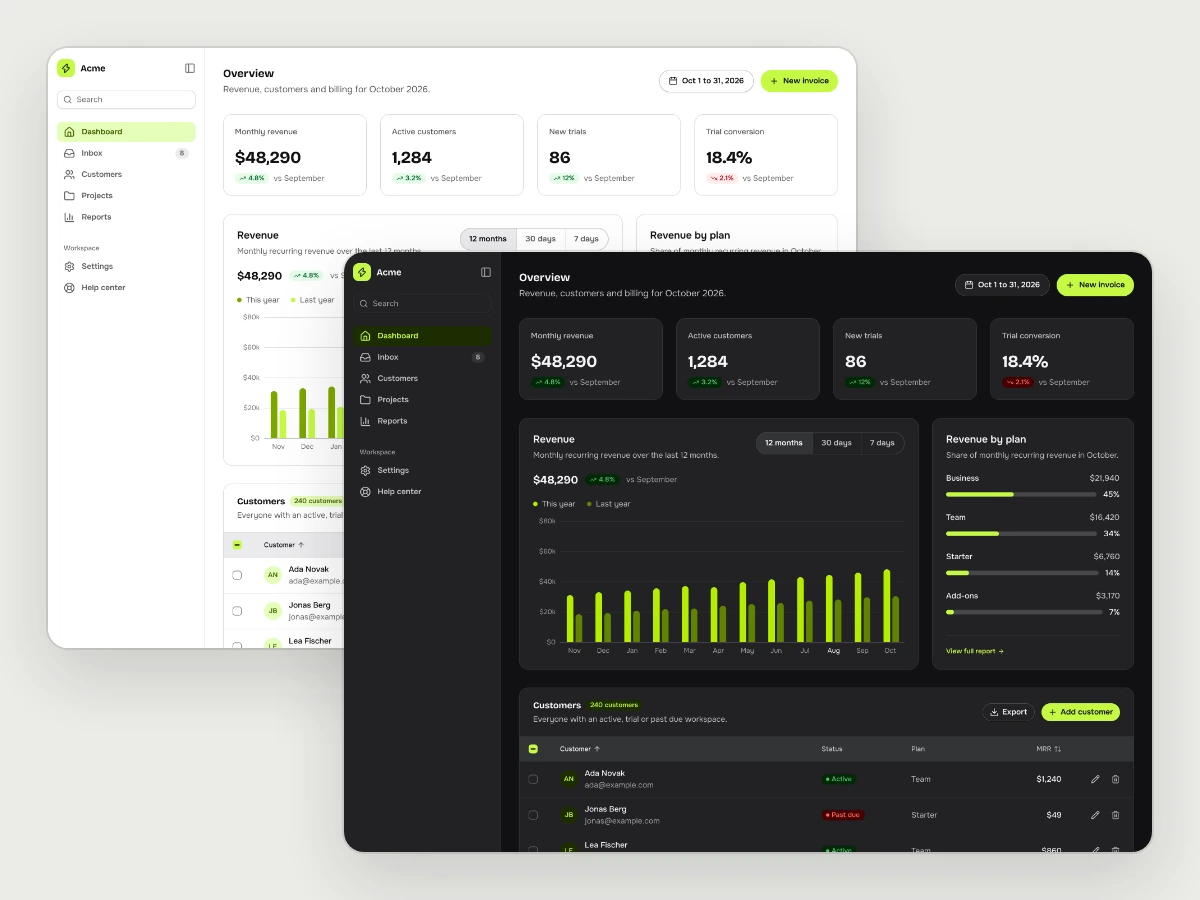
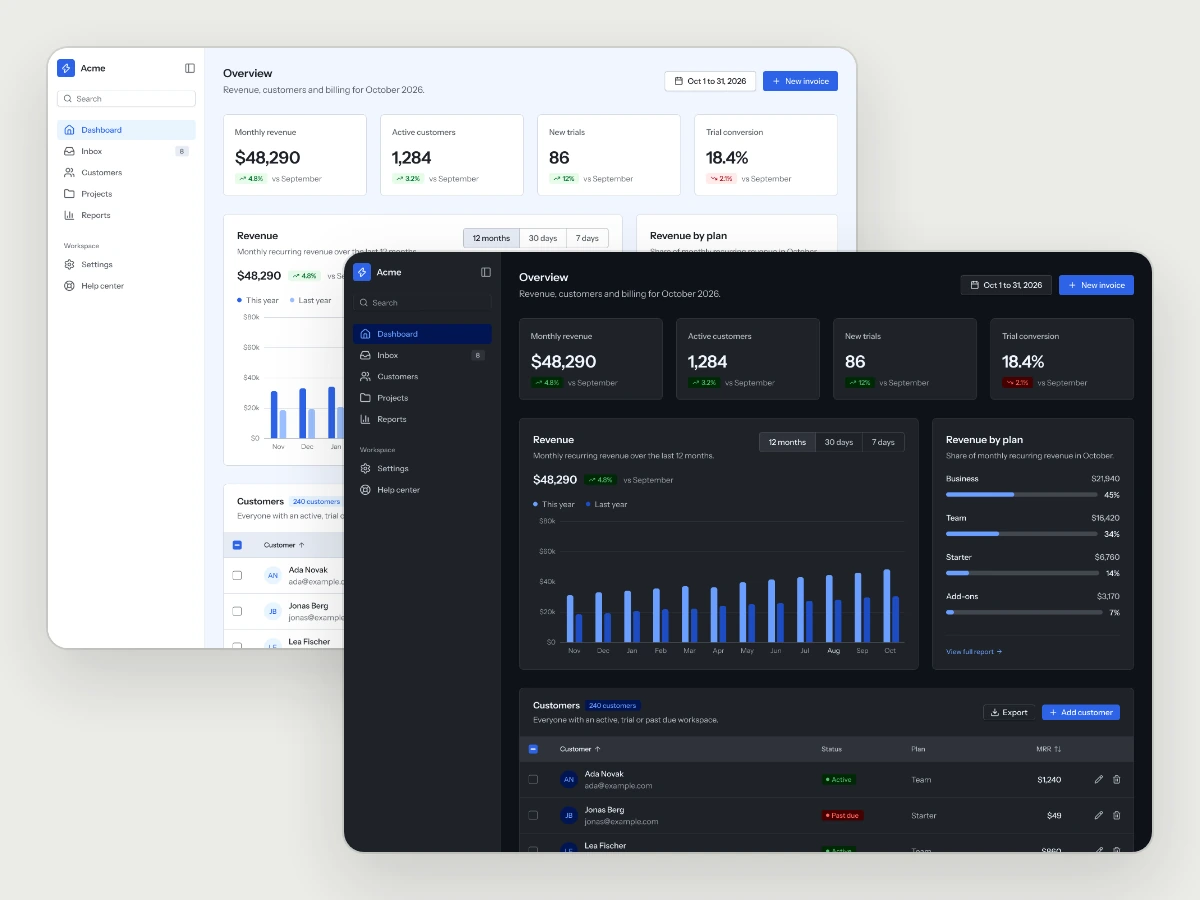
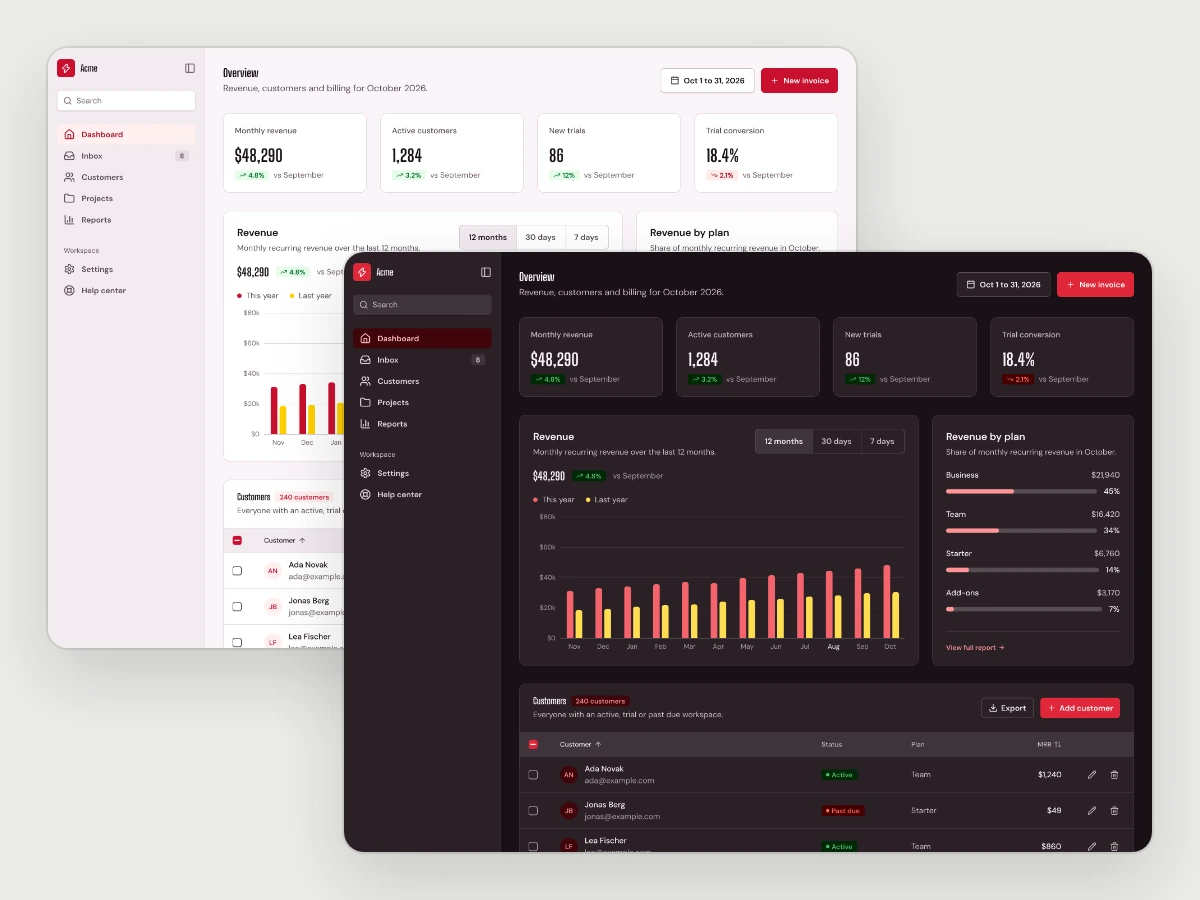
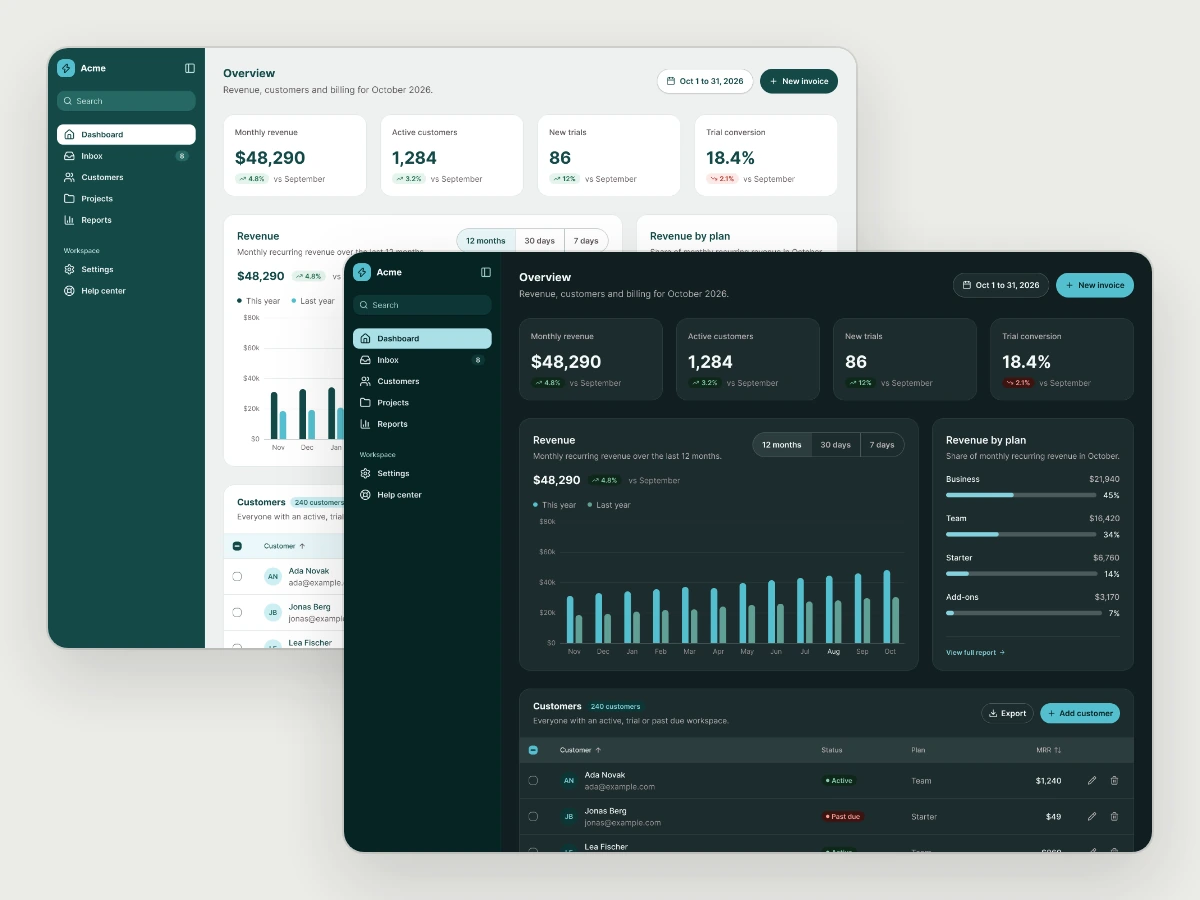
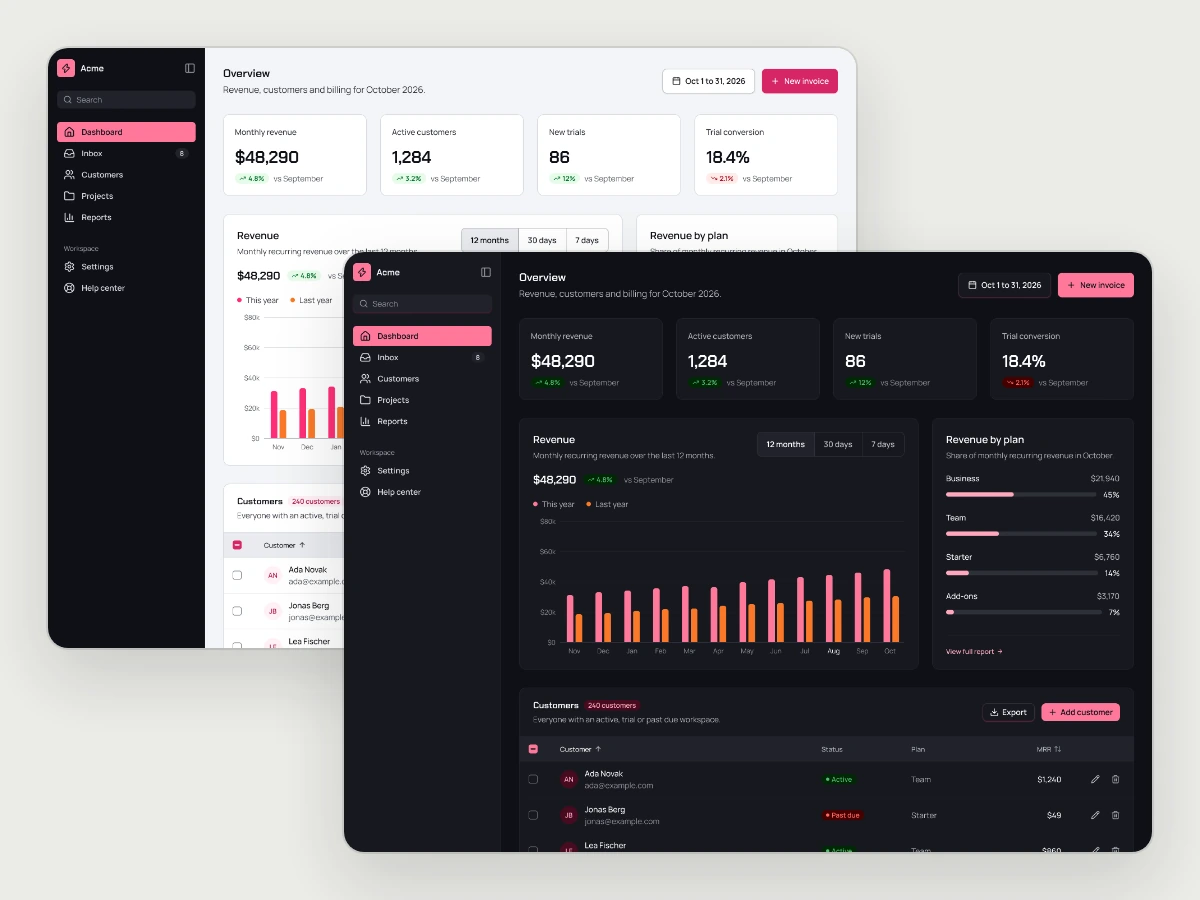
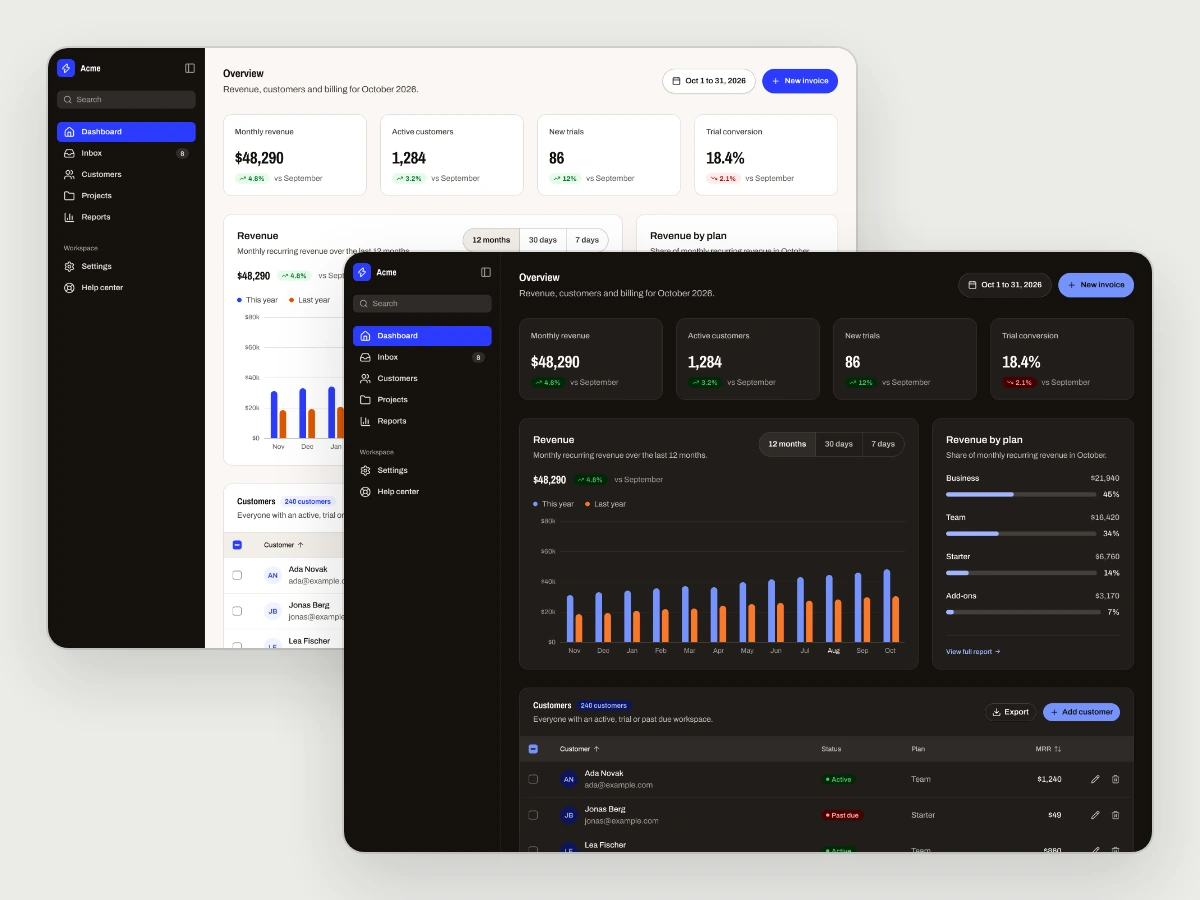
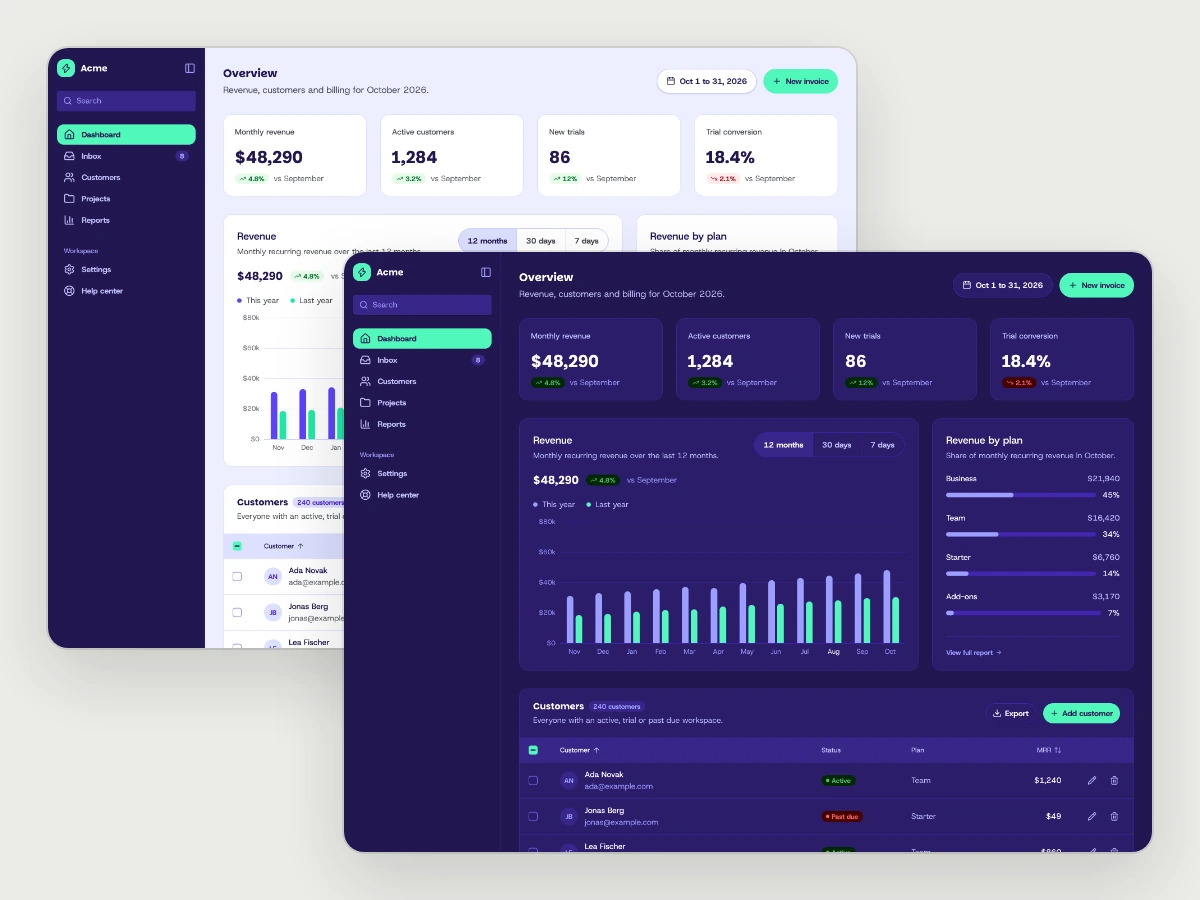
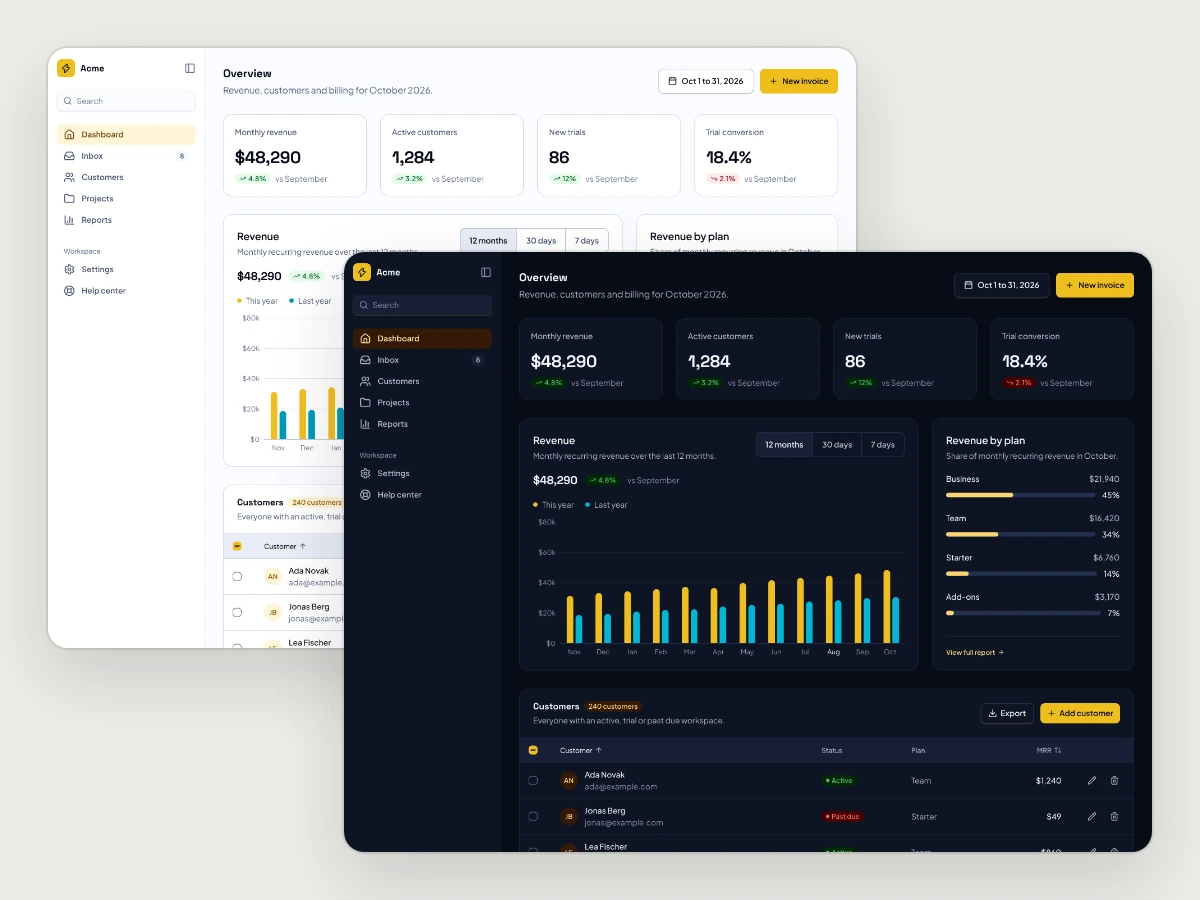
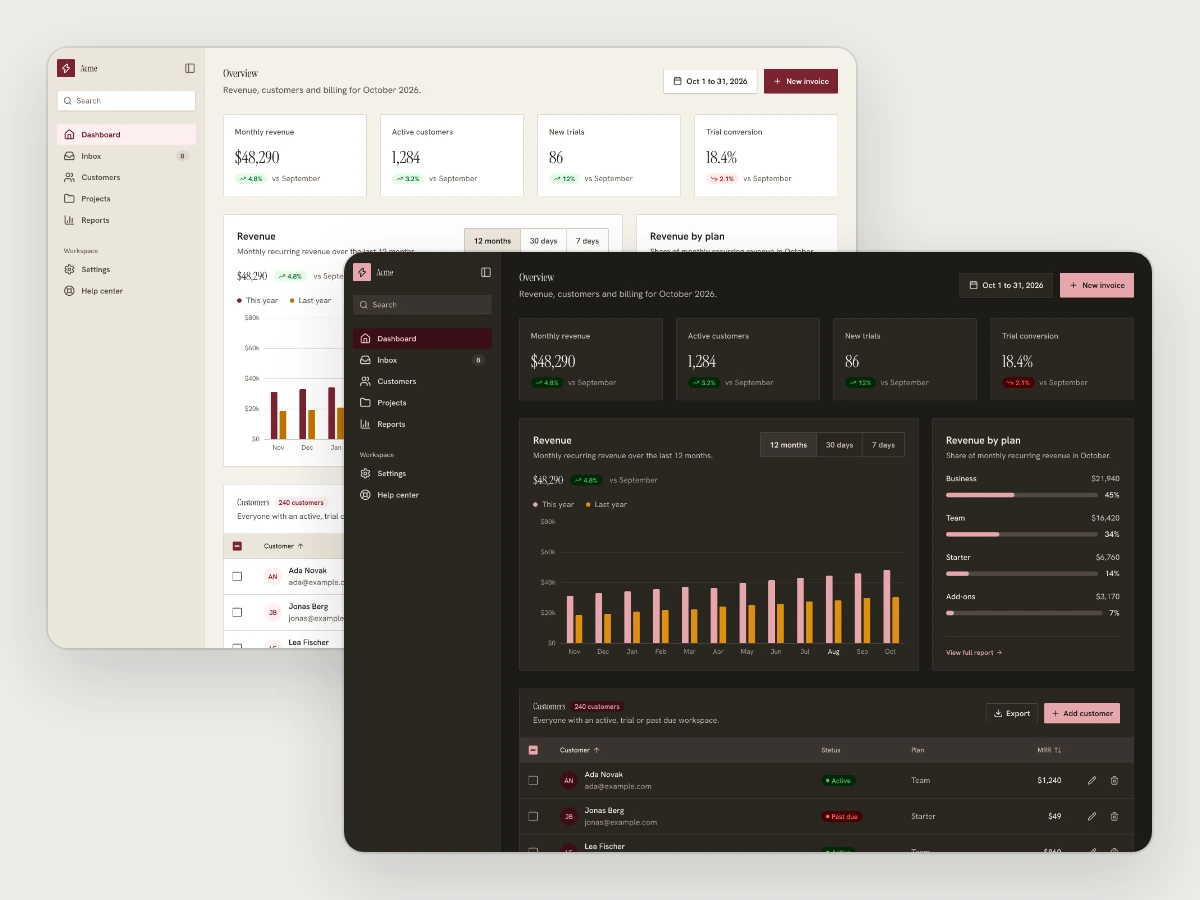
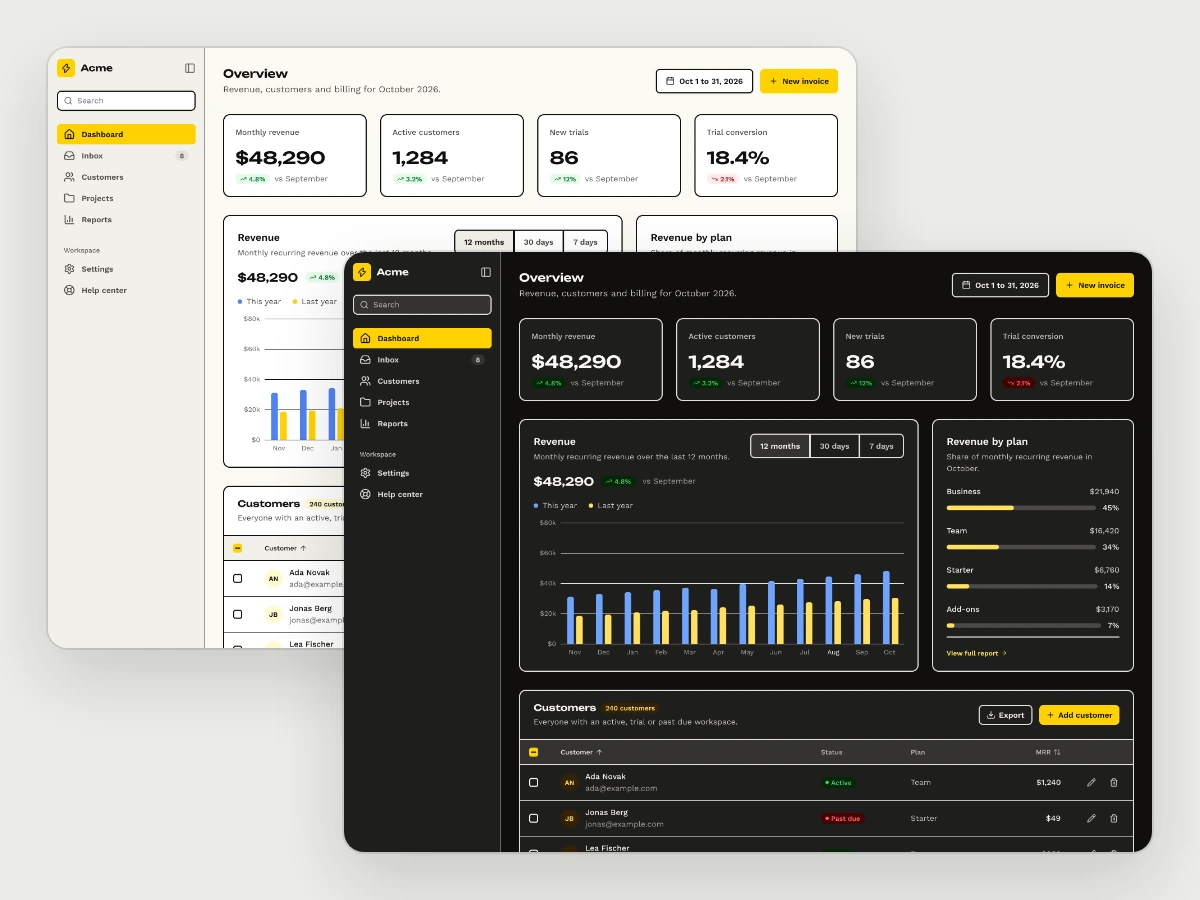
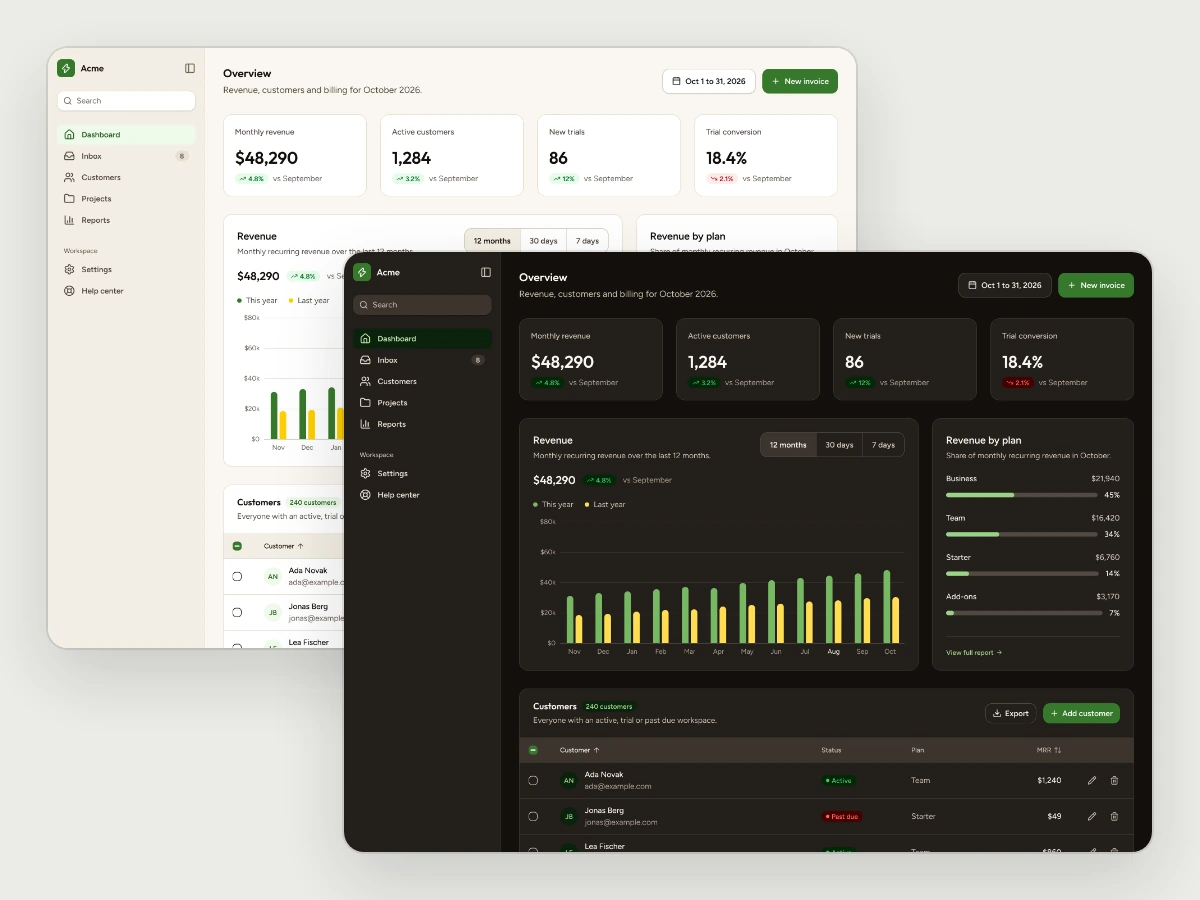
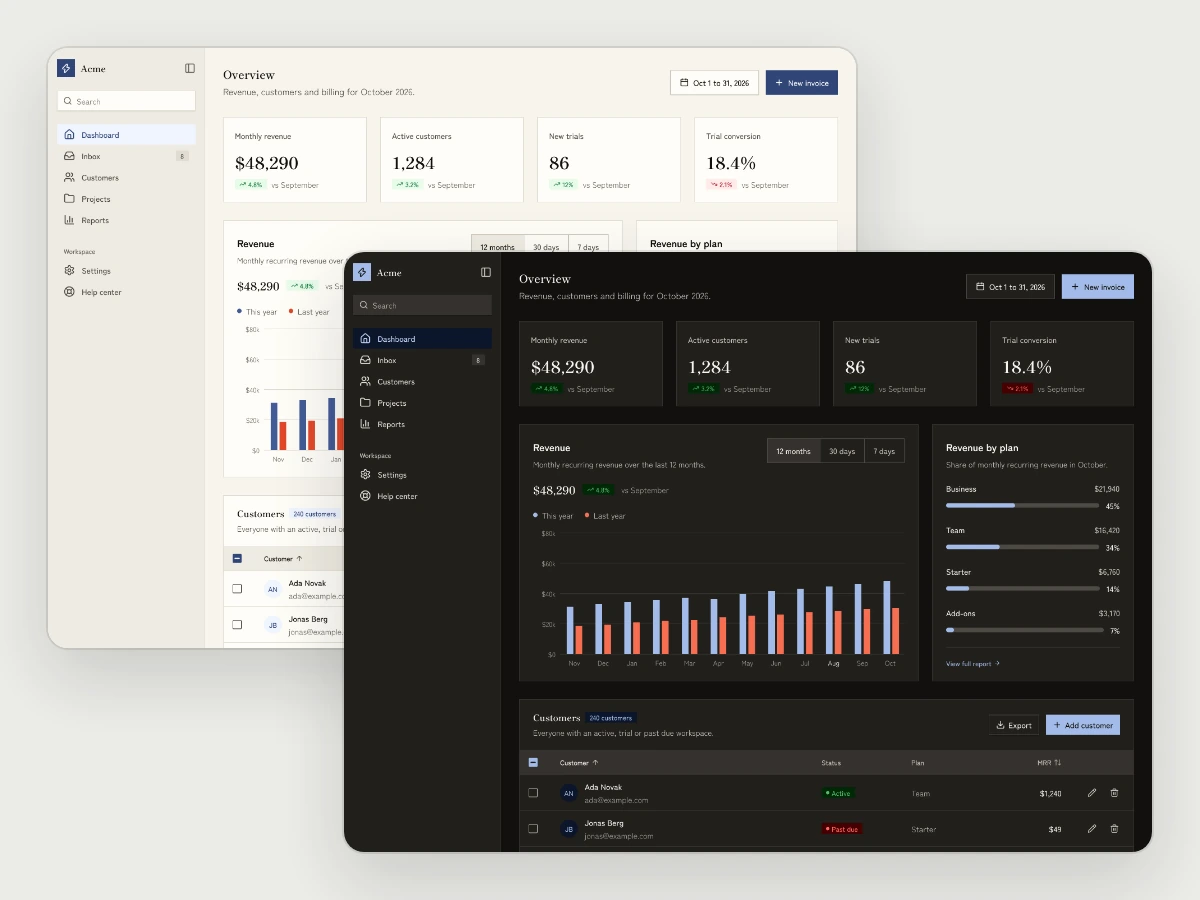
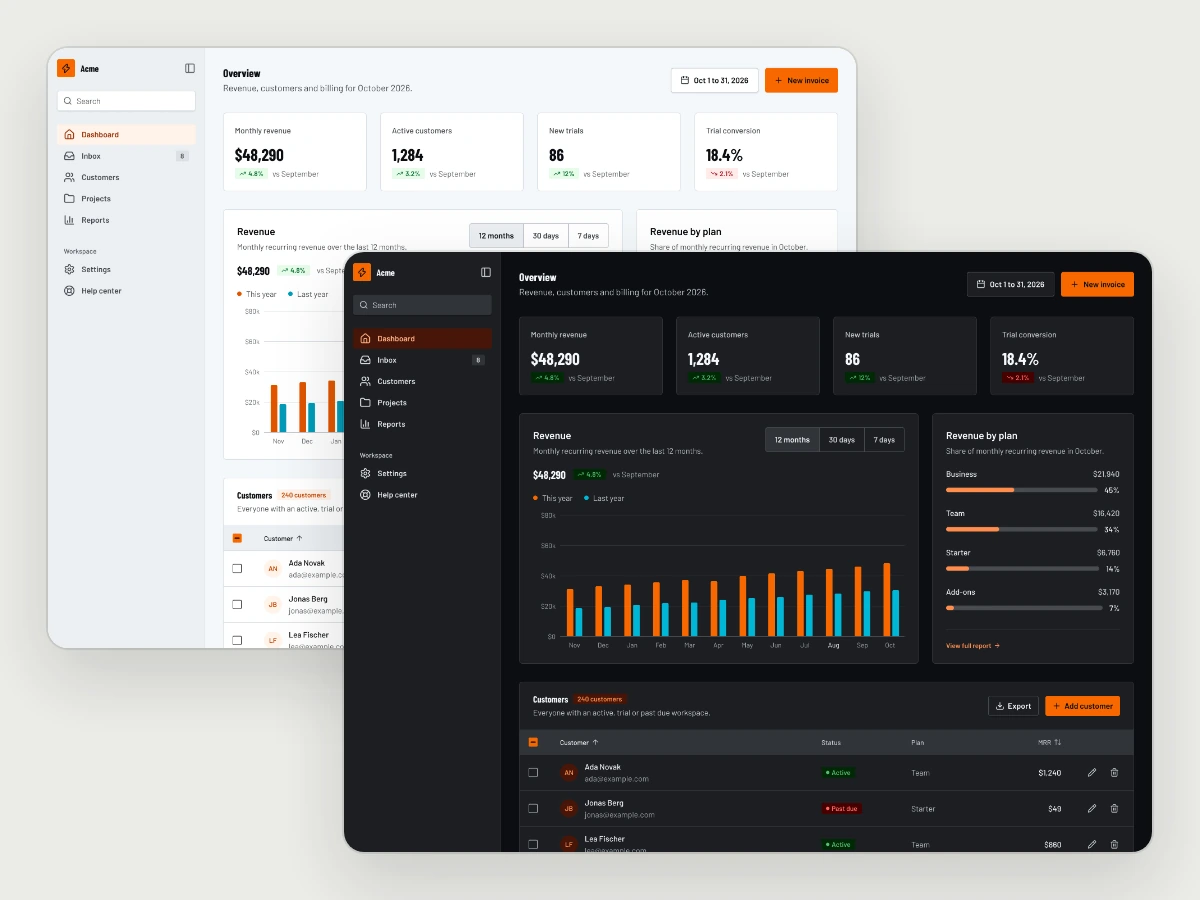
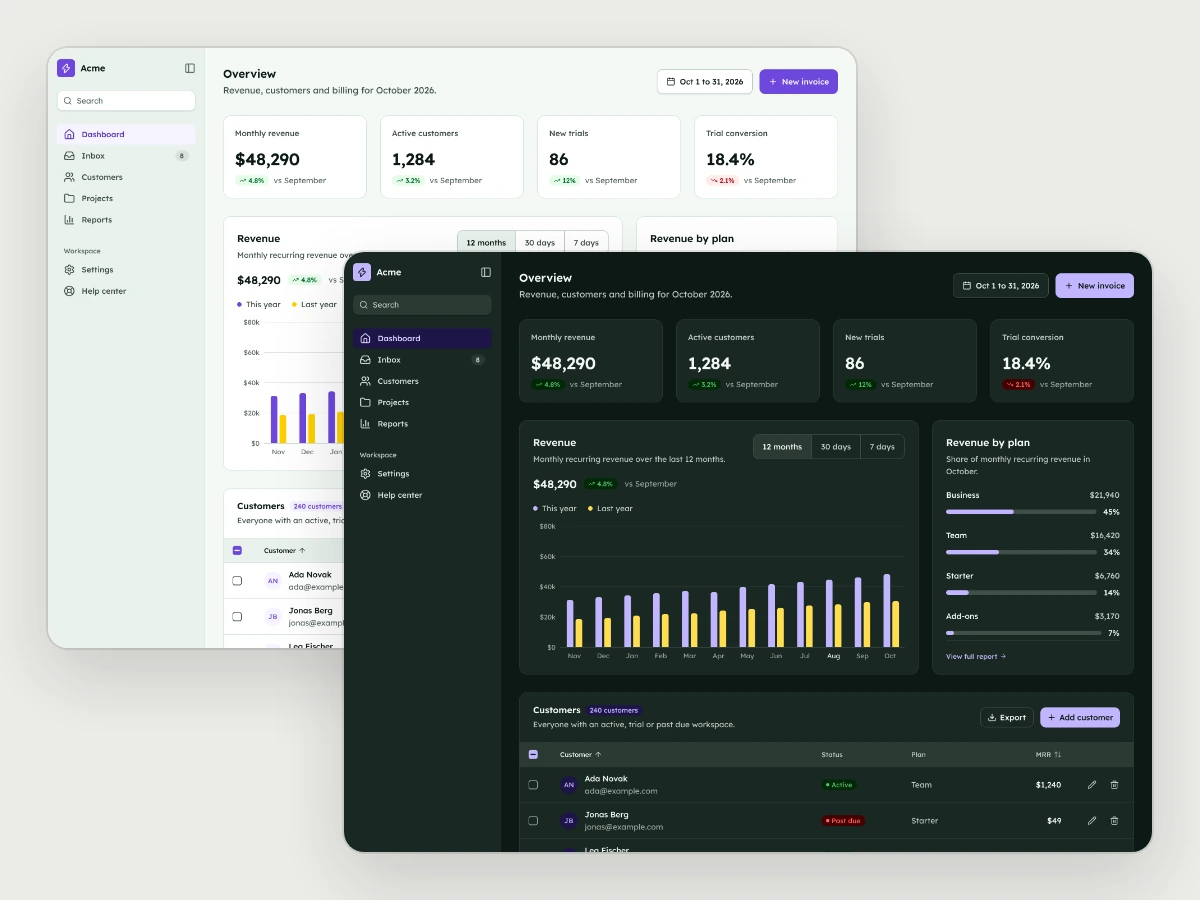
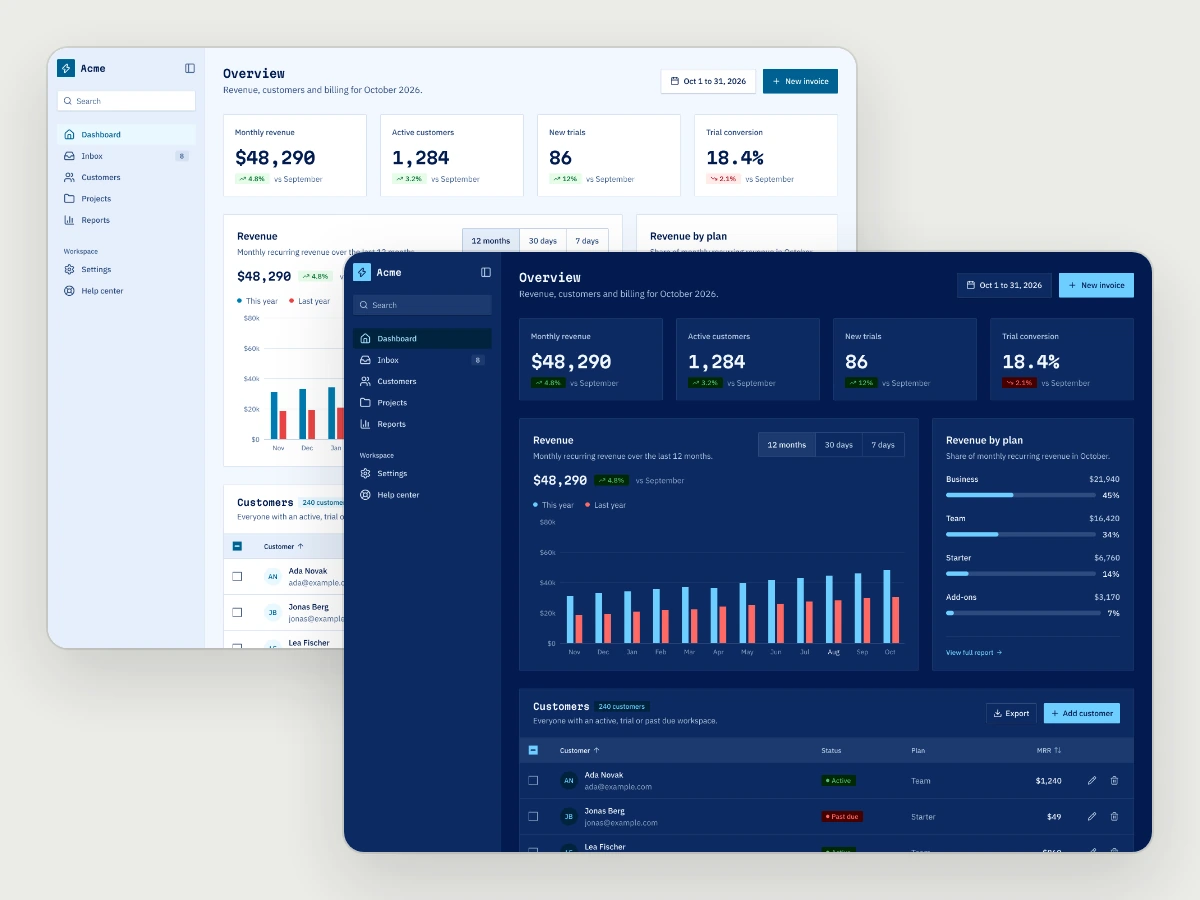
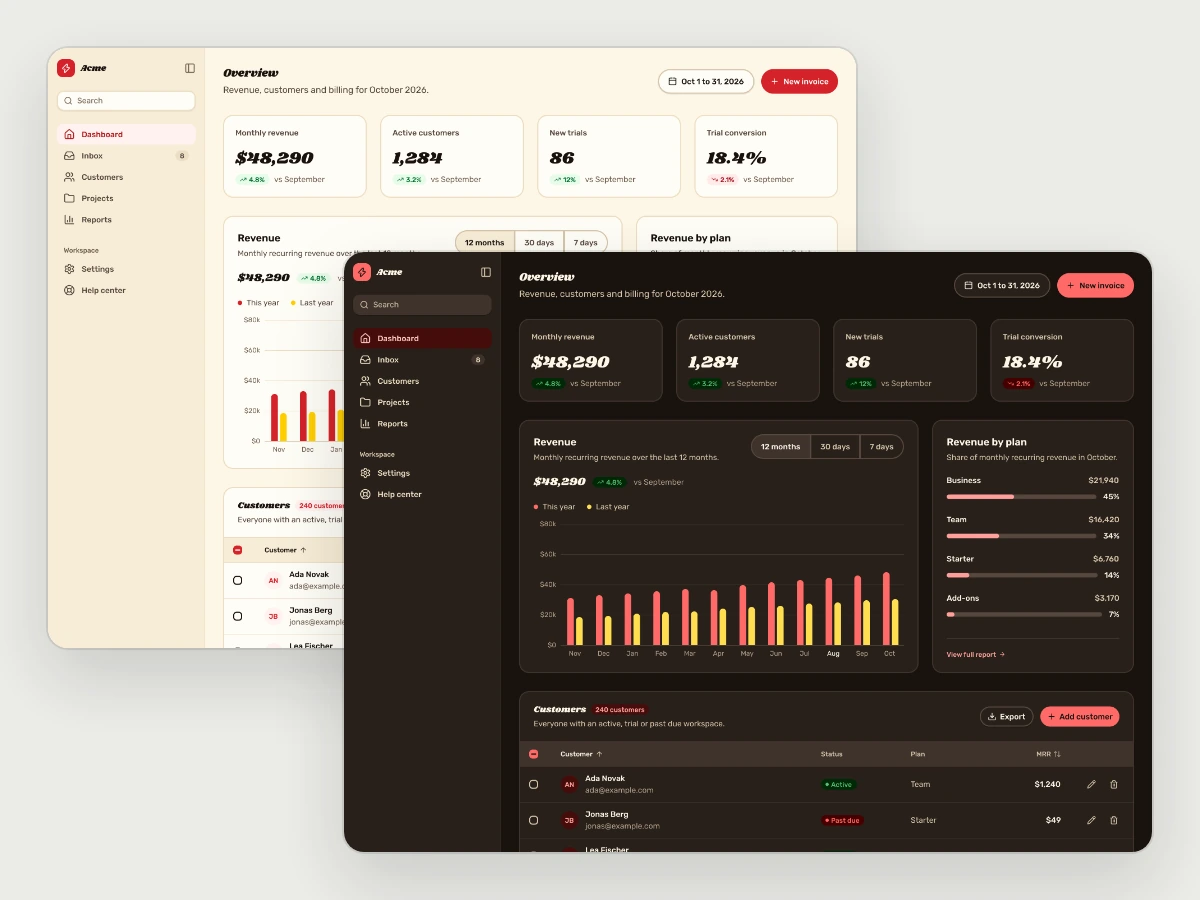
The same kit in all 16 styles. Switch above to compare.
Every page an AI product needs
Works with every style.
18 ready pages · desktop and mobile · 3 more in design
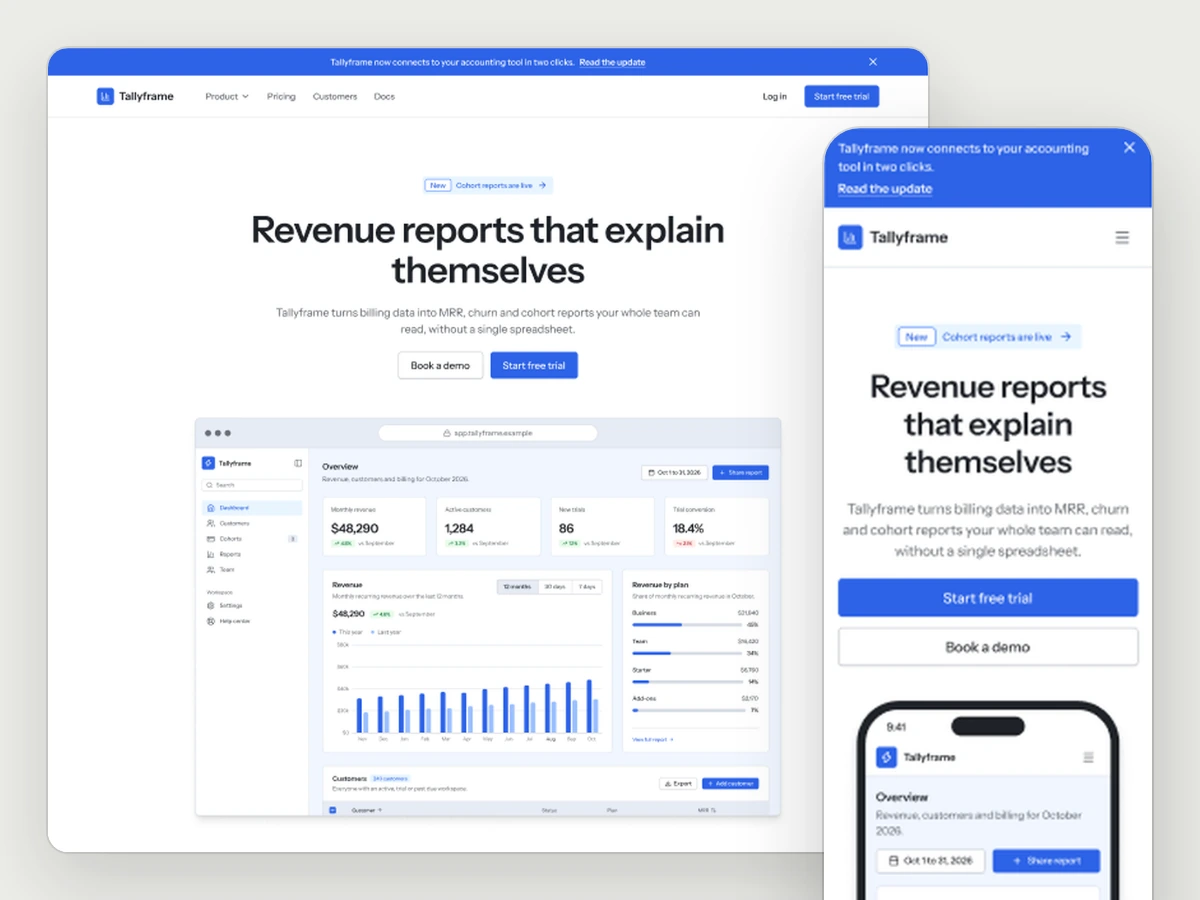
Landing
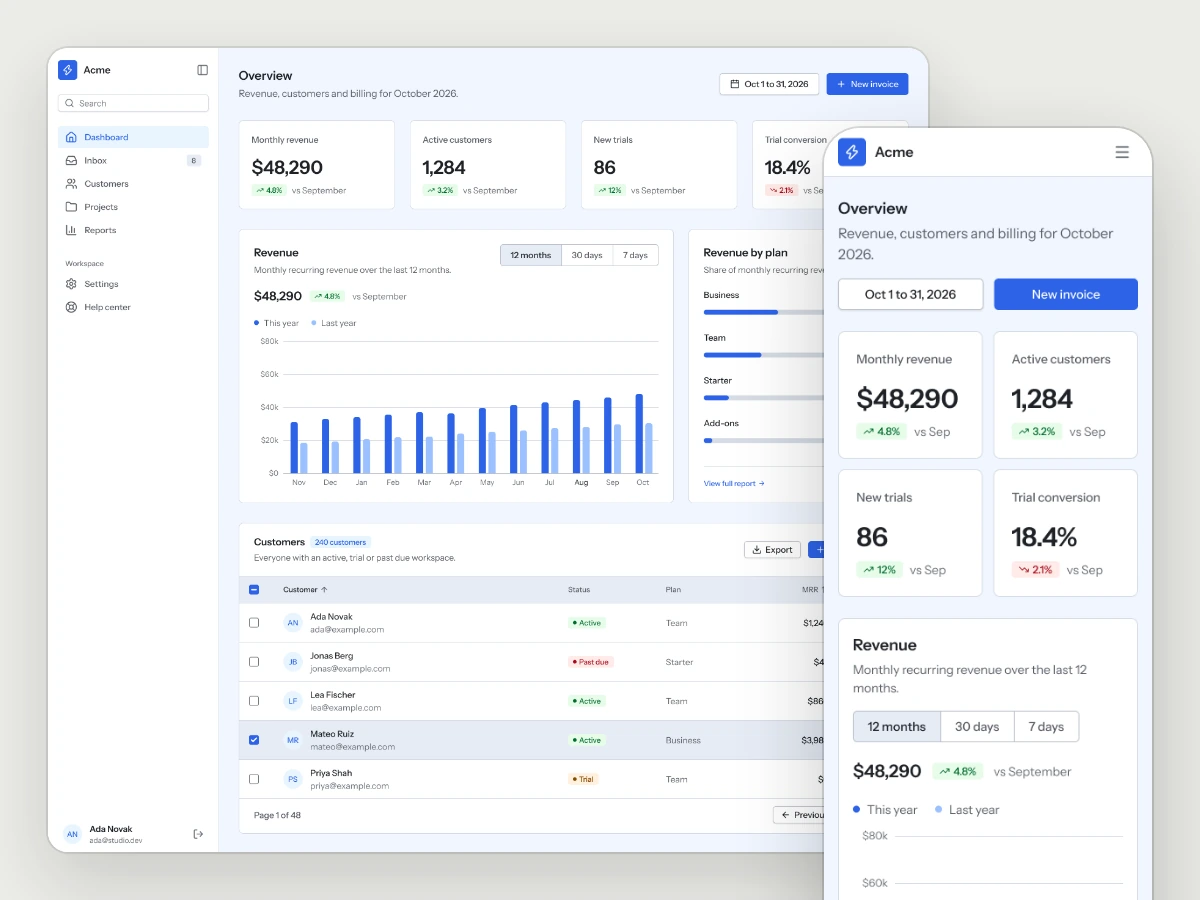
Dashboard
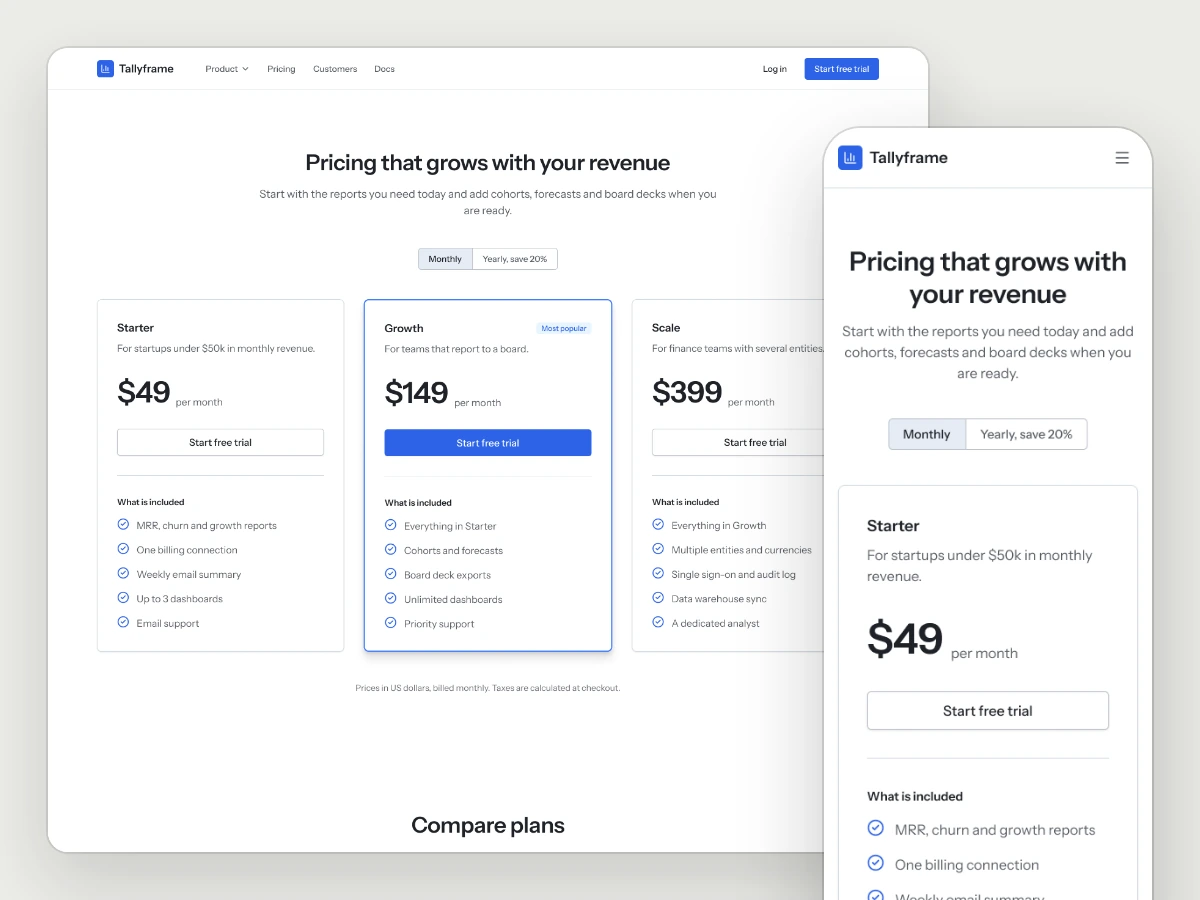
Pricing
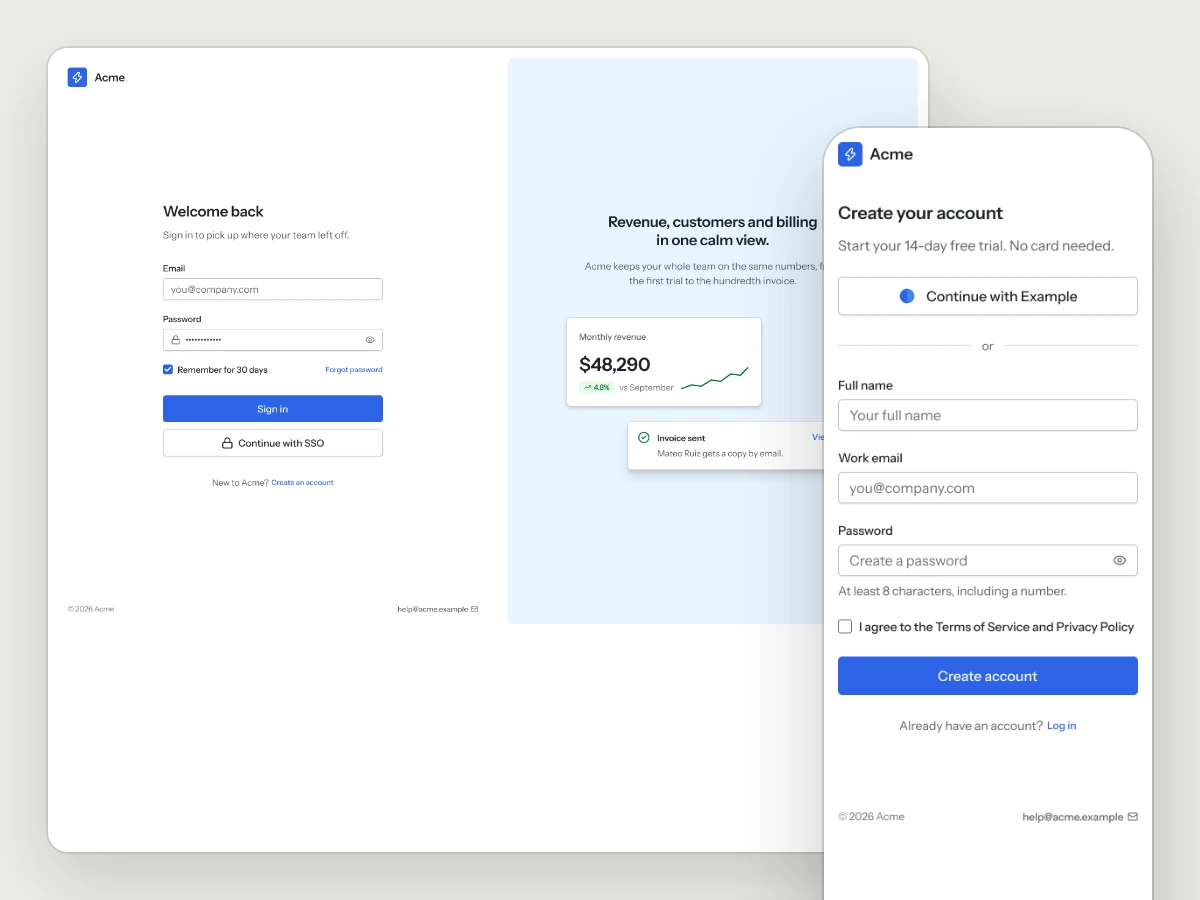
Sign in and sign up
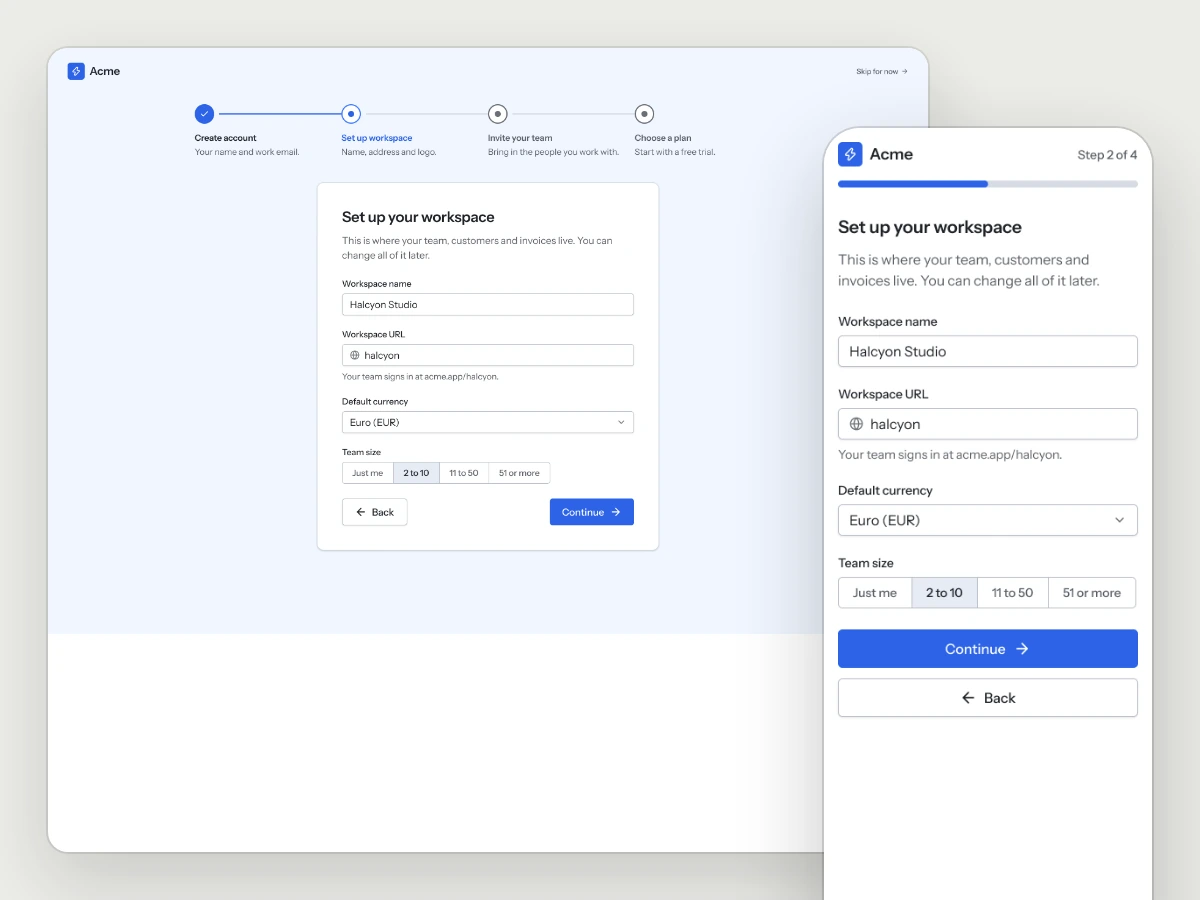
Onboarding
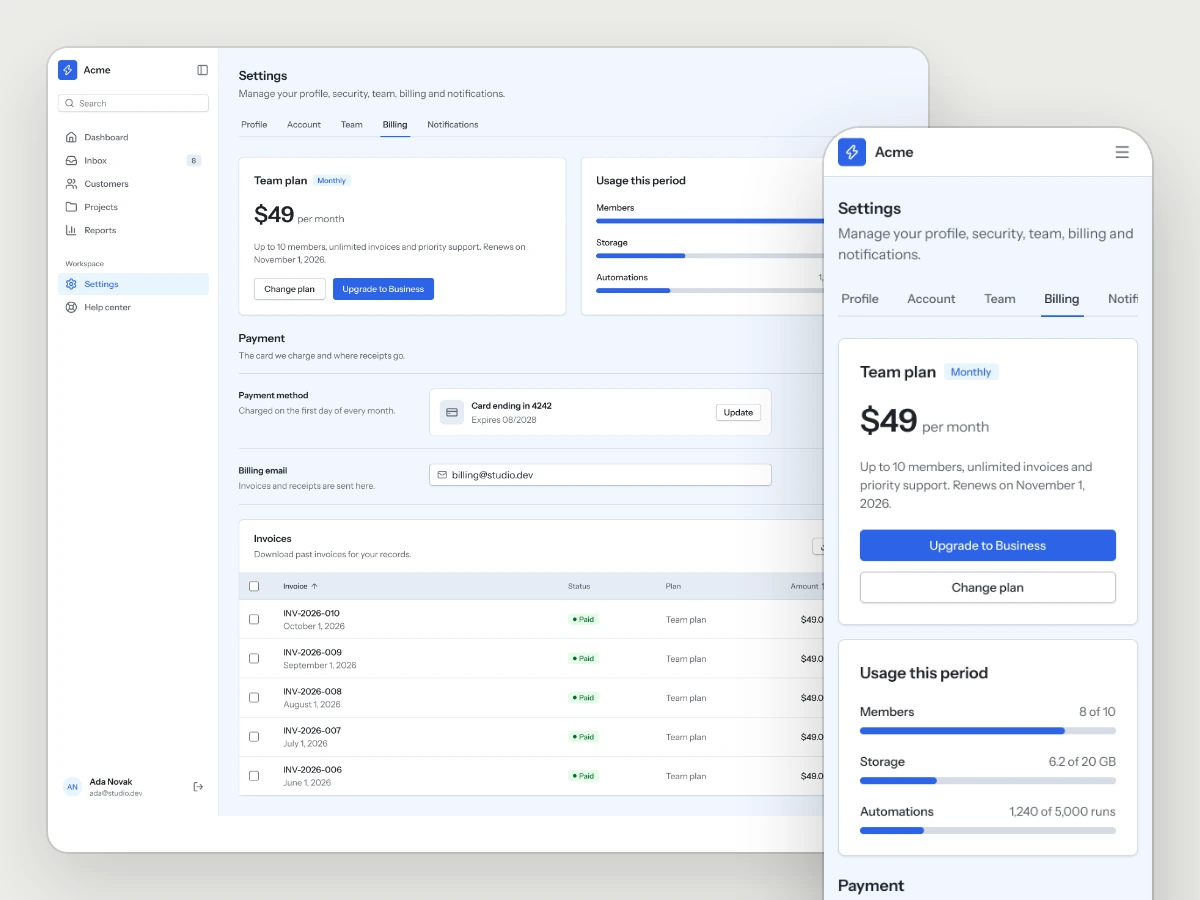
Usage and billing
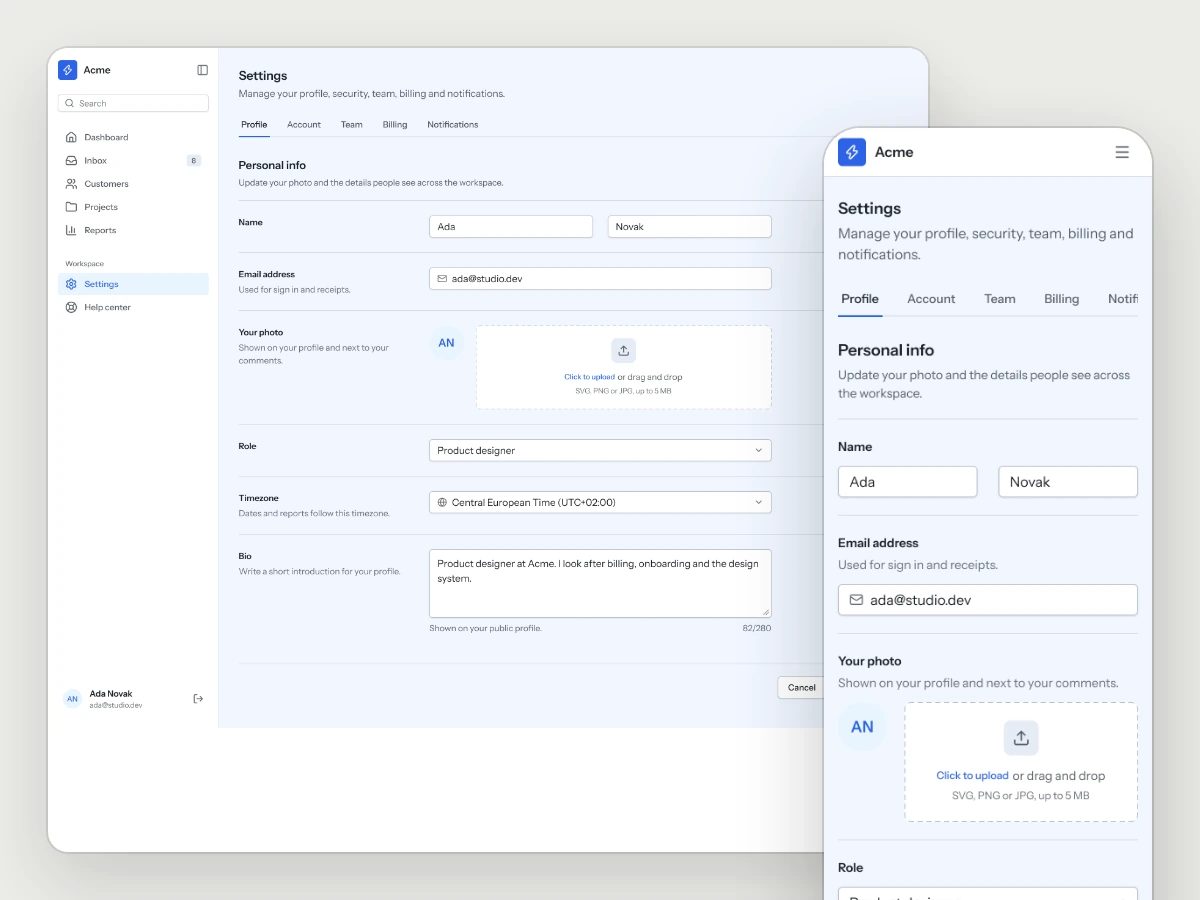
Settings
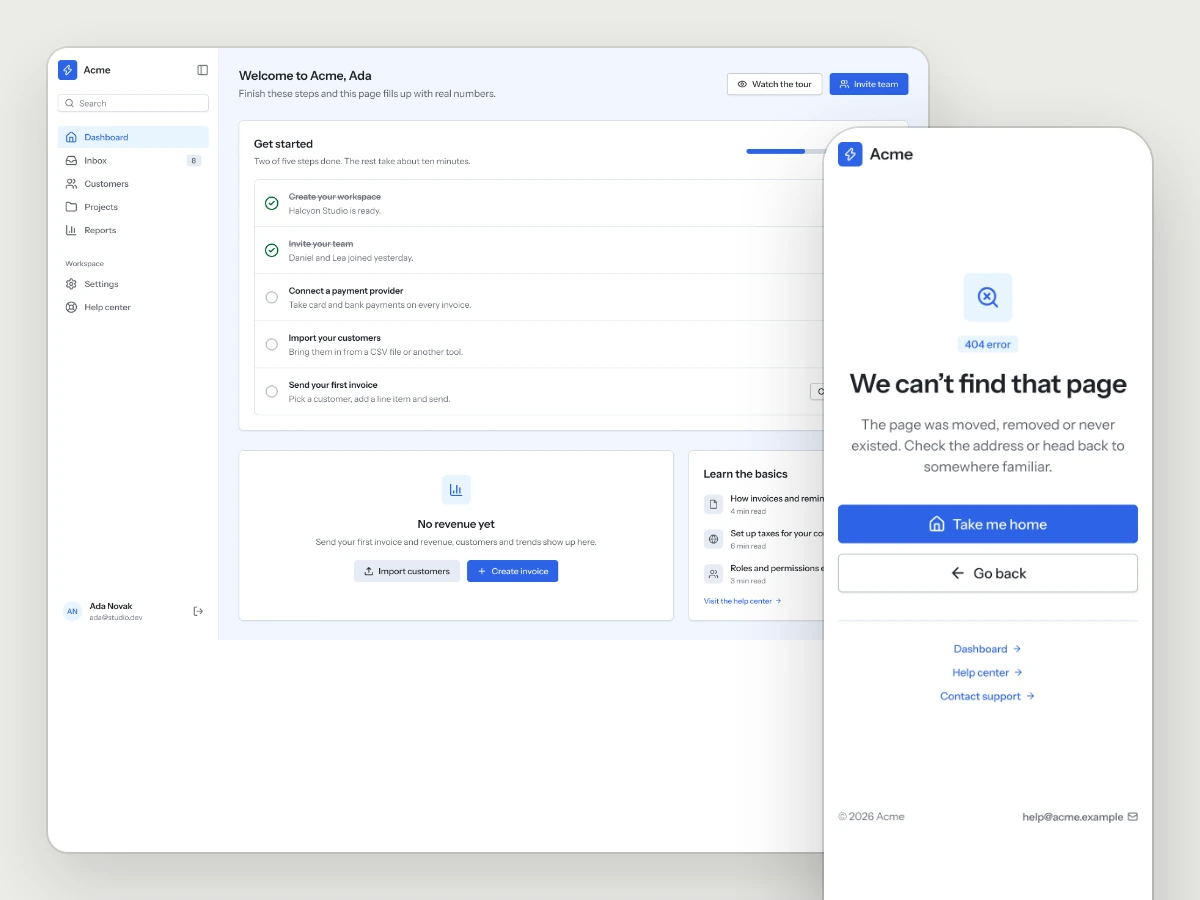
Empty and error states
coming soon
In design for the kit
arrives as a free update
Chat workspace
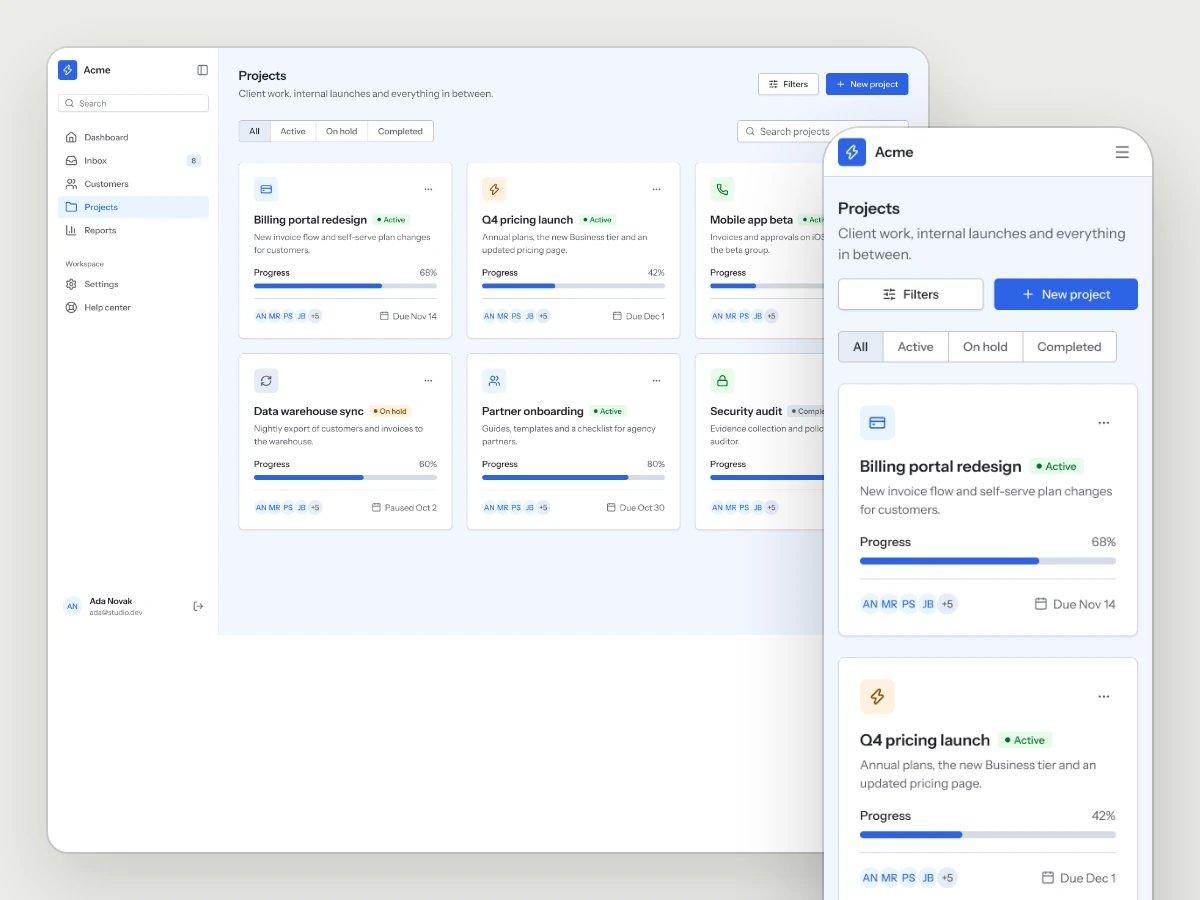
Projects
coming soon
In design for the kit
arrives as a free update
API keys
+5
more pages in the kit
Team · Notifications · Search
Upgrade plan · Help center
Integrations coming soon
The flows that turn a visitor into a paying user
01
Sign up
Create an account and confirm the email.
02
Onboarding
Four short steps that ask only what the workspace needs on day one.
03
First login
The dashboard before there is data, with a setup checklist.
04
Upgrade
Plan choice inside the app, with the recommended plan highlighted.
05
Billing
Invoices, usage and the payment method in one place.
Same kit, any style
The kit reads its colors, type and shapes from the style you pair it with, so one purchase works across all sixteen.
What is in the folder
Questions
Do I need a style as well?
The kit takes its look from a style. Pair it with any Style Pack or Full Design System, or use the bundle.
Where are the Figma pages?
In the Figma file of your style's Full Design System, where every page of the kit is a page template in light and dark. With a Style Pack, the registry, the skill and KIT.md give your AI tool everything it needs to build every page.
Will more pages be added?
Yes, and they come to you as free updates for the life of the kit.
More kits
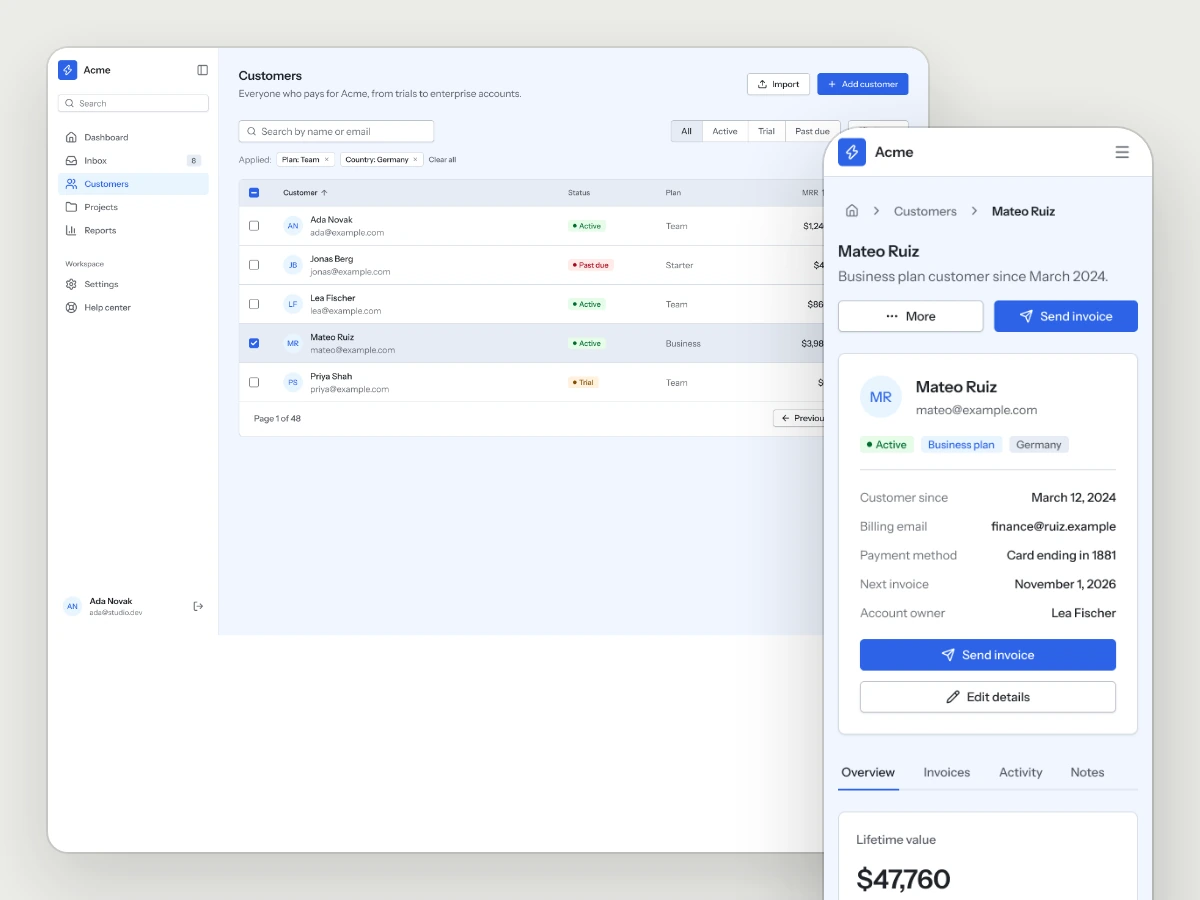
Business Tools Kit
Dashboards, lists, detail views and settings for the tools that run a business.
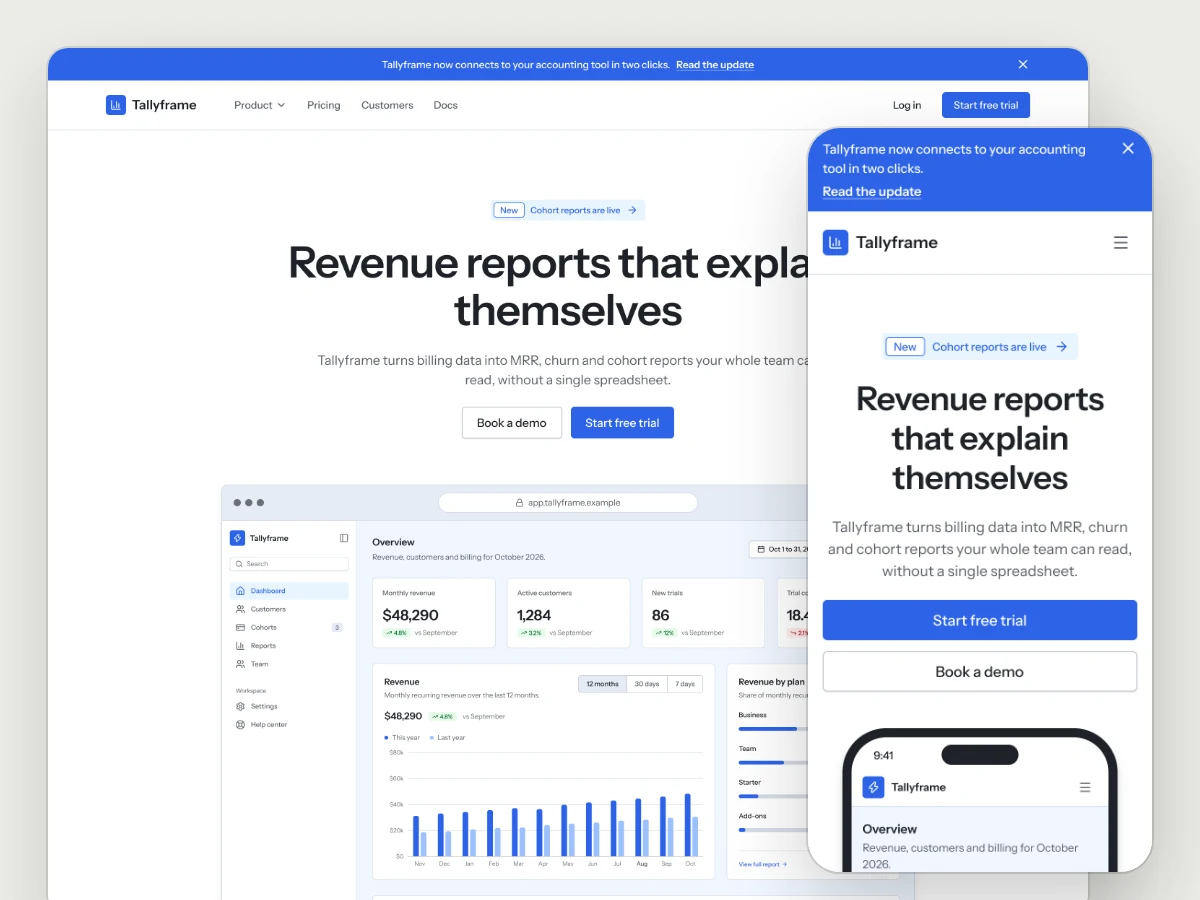
Marketing Site Kit
Landing pages, pricing, changelog, waitlist, about and contact, in whichever style you choose.
Marketplace Kit
Get notified when it ships.
Works well with
A style gives the kit its look. A UX Pack goes deeper into one flow the kit already covers, with every step and state worked out, and the two fit together.
picked to go with AI SaaS Kit
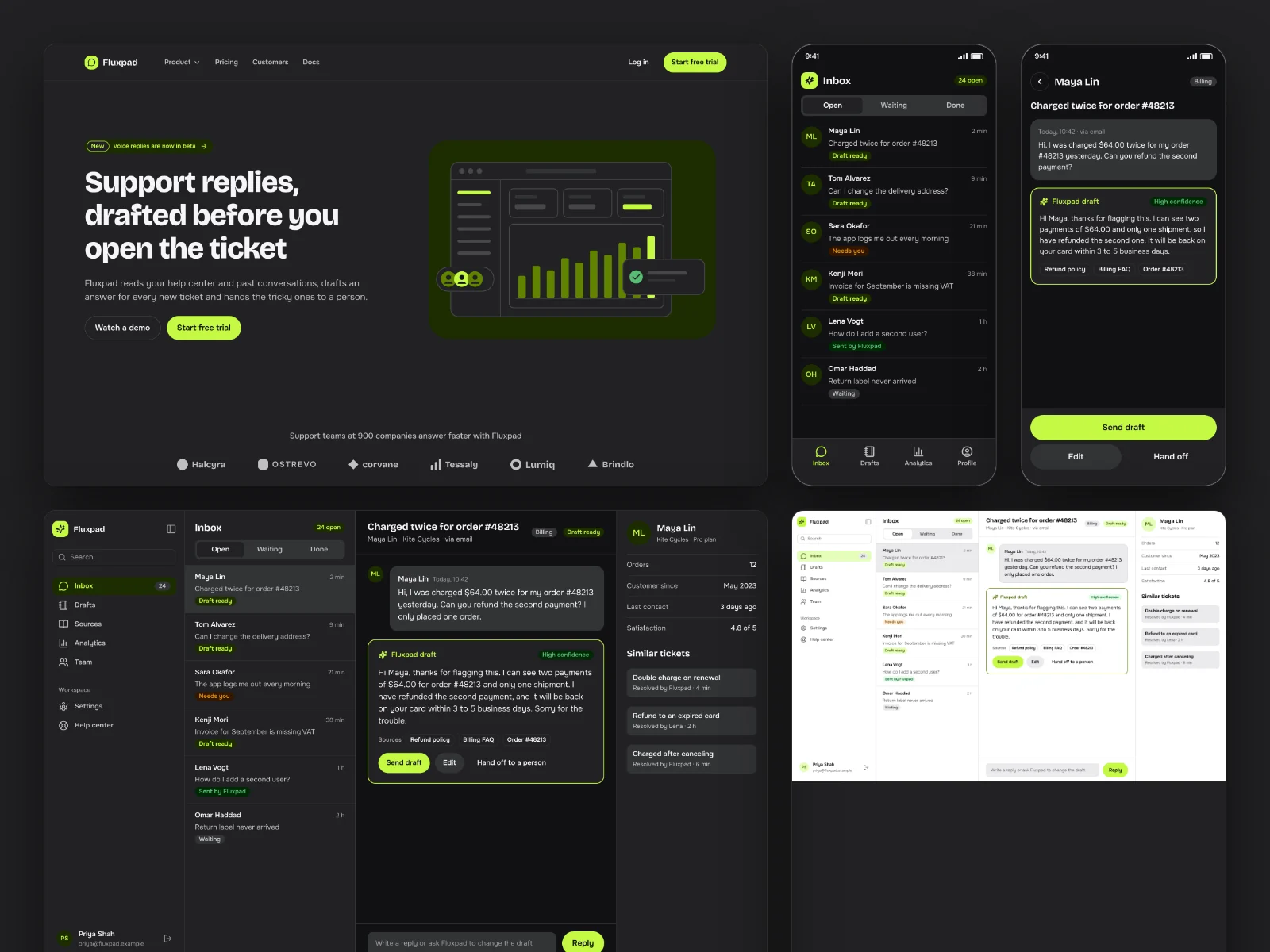
Voltage
Dark-first energy for AI products and launches.
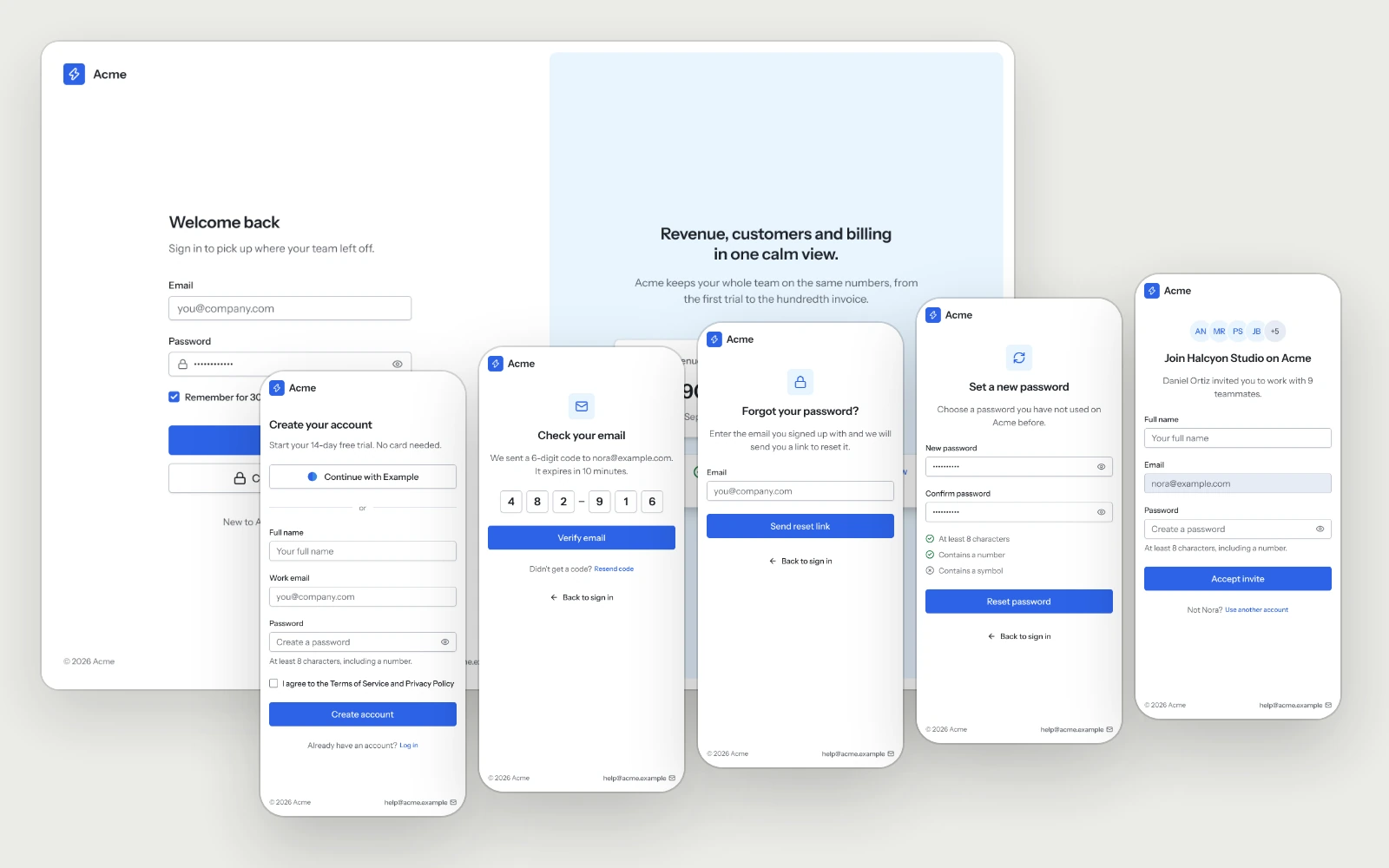
Sign-in & Sign-up
Sign in, sign up, the email code, password recovery and the invite page.
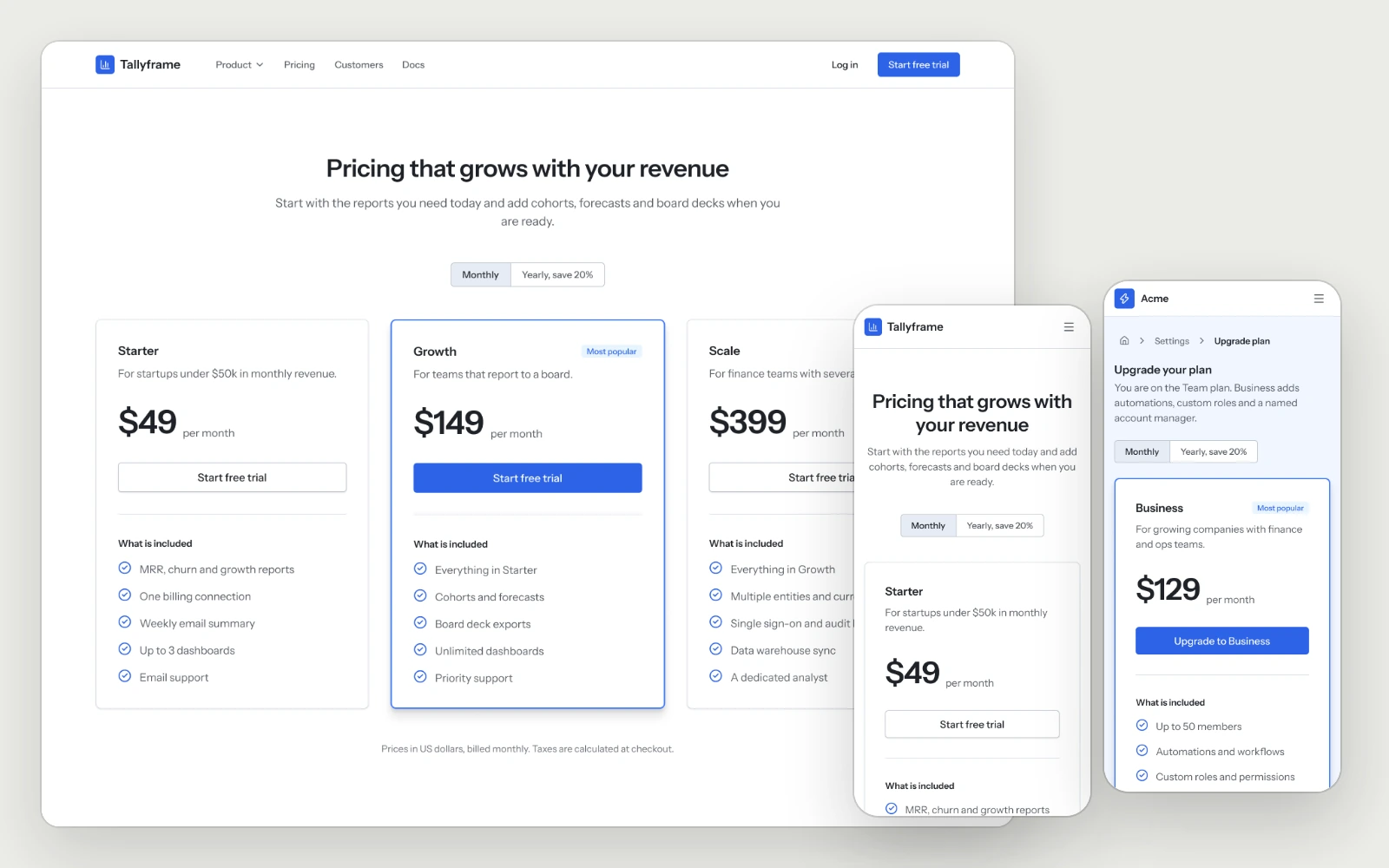
Pricing & Paywall
The pricing page with the full plan comparison, and the in-app upgrade with the current plan marked and the recommended one highlighted.