
Business Tools Kit
Kit · works with every style
Dashboards, lists, detail views and settings for the tools that run a business.
$149
One-time payment · free updates while we offer it
Prices in USD. VAT is included where applicable in the EU and UK. In the US, Canada and India, applicable sales tax is added at checkout. Your final total appears before payment.
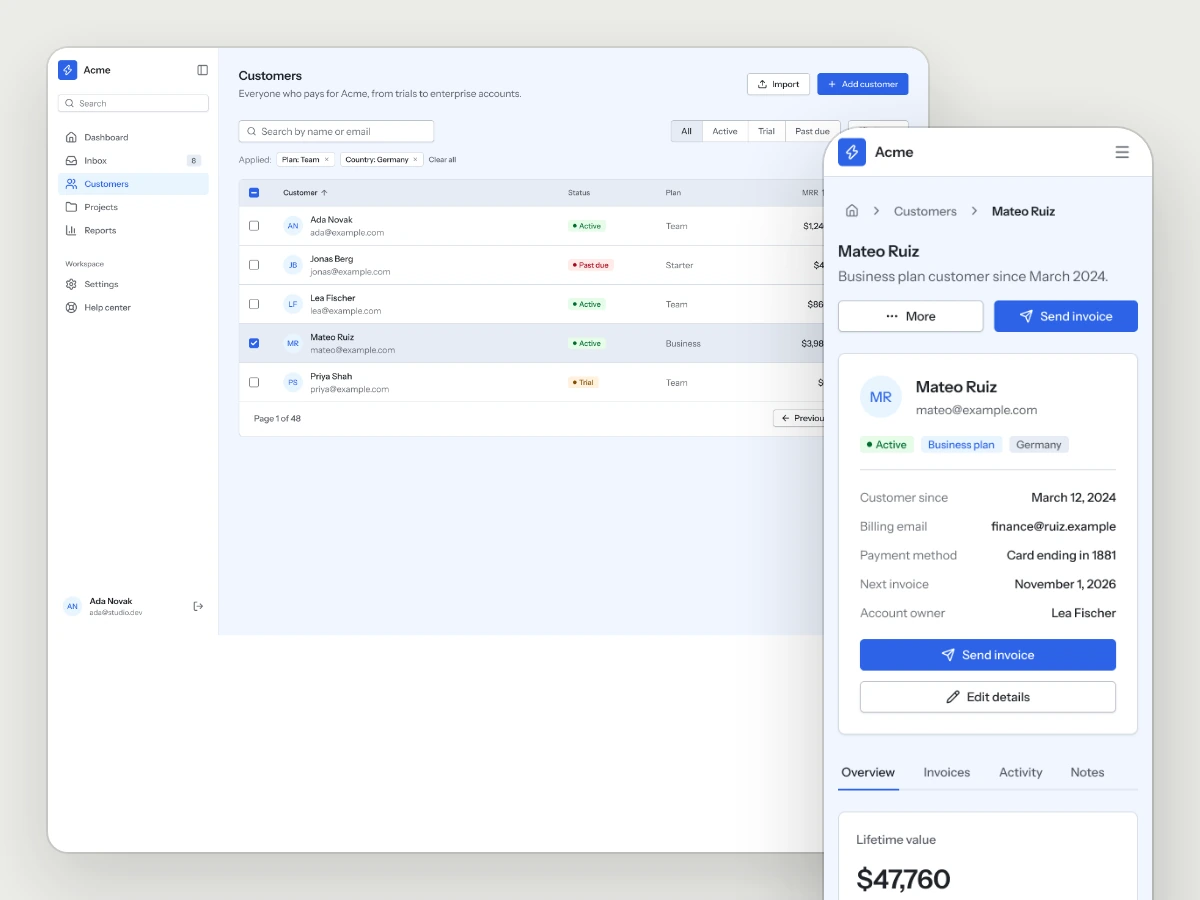
The customer list on desktop and a customer detail on mobile, in Graphite light.
Every page a business tool needs
Works with every style.
14 pages · desktop and mobile
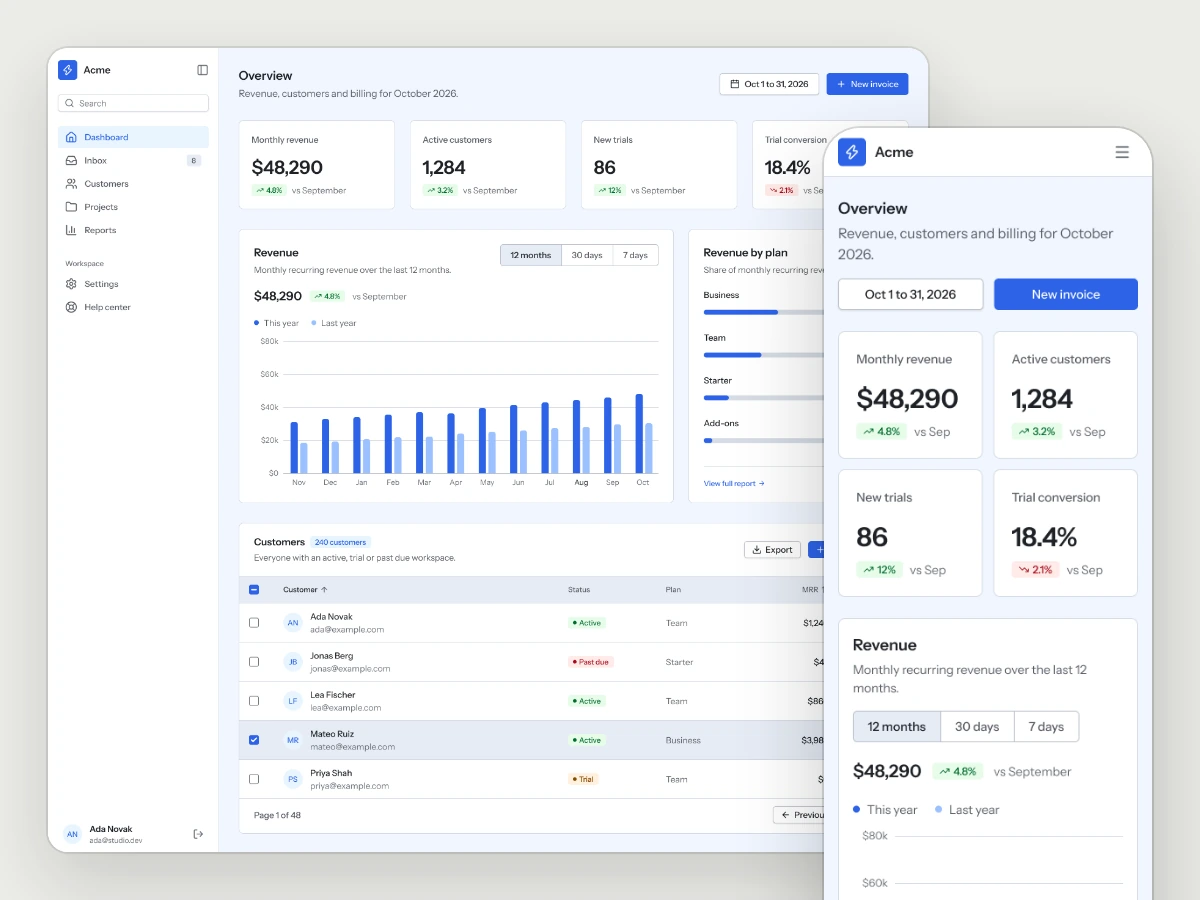
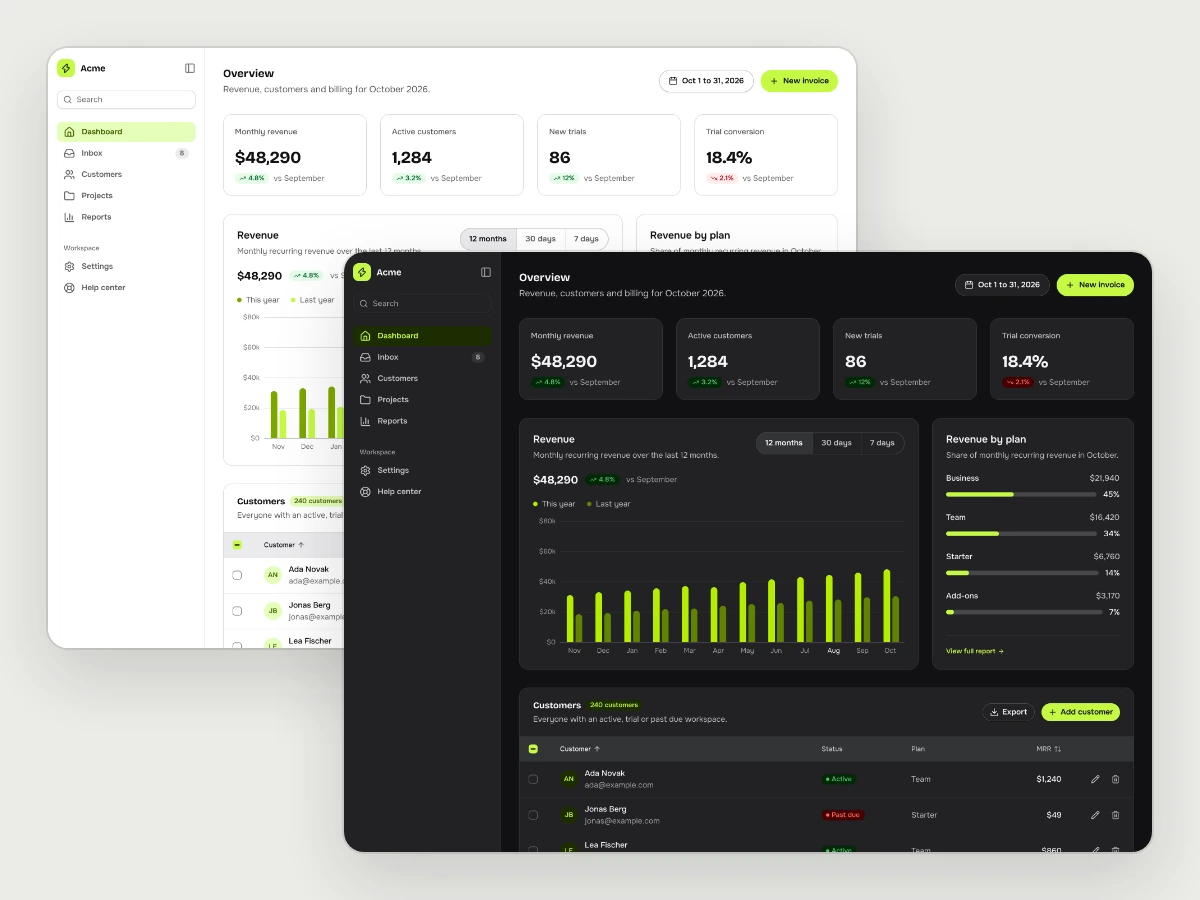
Dashboard
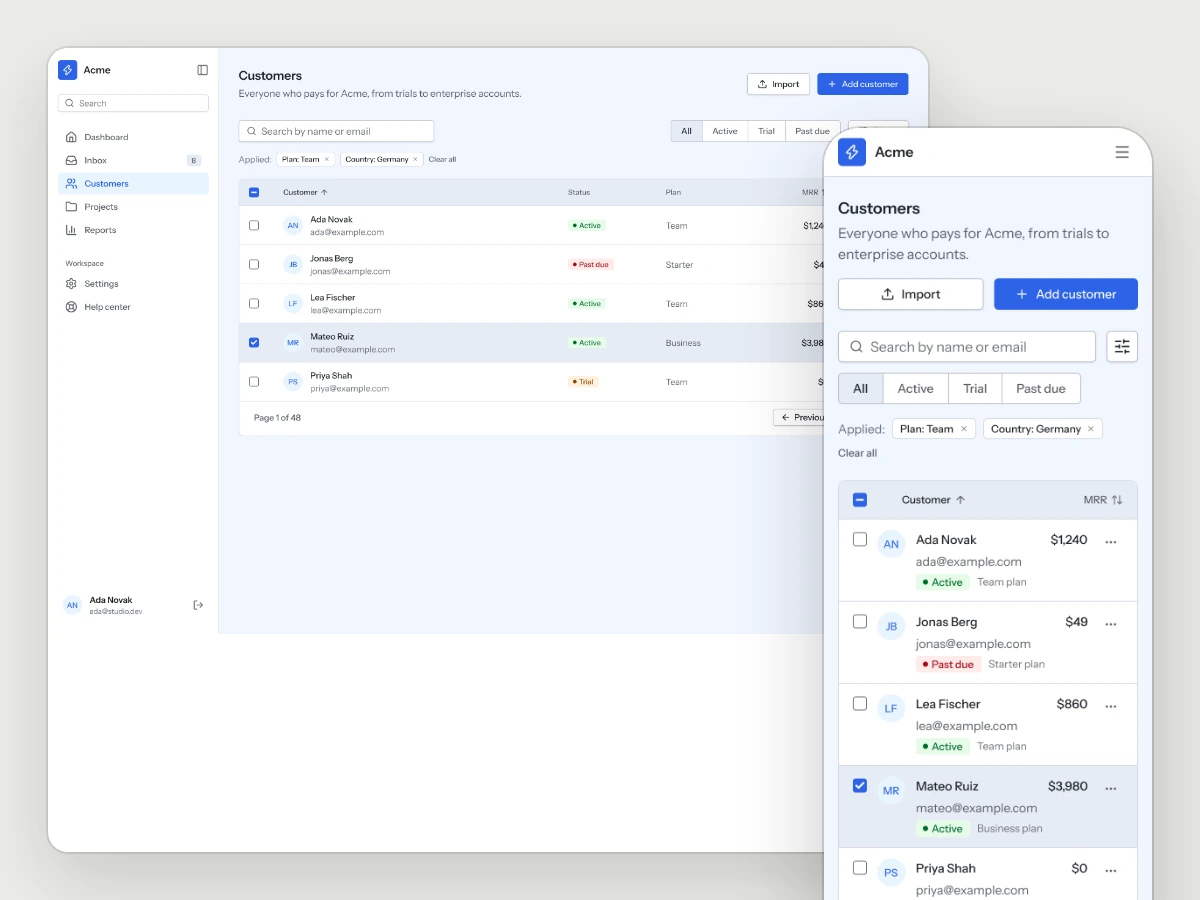
Customers
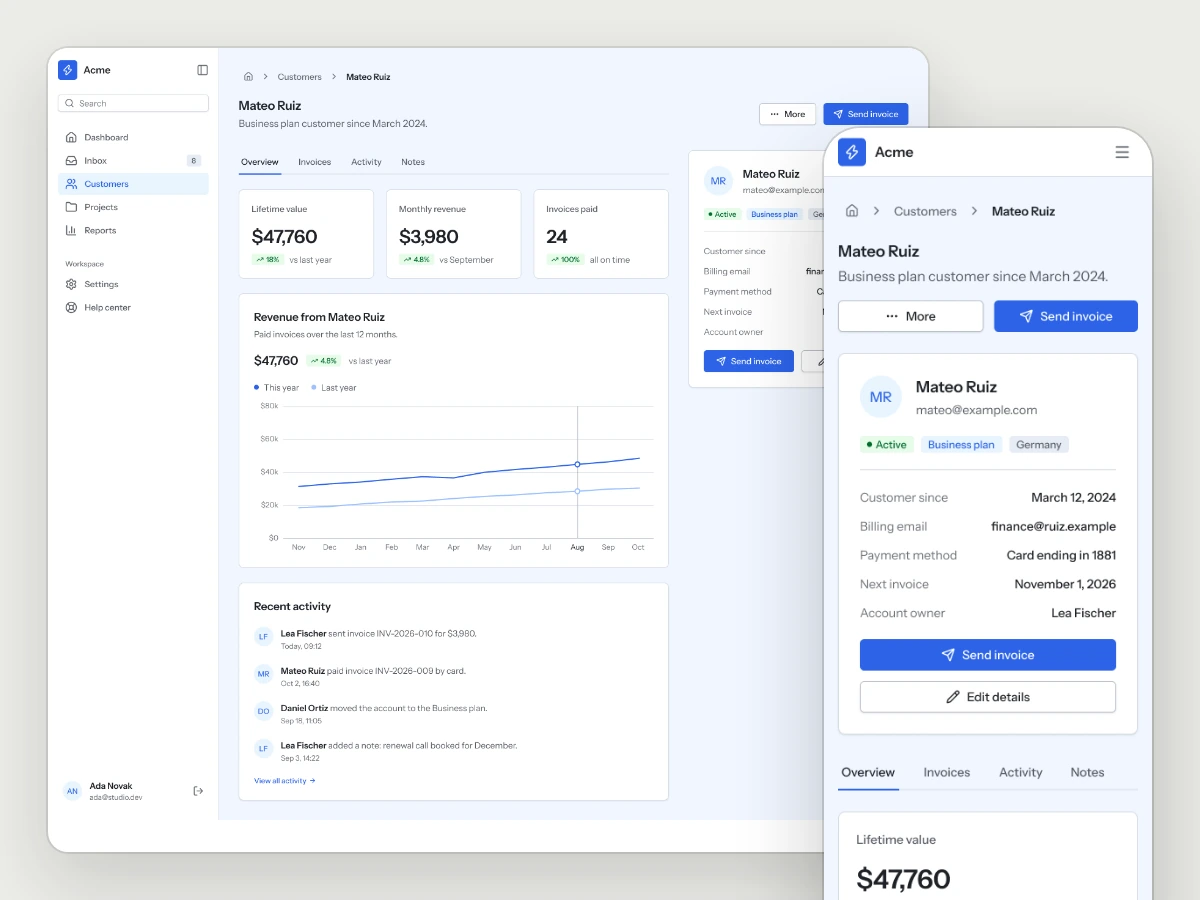
Customer detail
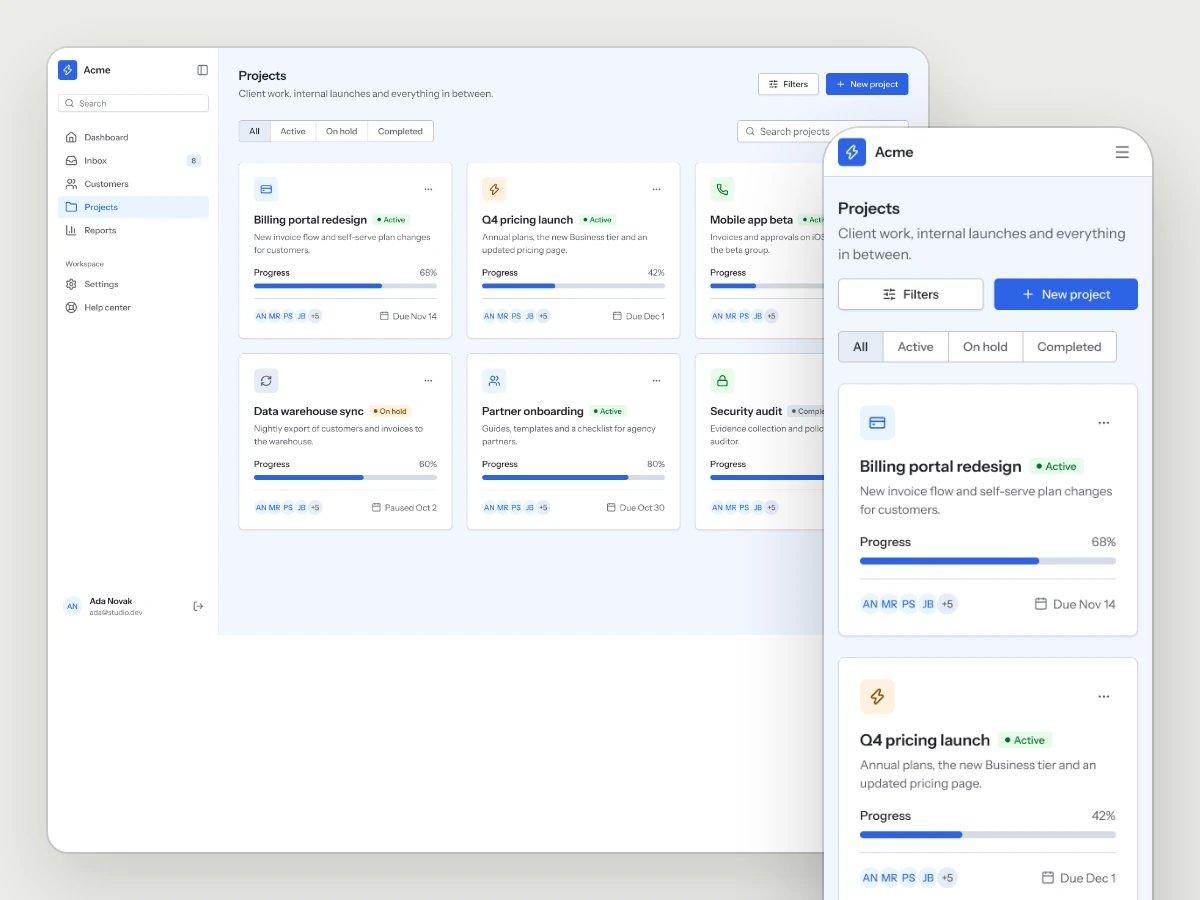
Projects
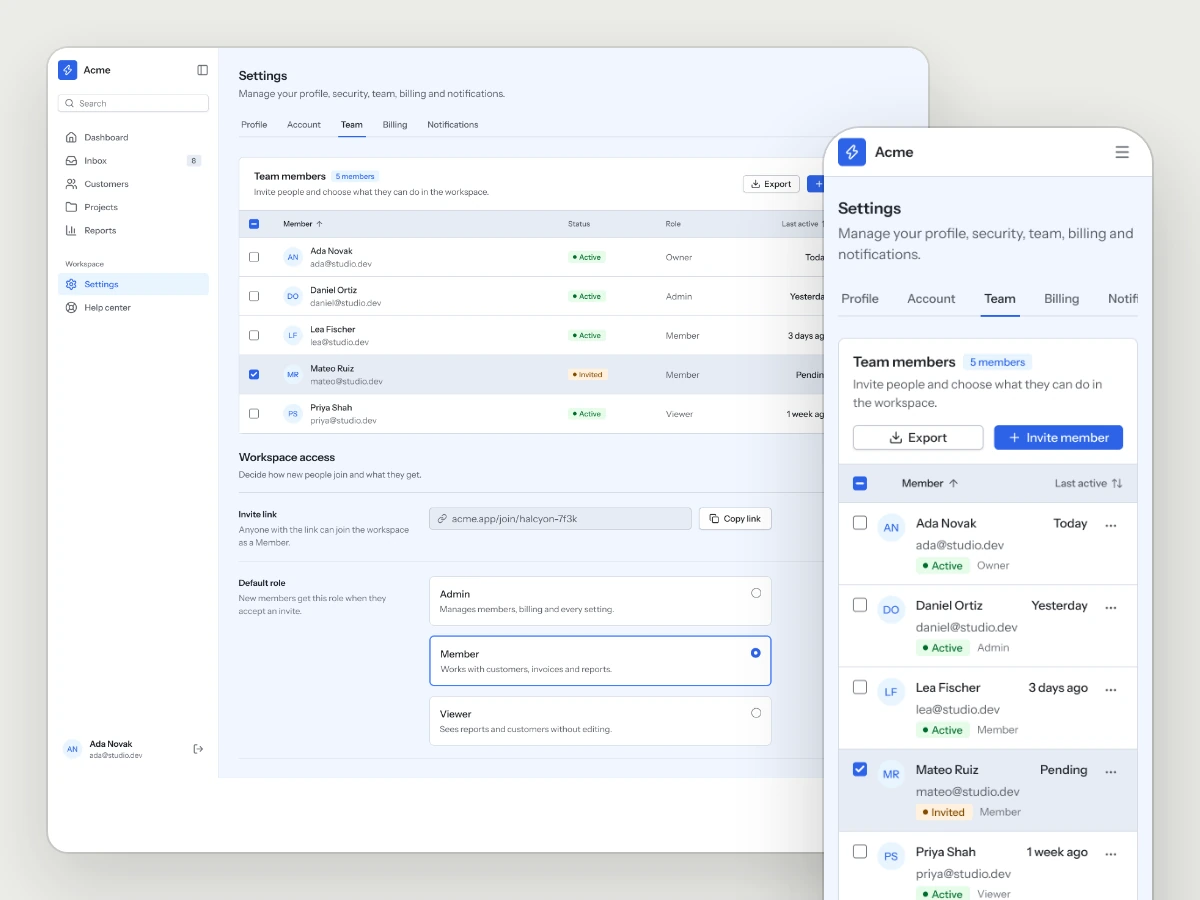
Team and roles
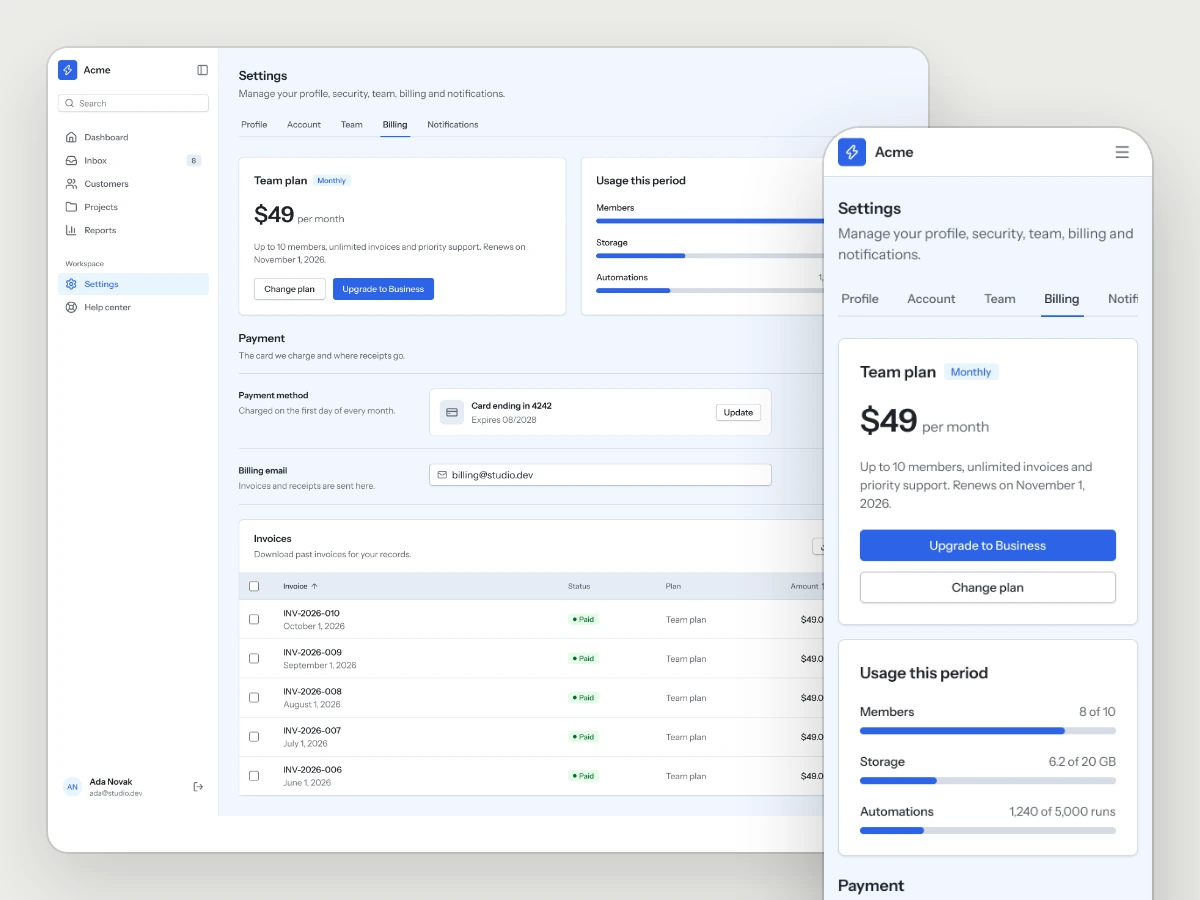
Billing
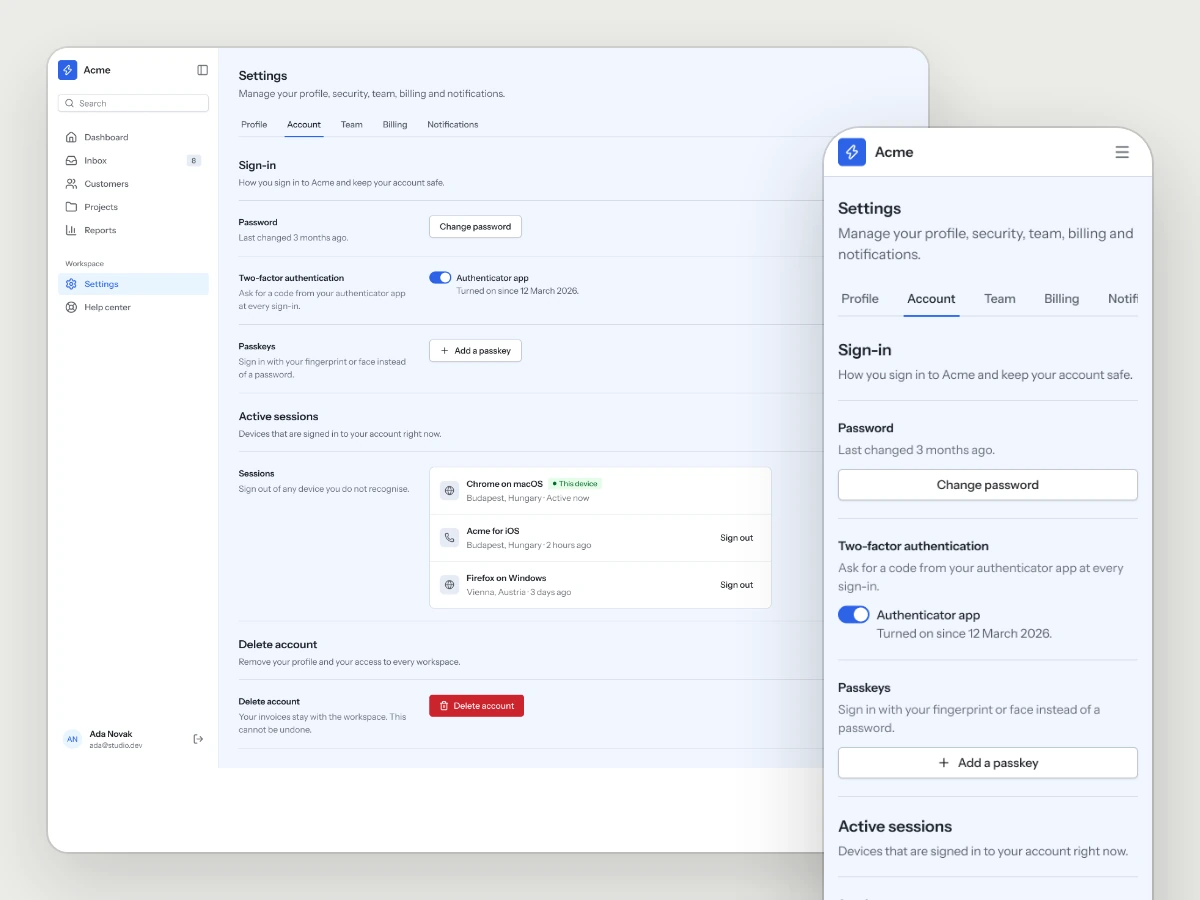
Account and security
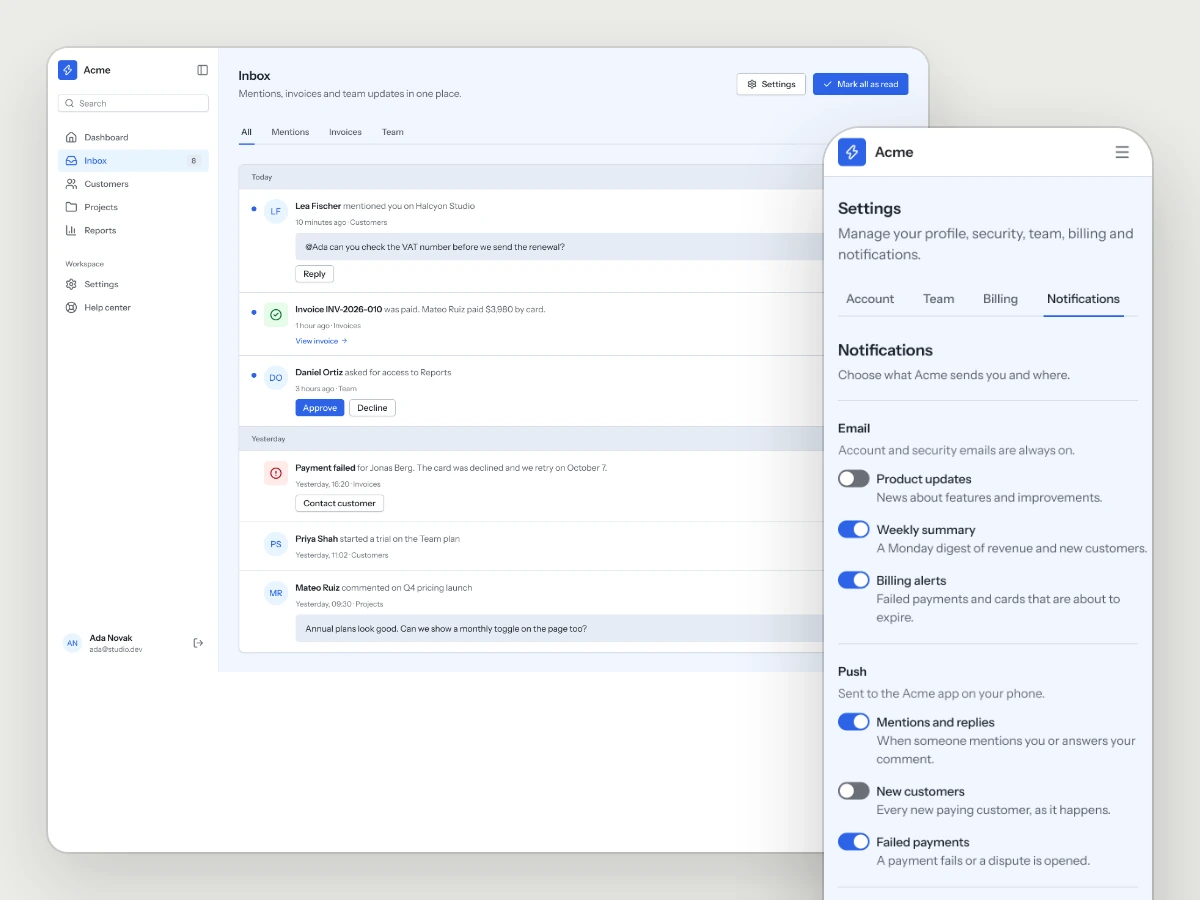
Notifications
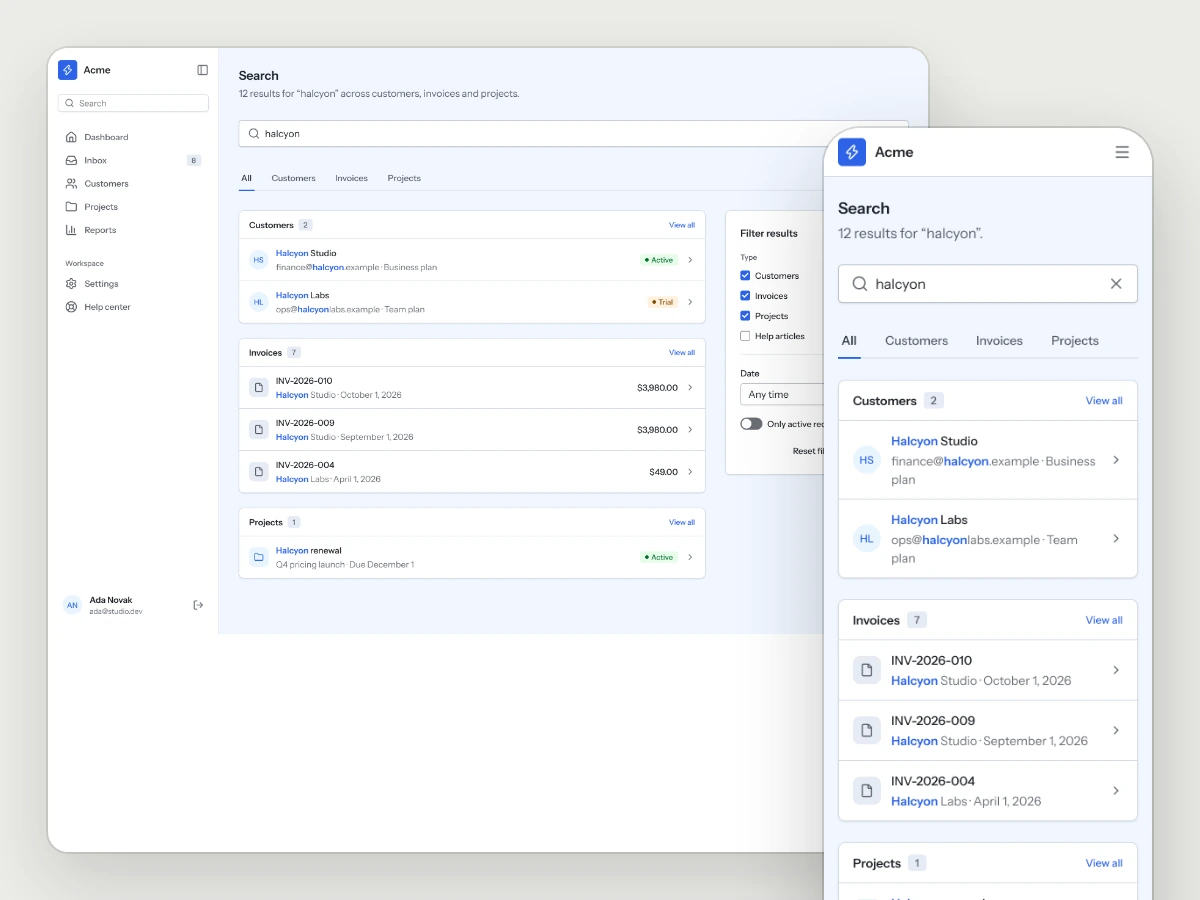
Search and filters
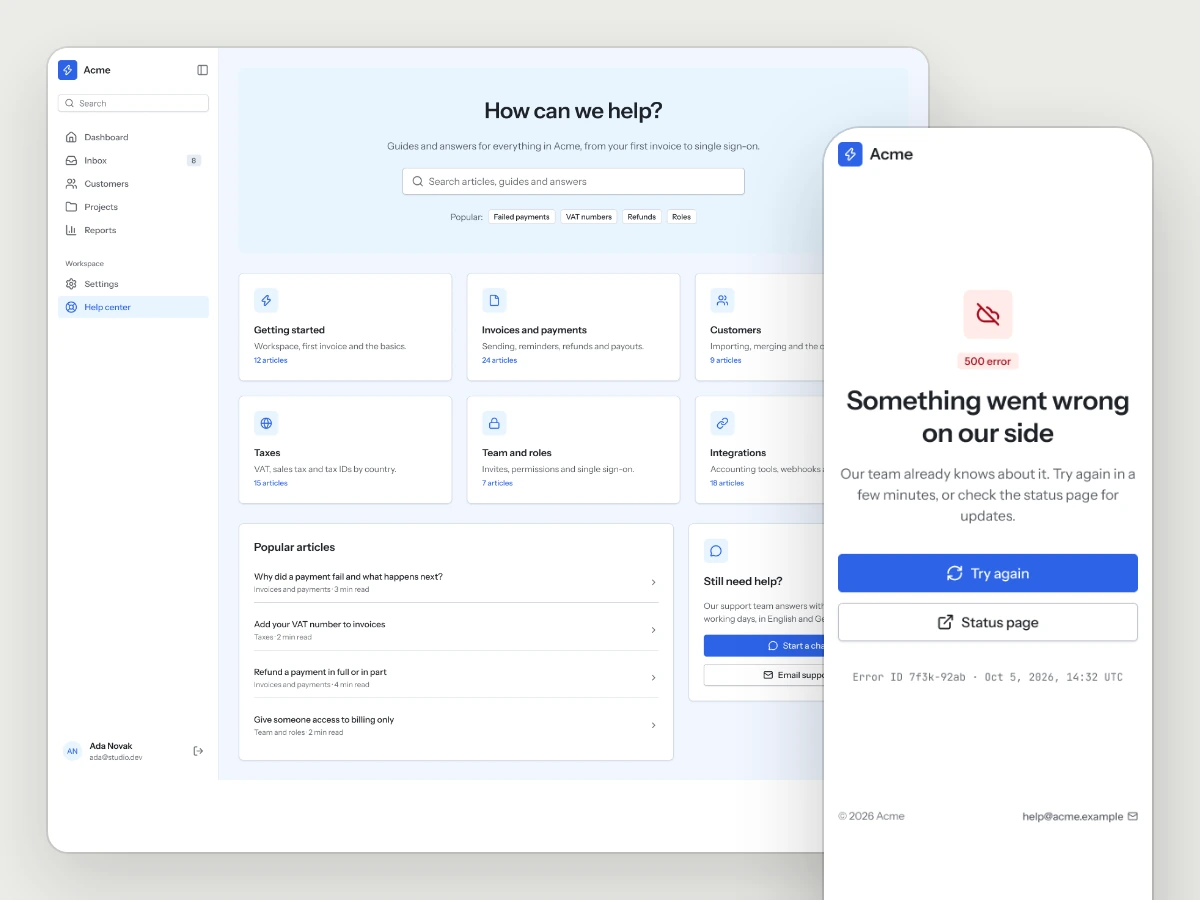
Help and errors
The flows a team runs every day
01
Find a record
Search across customers, invoices and projects, with filters that stay put.
02
Open the detail
Everything about one customer on one page, the next action at the top.
03
Work the list
Bulk actions, sorting and saved views for the lists people live in.
04
Invite a teammate
Roles, an invite link and a default role, so the second person gets in alone.
05
Keep billing in order
Plan, usage, payment method and invoices in one place.
Same kit, any style
The kit reads its colors, type and shapes from the style you pair it with, so one purchase works across all sixteen.
What is in the folder
Questions
Do I need a style as well?
The kit takes its look from a style. Pair it with any Style Pack or Full Design System, or use the bundle.
Where are the Figma pages?
In the Figma file of your style's Full Design System, where every page of the kit is a page template in light and dark. With a Style Pack, the registry, the skill and KIT.md give your AI tool everything it needs to build every page.
Will more pages be added?
Yes, and they come to you as free updates for the life of the kit.
More kits
AI SaaS Kit
The pages and flows an AI product needs, in whichever style you choose.
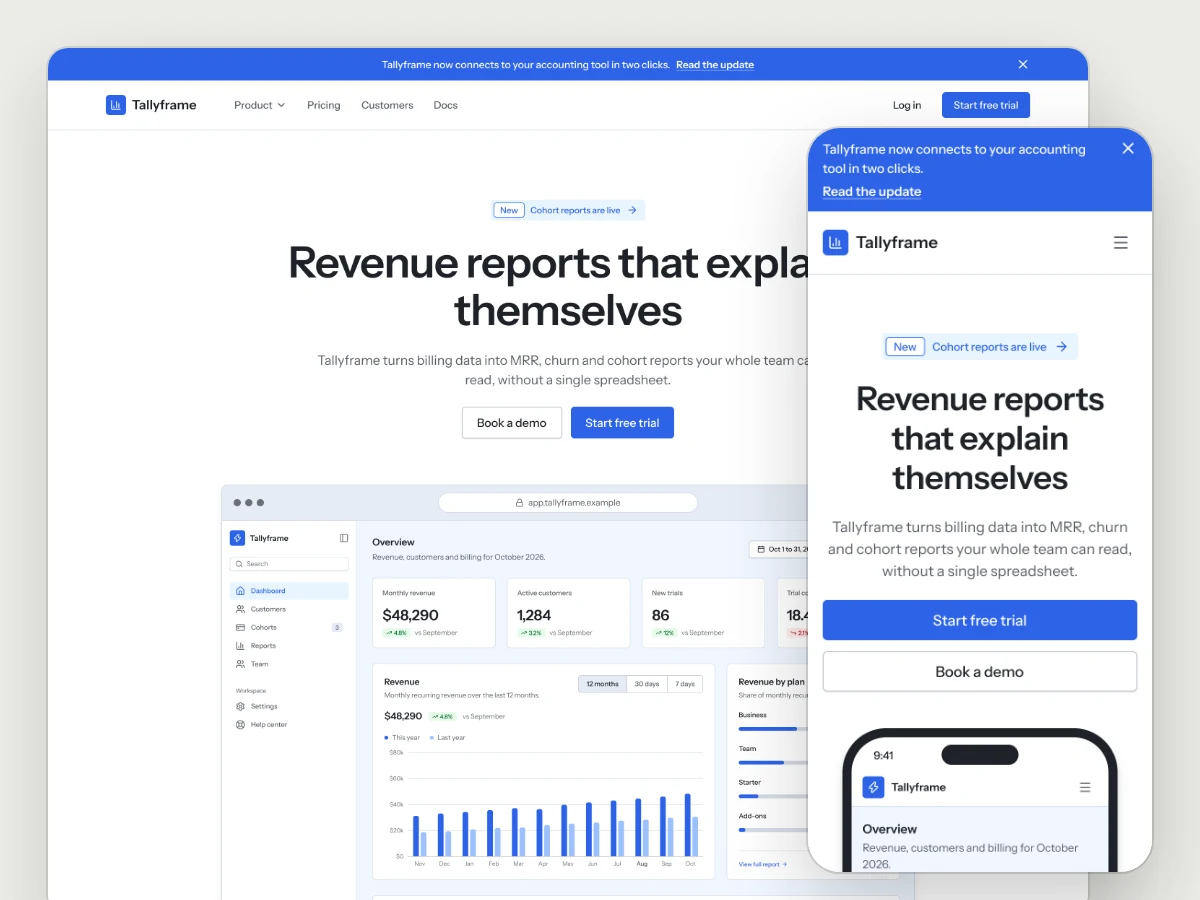
Marketing Site Kit
Landing pages, pricing, changelog, waitlist, about and contact, in whichever style you choose.
Marketplace Kit
Get notified when it ships.
Works well with
A style gives the kit its look. A UX Pack goes deeper into one flow the kit already covers, with every step and state worked out, and the two fit together.
picked to go with Business Tools Kit
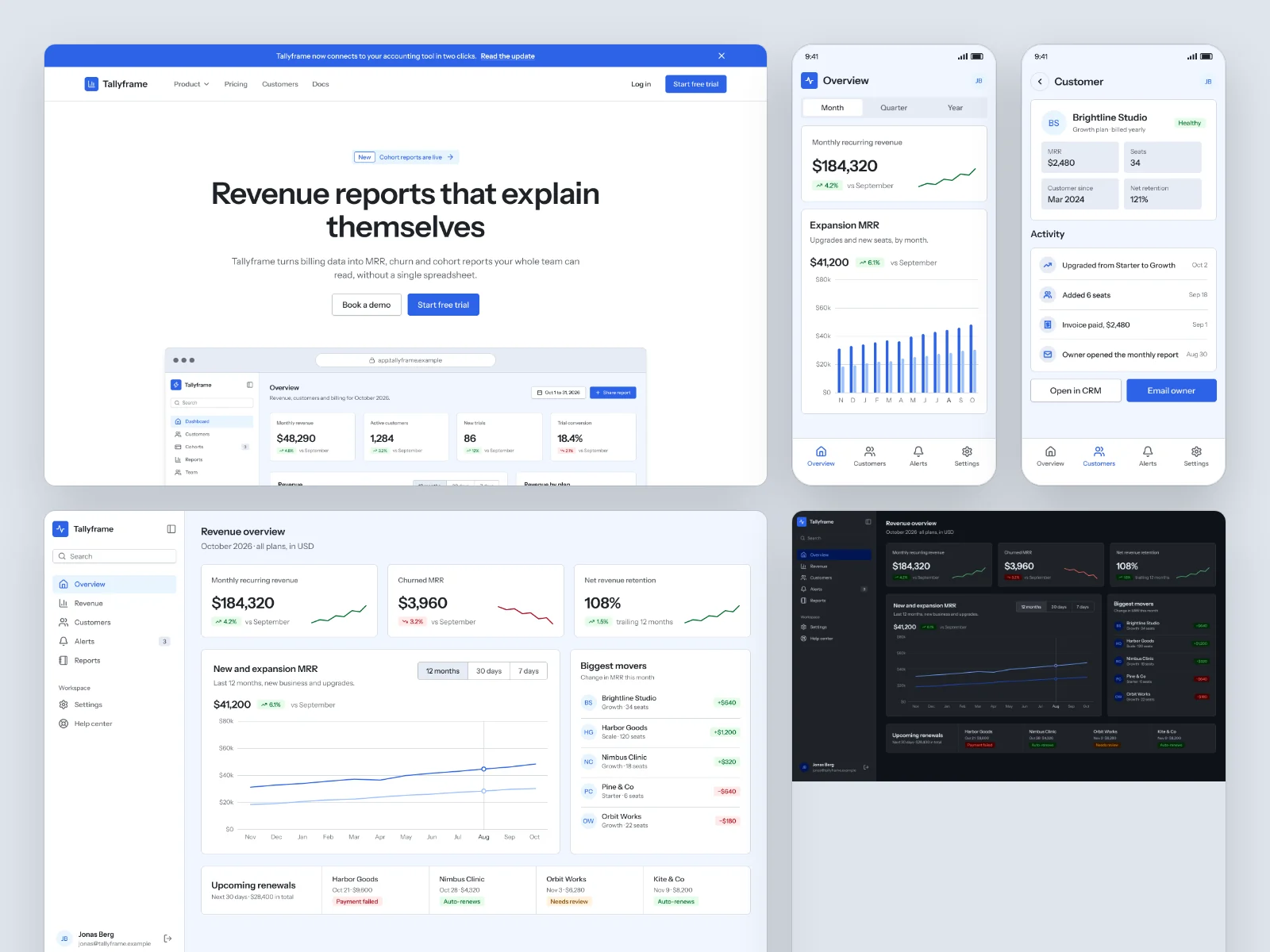
Graphite
The calm, precise look of a serious SaaS product.
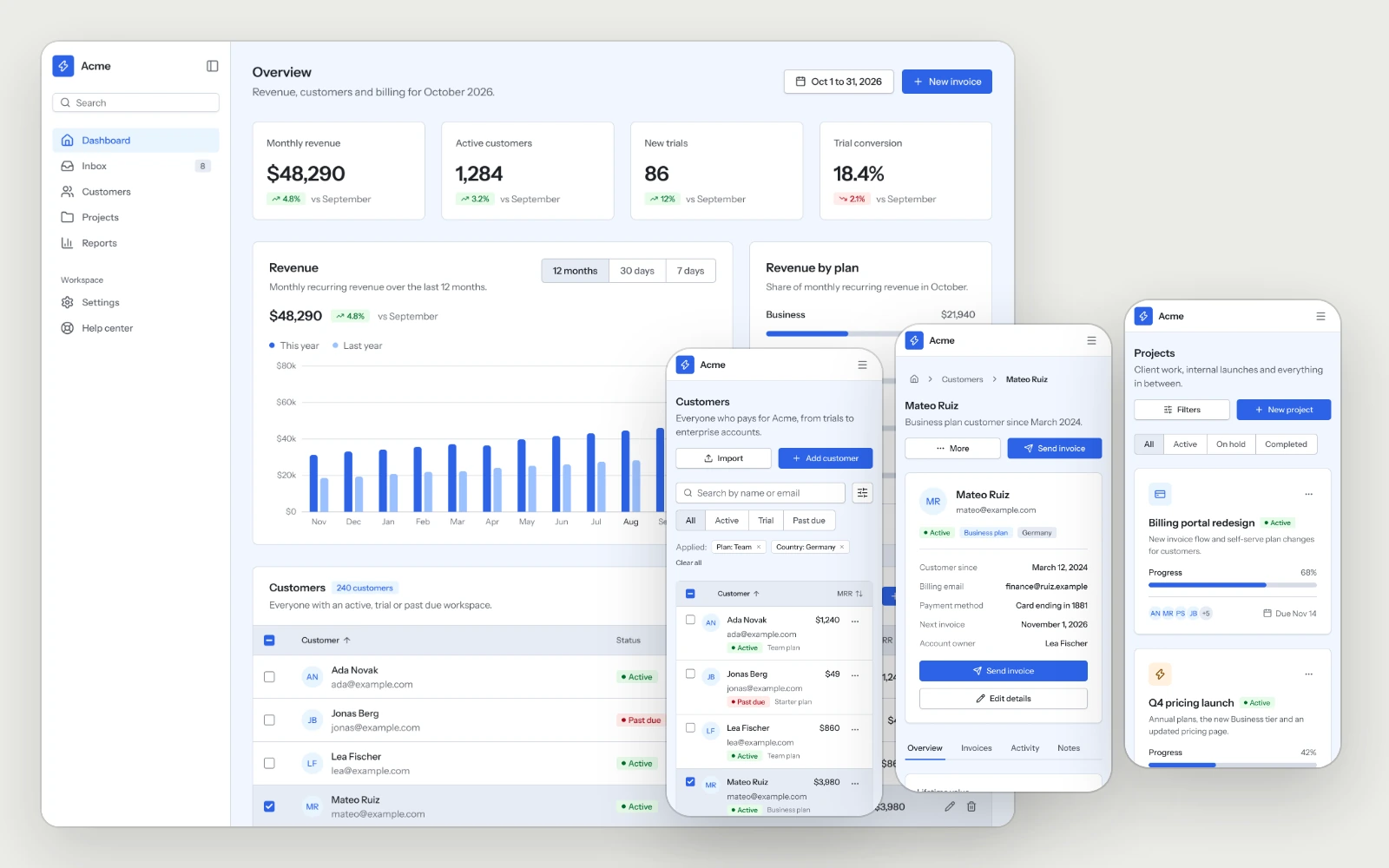
Dashboard
The overview, the customer list, a customer detail and the project board, built to stay readable as the data grows.
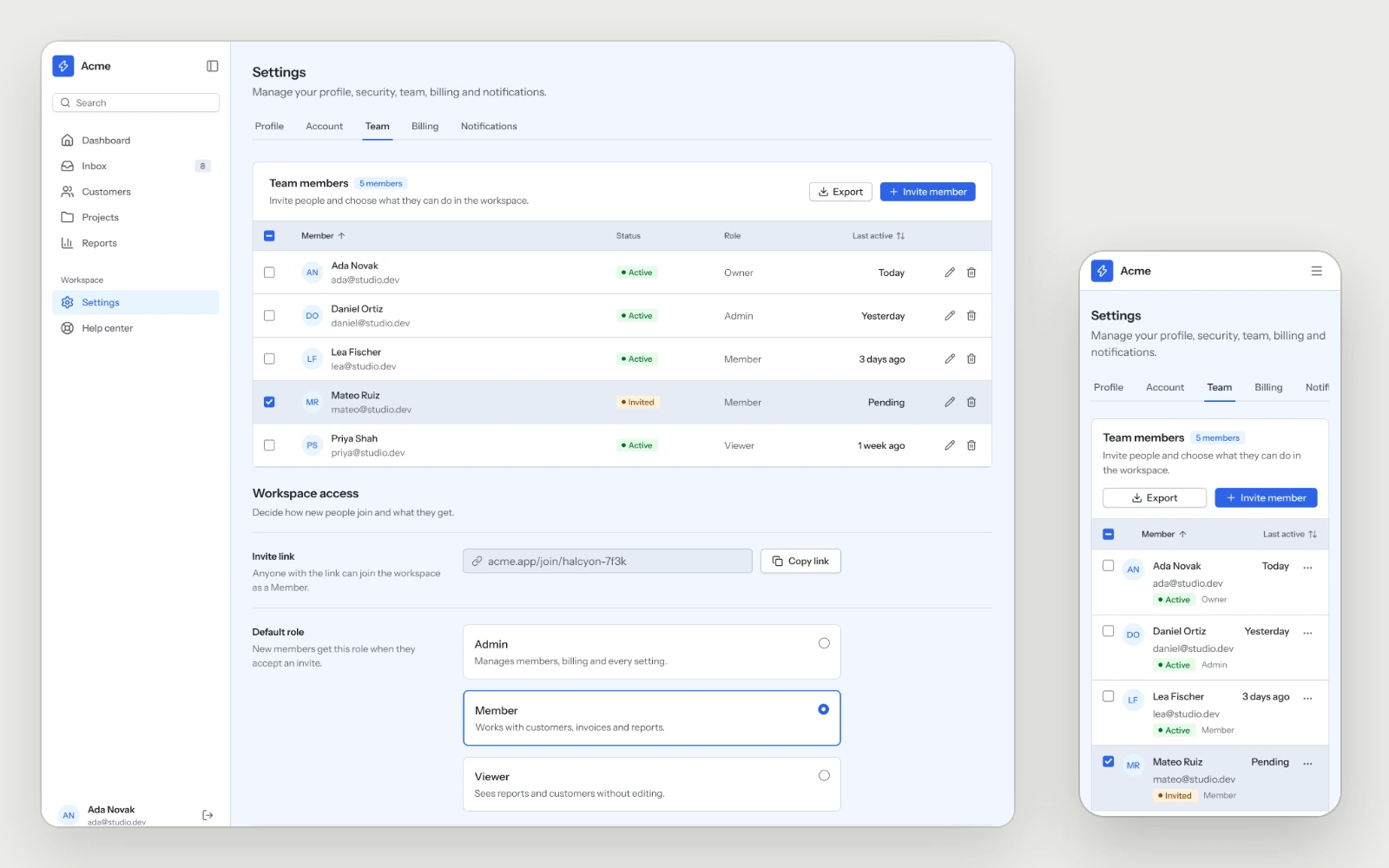
Team & Permissions
Members with their role, status and last activity, the invite link and the default role, so the second person on an account gets in without help.