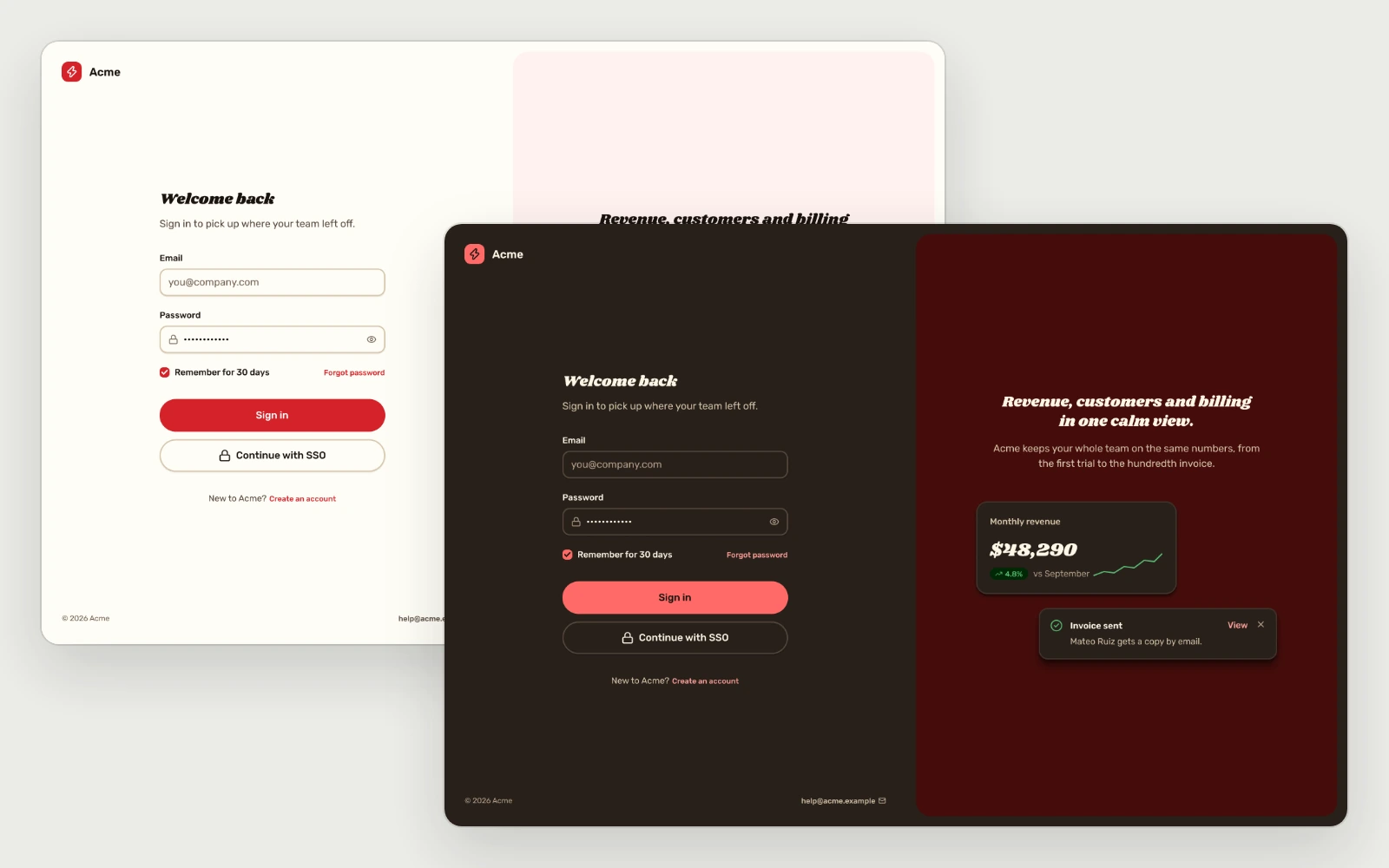
ux / sign-in6 screens · desktop and mobile
Sign-in & Sign-up
available
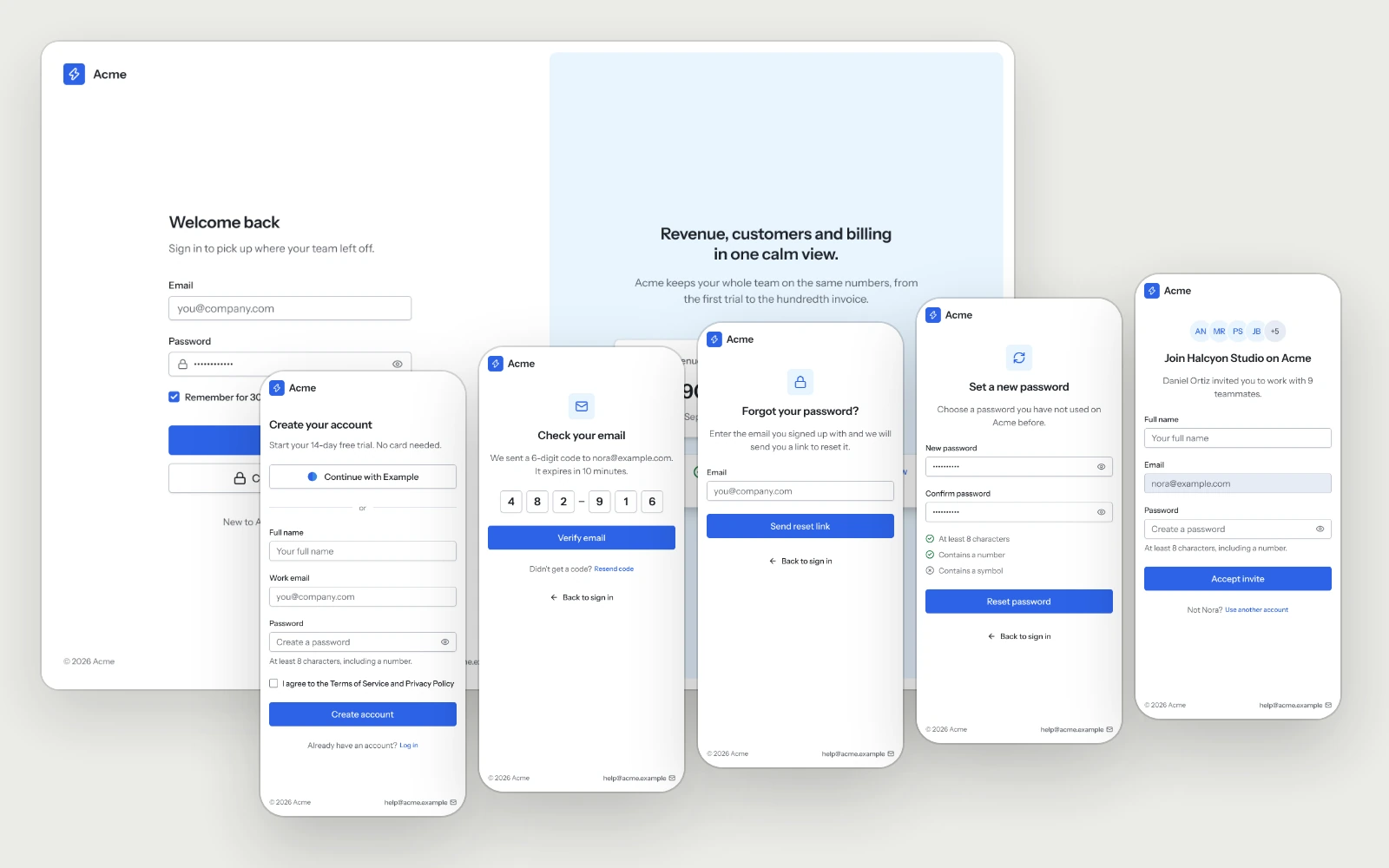
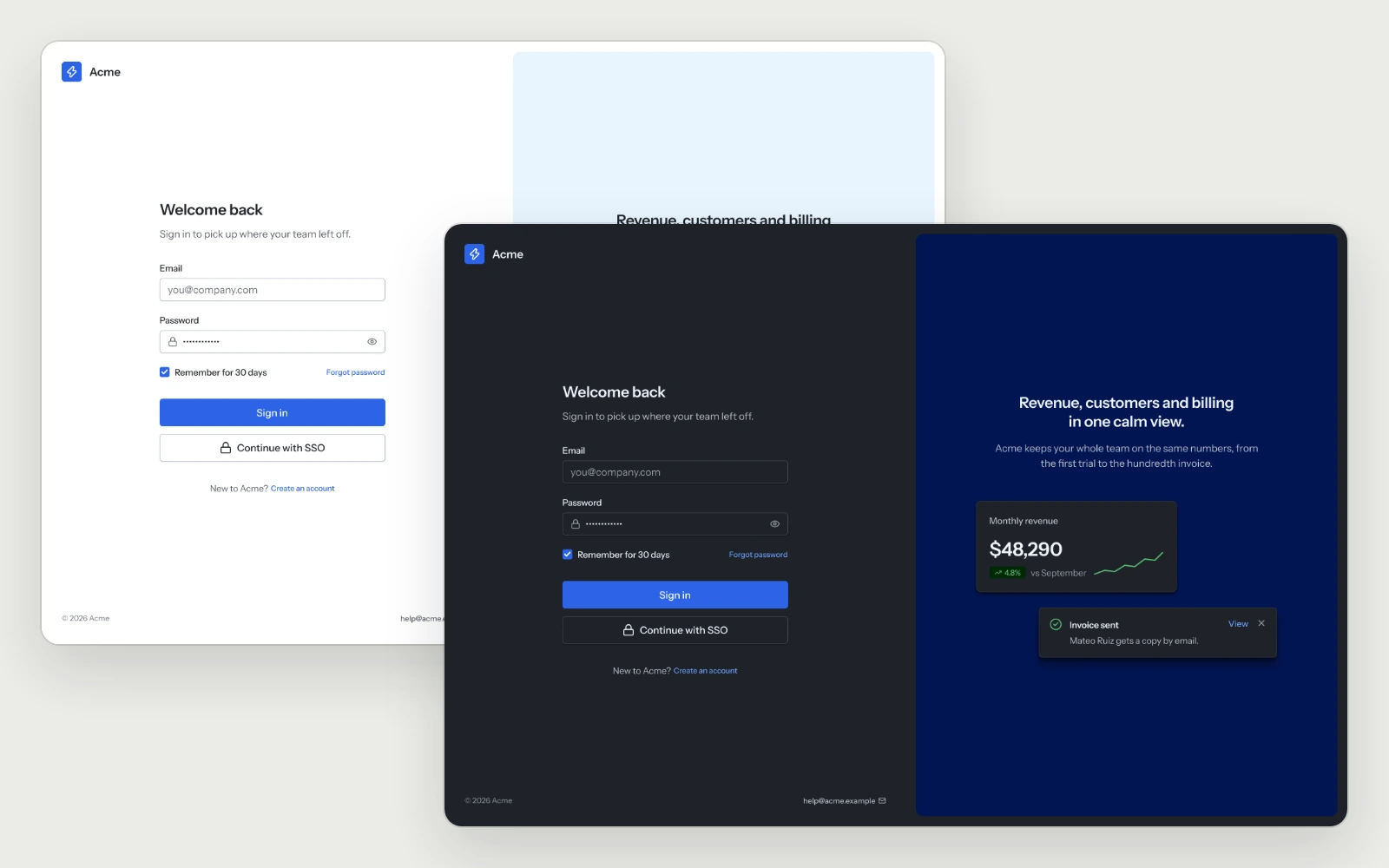
Sign in, sign up, the email code, password recovery and the invite page, each on desktop and mobile with the rule behind it.
sign insign upemail codeforgot passwordreset passwordaccept invite
ux / onboarding2 screens · desktop and mobile
Onboarding
available
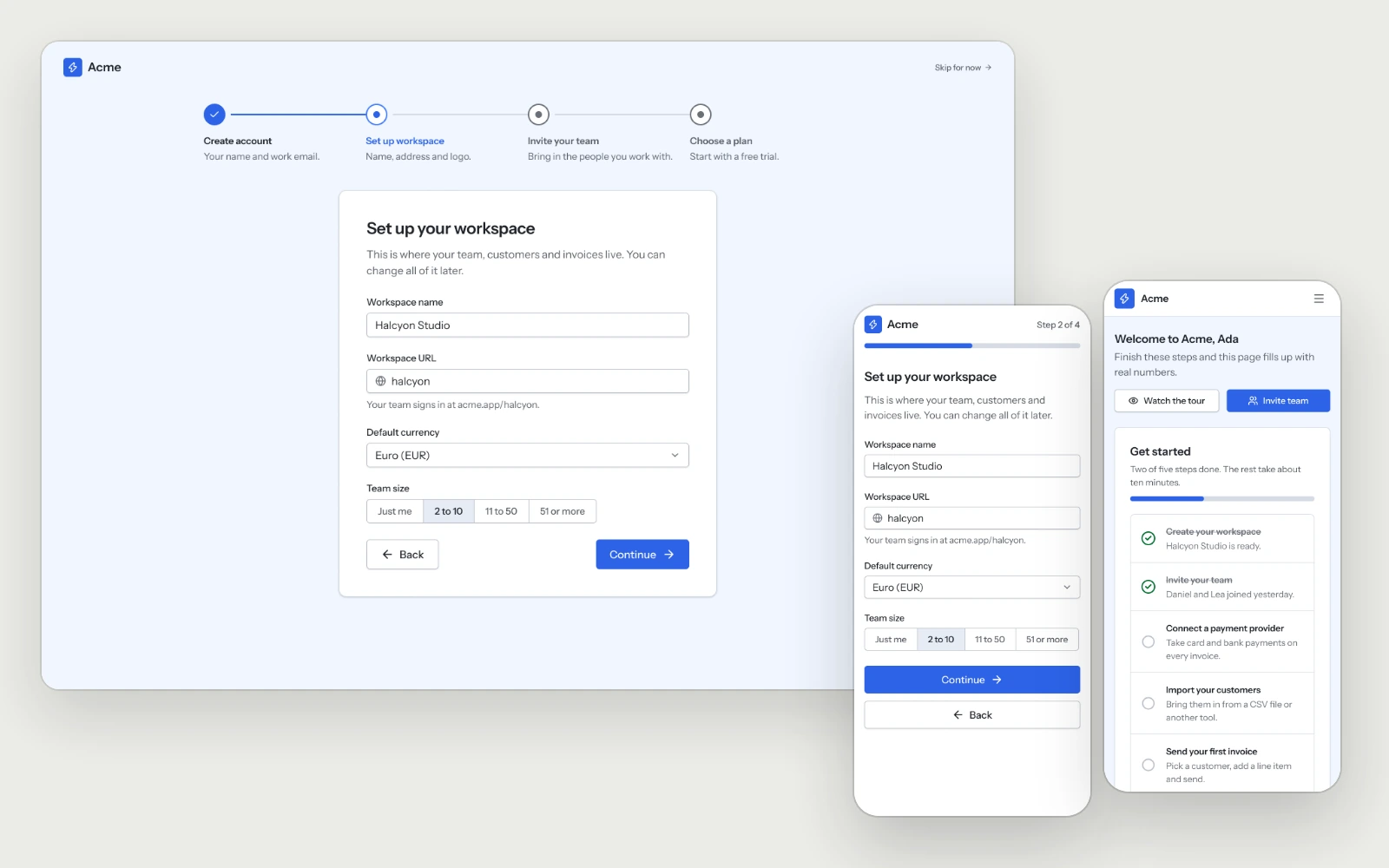
Four onboarding steps and a first login that turns the empty dashboard into a setup checklist, so new users reach their first result quickly.
onboarding stepsfirst loginempty dashboard
ux / dashboard4 views · desktop and mobile
Dashboard
available
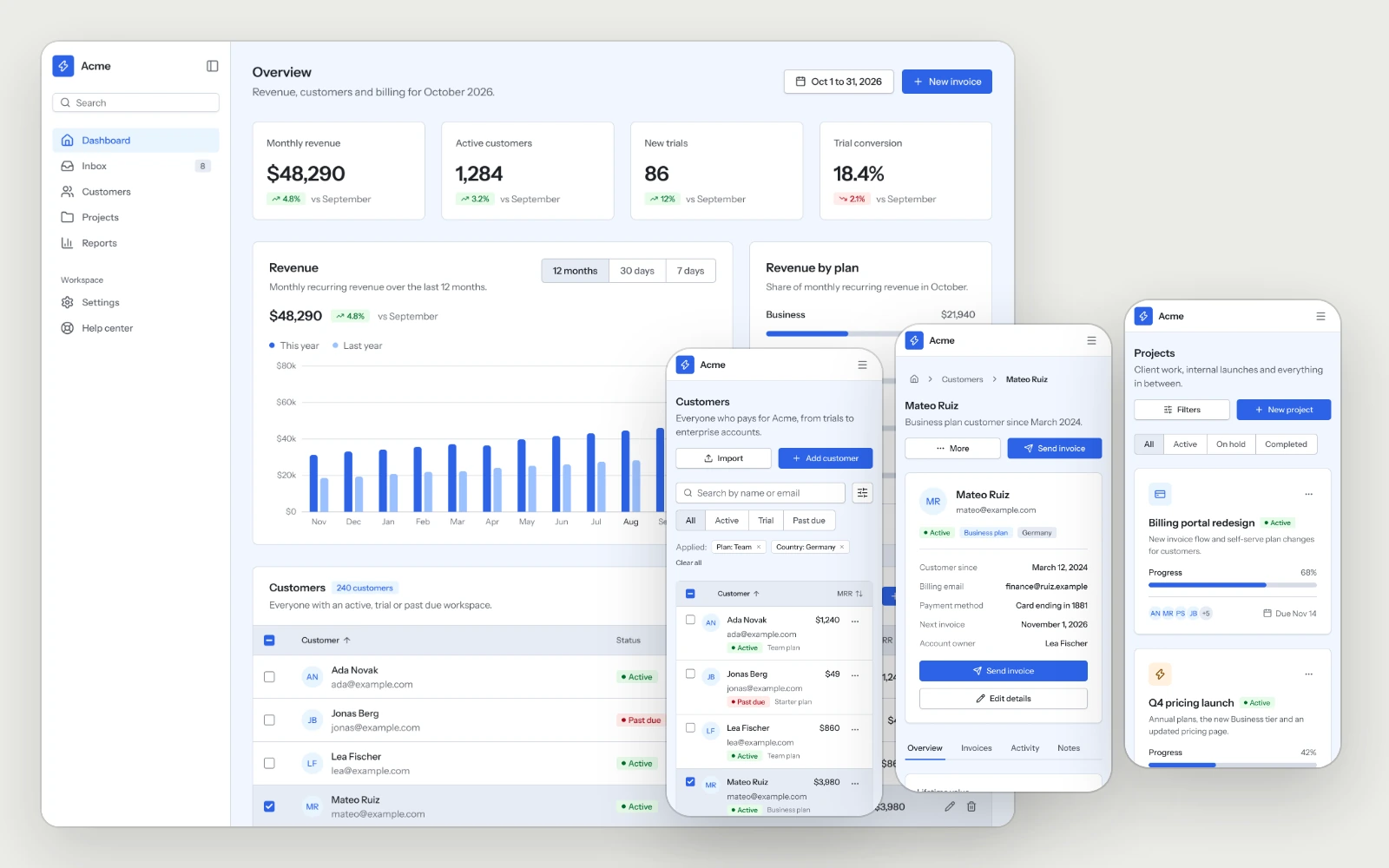
The overview, the customer list, a customer detail and the project board, built to stay readable as the data grows.
overviewcustomer listcustomer detailprojects
ux / settings-account2 screens · desktop and mobile
Settings & Account
available
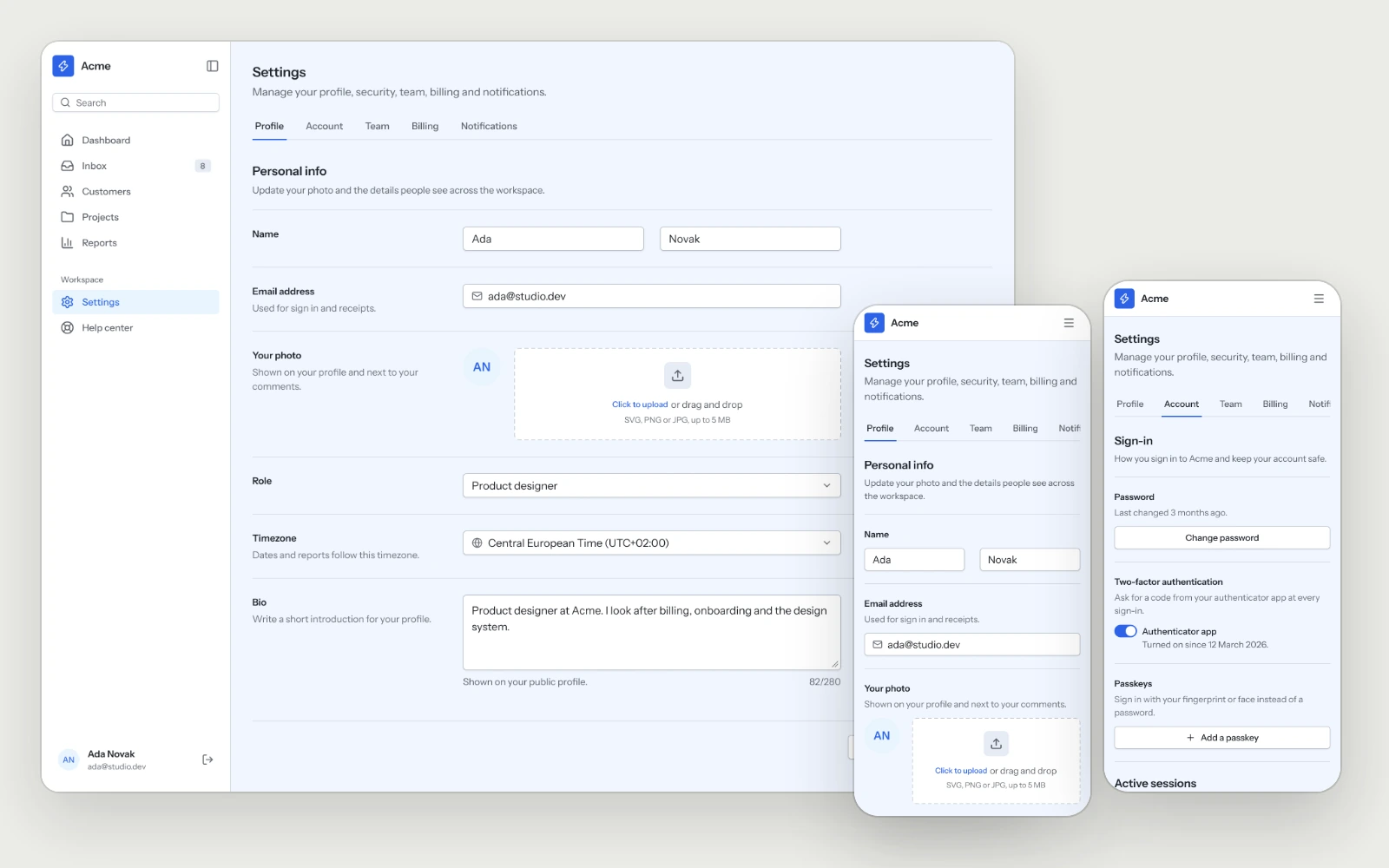
Profile, sign-in methods, two-factor, sessions and account deletion, laid out so people find the setting they came for on the first try.
profiletwo-factorsessionsaccount deletion
ux / billing1 screen · desktop and mobile
Billing & Subscriptions
available
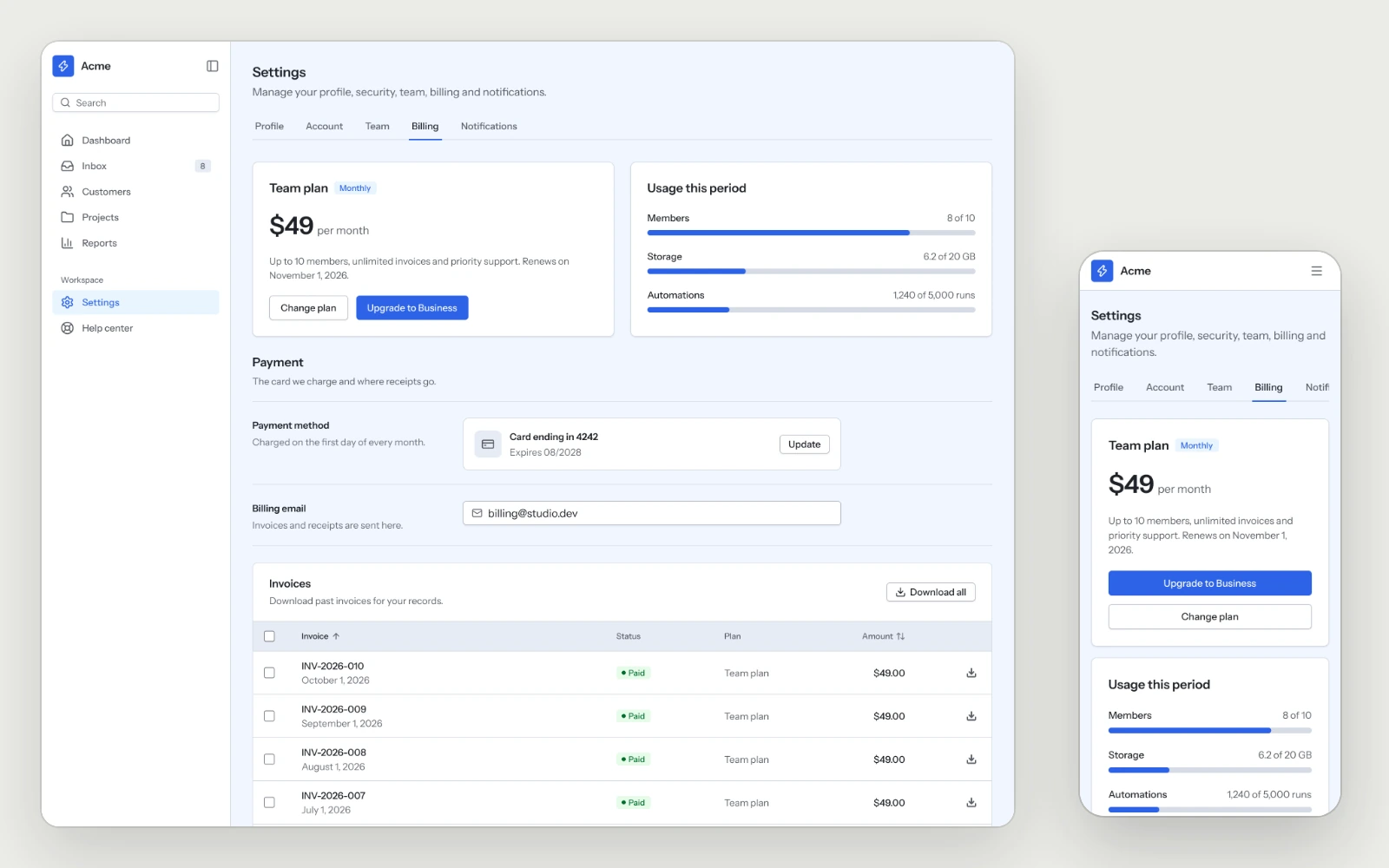
The plan, usage, payment method and invoices on one screen, with a download on every invoice.
plan and usagepayment methodinvoices
ux / pricing-paywall2 screens · desktop and mobile
Pricing & Paywall
available
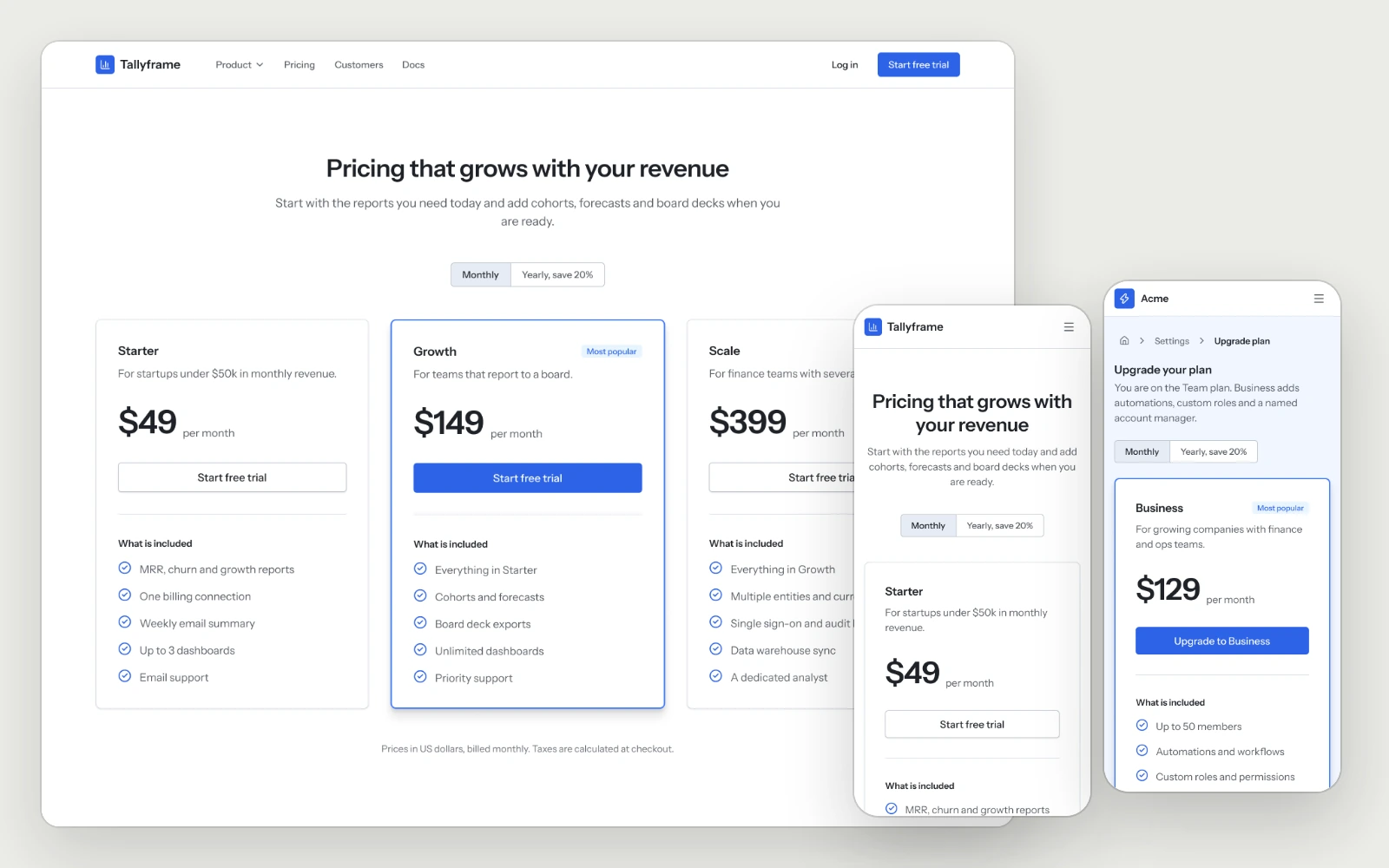
The pricing page with the full plan comparison, and the in-app upgrade with the current plan marked and the recommended one highlighted.
pricing pageplan comparisonin-app upgrade
ux / checkout3 screens · desktop and mobile
Checkout
available
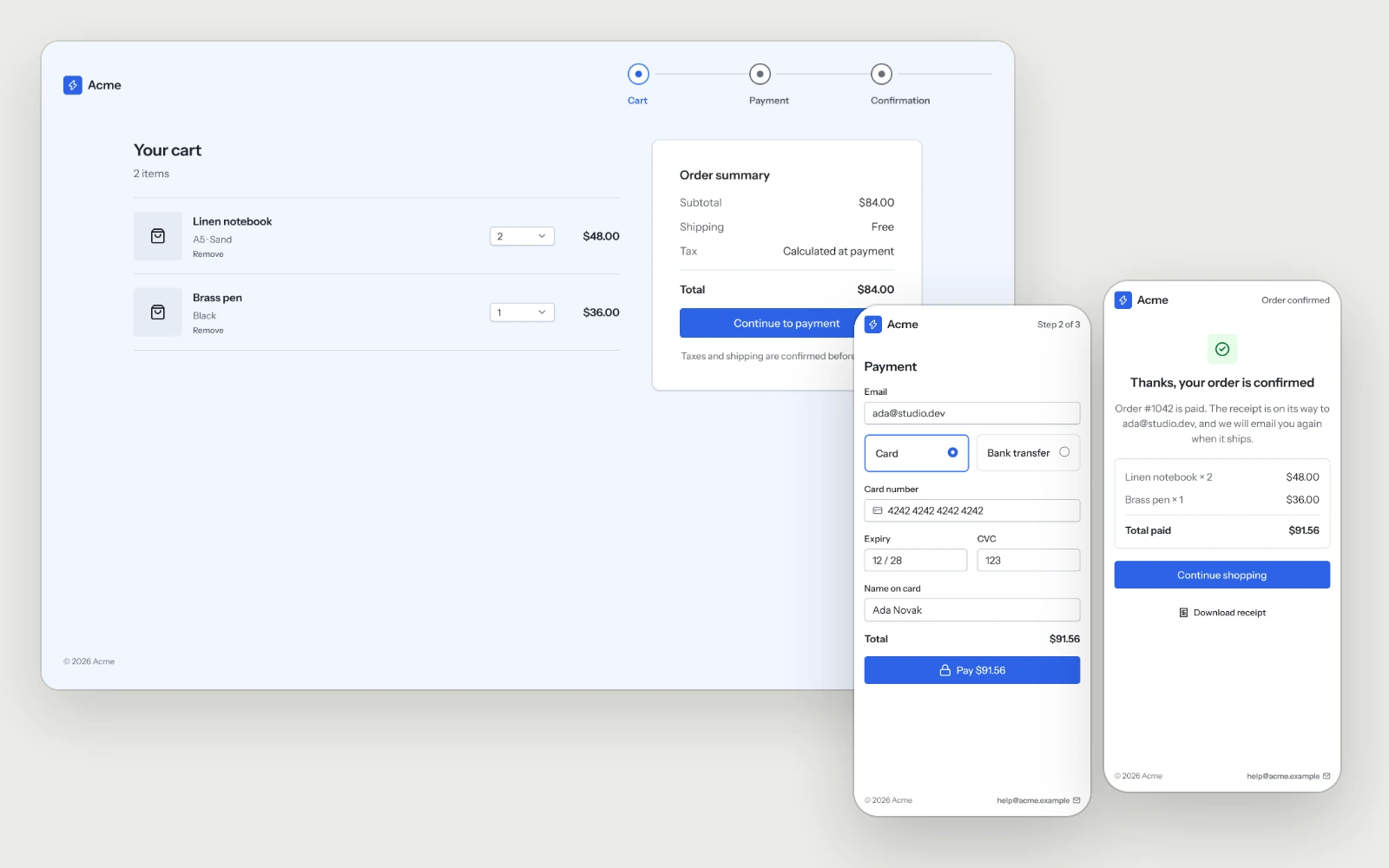
The cart, payment in one view and the confirmation, with the total shown before the button and a declined card that keeps everything people typed.
cartpaymentconfirmationdeclined card
ux / team1 screen · desktop and mobile
Team & Permissions
available
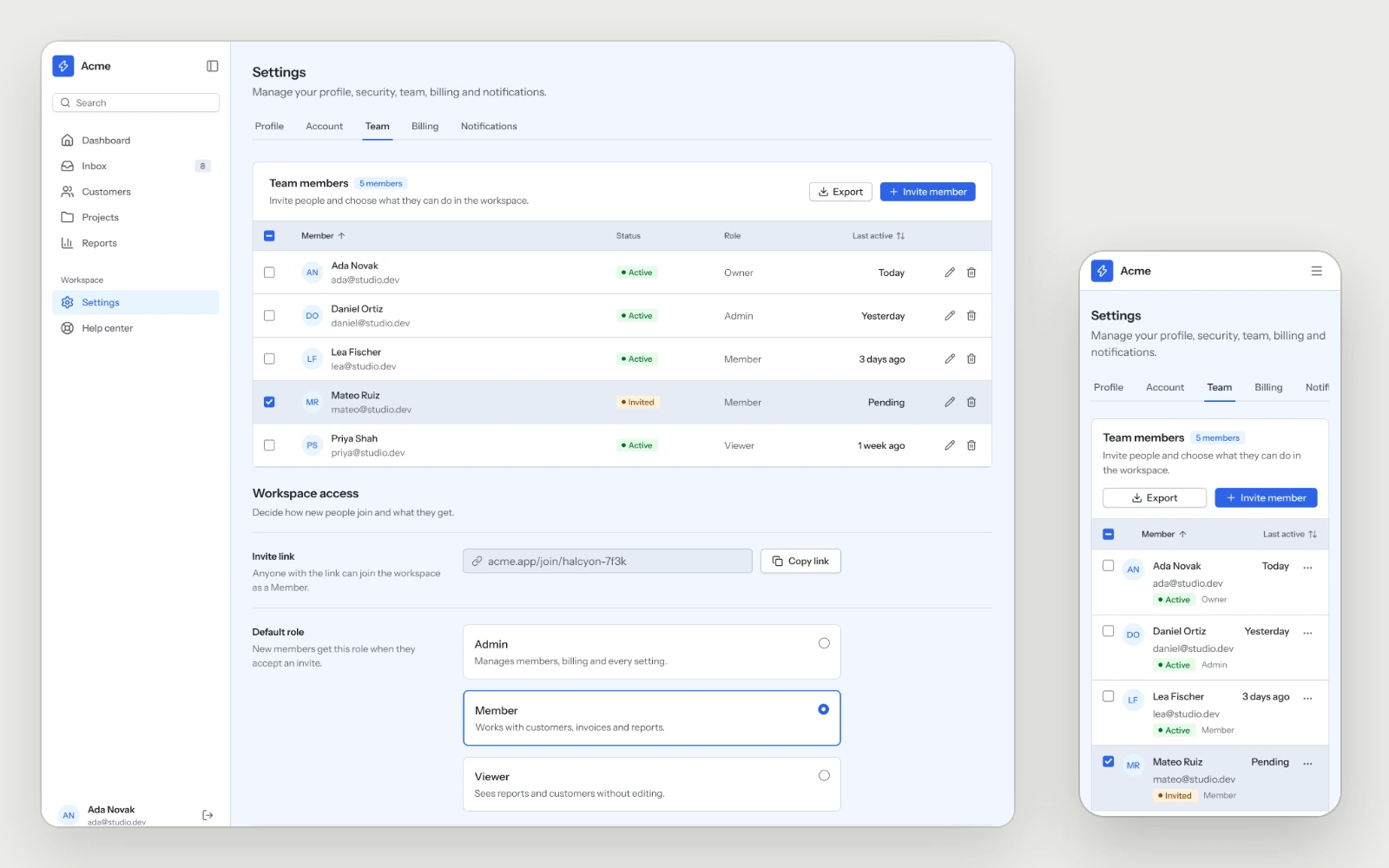
Members with their role, status and last activity, the invite link and the default role, so the second person on an account gets in without help.
membersrolesinvite link
ux / notifications2 screens · desktop and mobile
Notifications
available
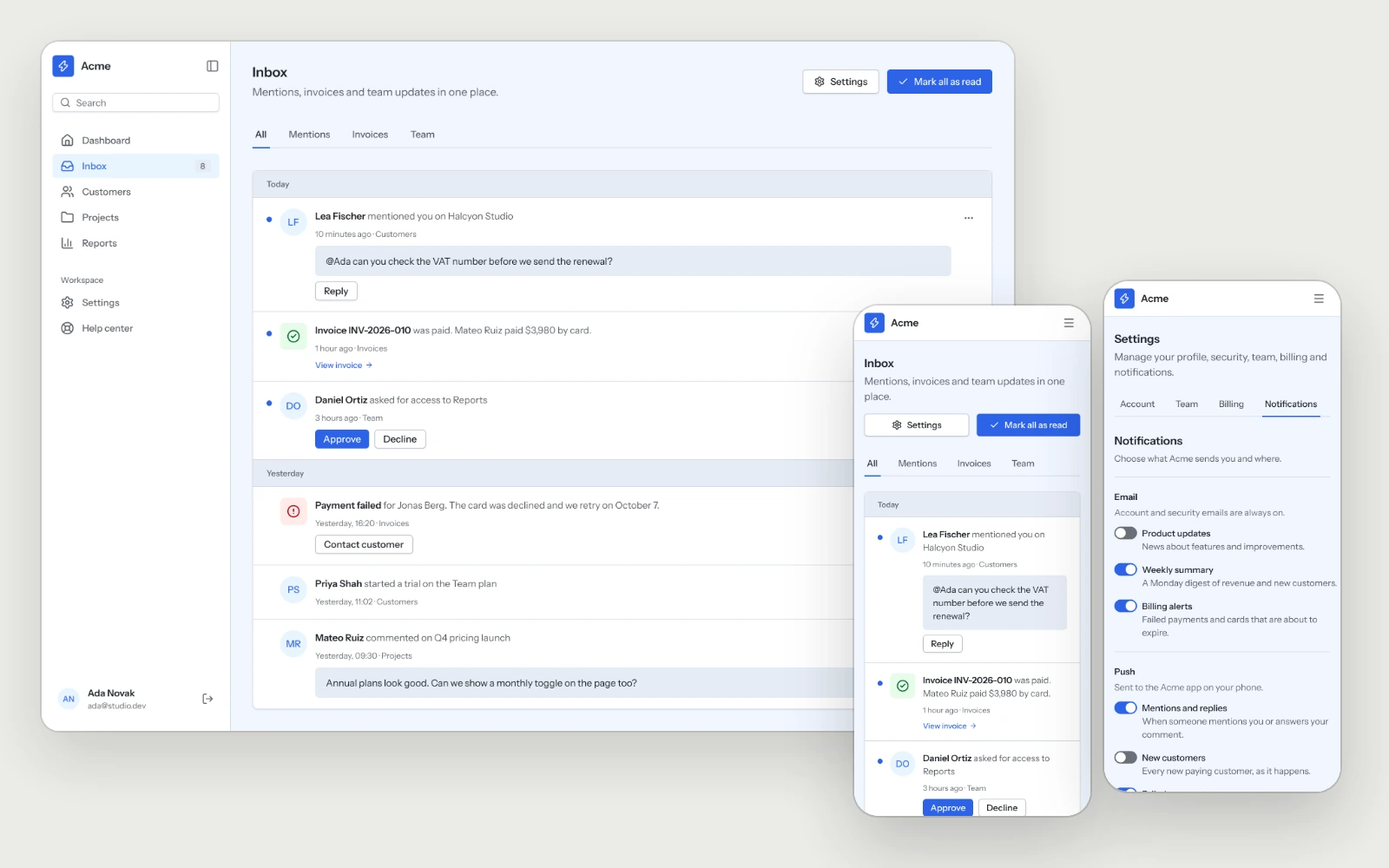
The inbox grouped by day and the channel settings with quiet hours, so people hear about what matters and can quiet the rest.
inboxchannelsquiet hours
ux / search-filters1 screen · desktop and mobile
Search & Filters
available
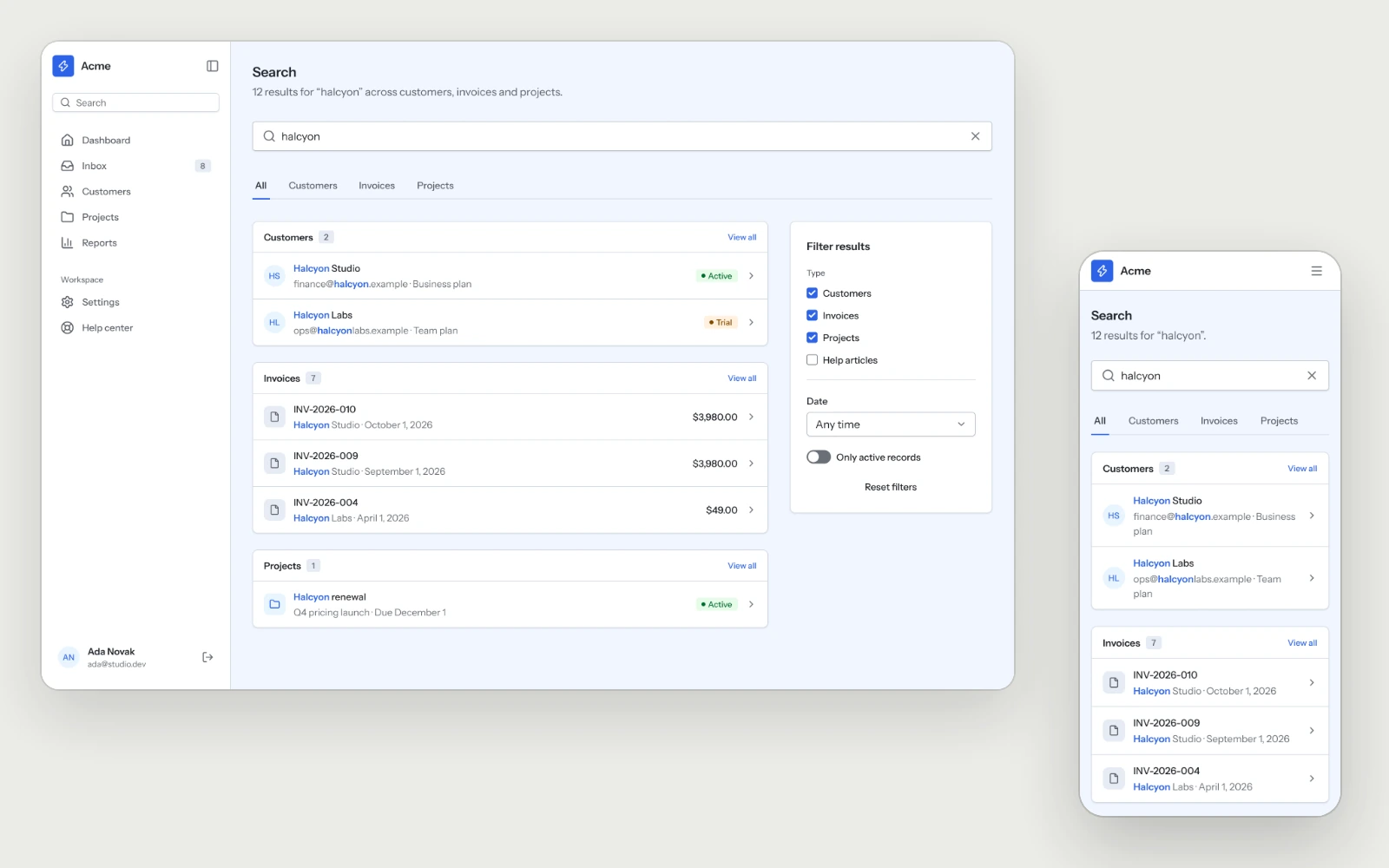
Global search grouped by record type, with the matched term highlighted and a filter panel that moves behind one button on mobile.
grouped resultshighlighted matchfilter panel
ux / help-errors3 screens · desktop and mobile
Help Center & Errors
available
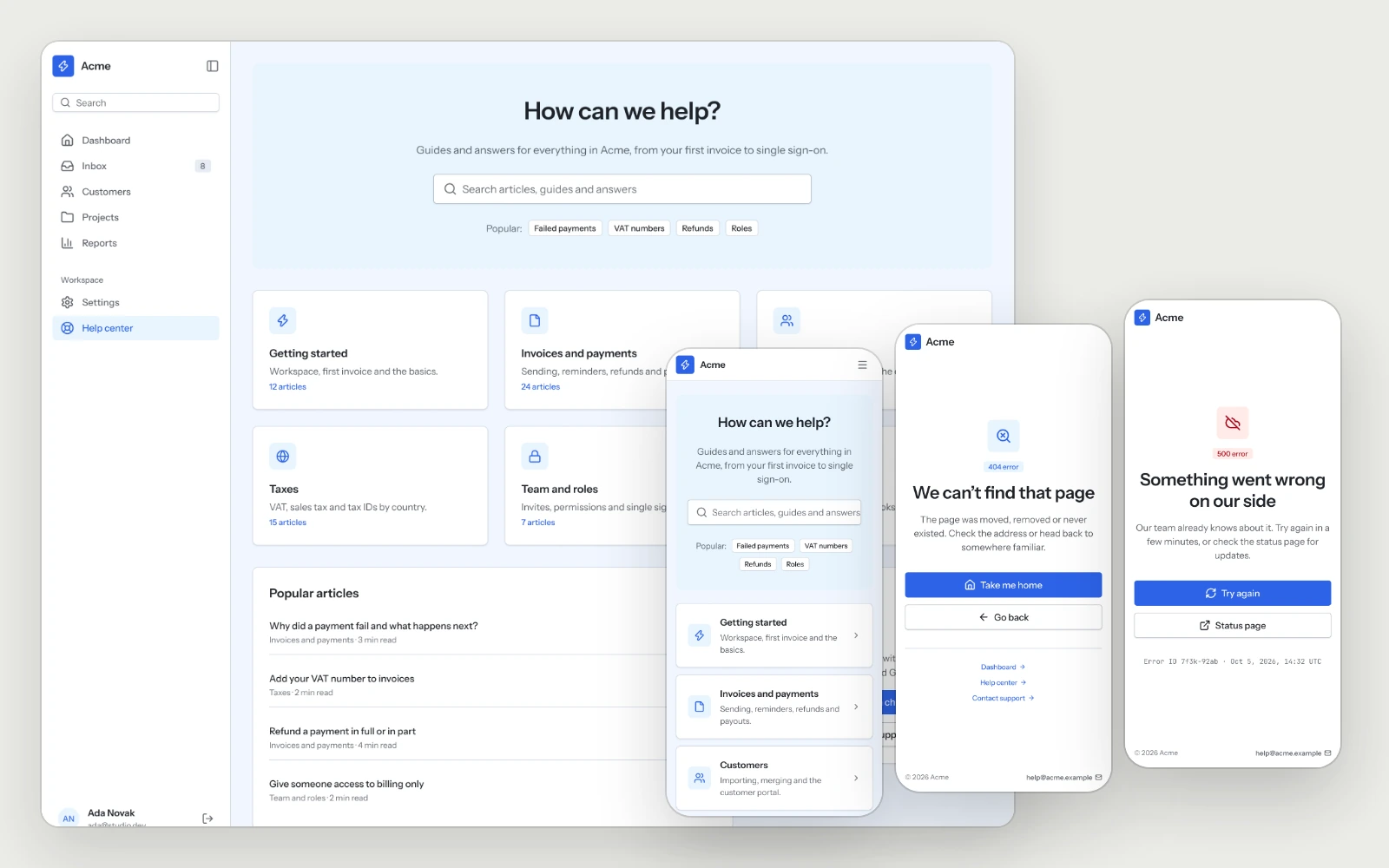
The help center and the 404 and 500 pages, each with a clear way back to work.
help center404500