Notifications
UX Pack · works with every style
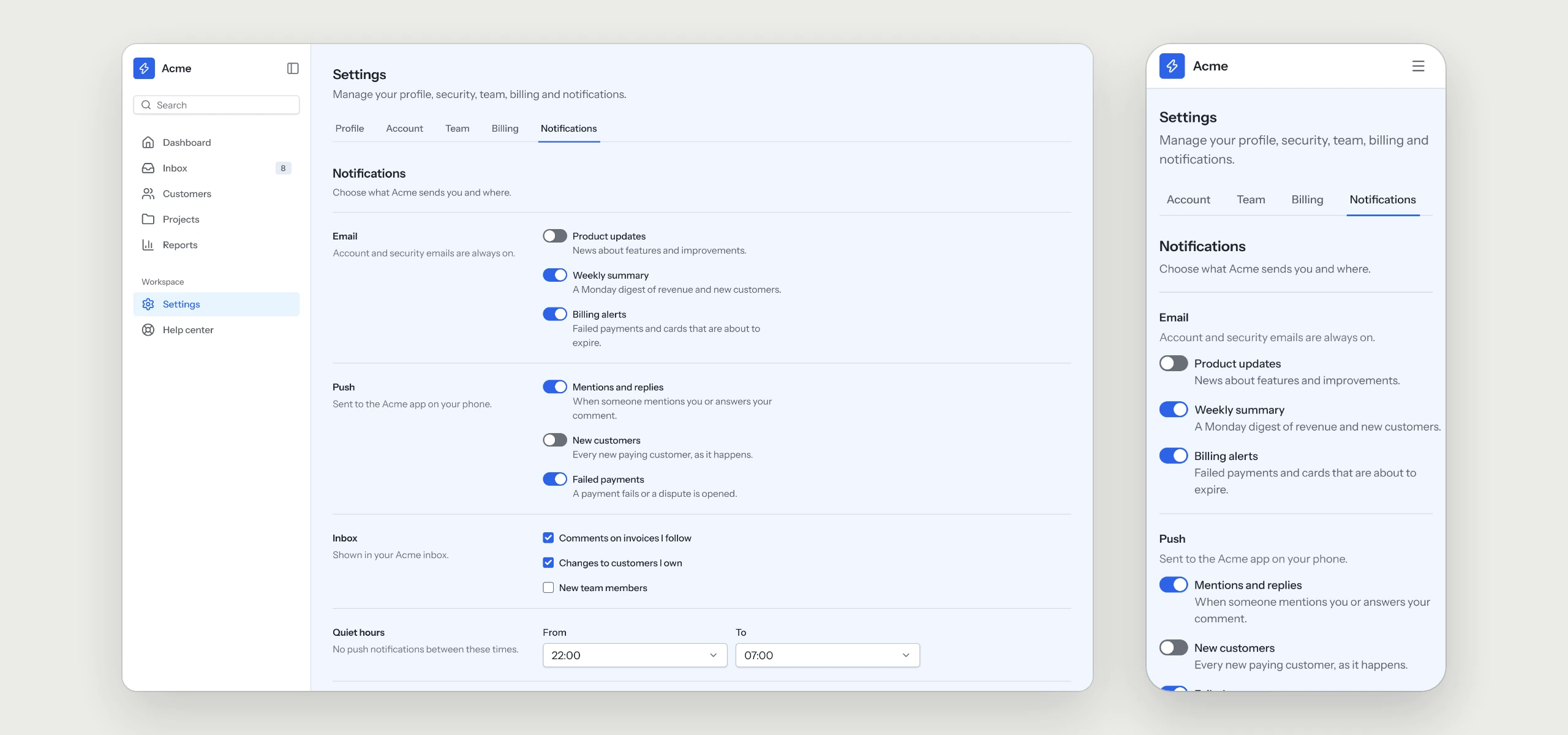
The inbox grouped by day and the channel settings with quiet hours, so people hear about what matters and can quiet the rest.
Prices in USD. VAT is included where applicable in the EU and UK. In the US, Canada and India, applicable sales tax is added at checkout. Your final total appears before payment.
Click through the flow
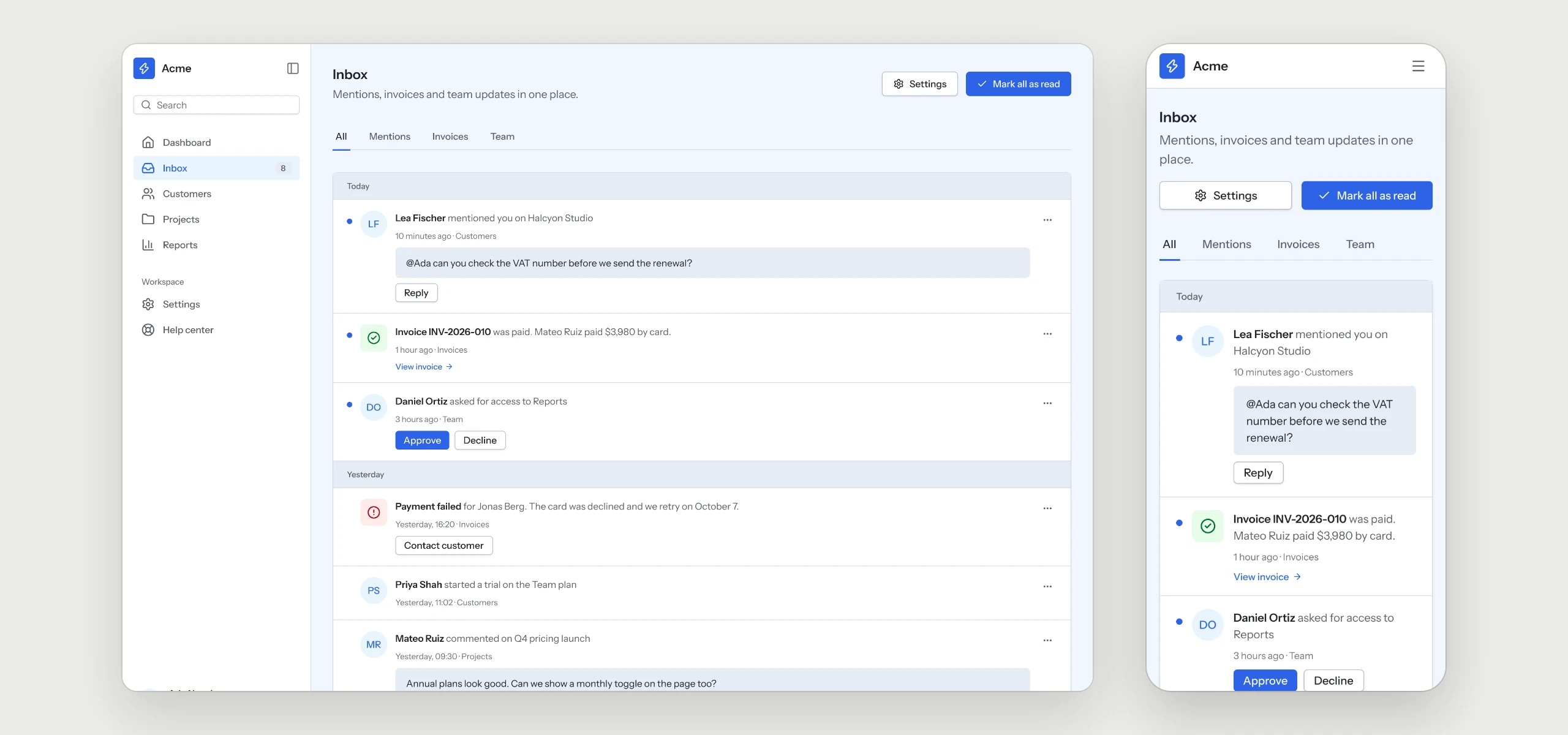
Notifications grouped by day, with an unread dot, the person or the event icon, and actions right where they are needed: reply, approve, decline or open the invoice.
The rules your AI tool follows
Written into the skill, so every notification flow your agent builds keeps them, in any style.
- 01Grouped by dayThe inbox reads like a timeline, with an unread dot on what is new.
- 02Actions where they are neededReply, approve, decline or open the invoice right from the notification.
- 03A toggle switches a channel on at onceEmail, push and inbox each have their own row and save as soon as they change.
- 04Quiet hours with two selectsPeople choose when to stay undisturbed, and the rest of the day stays as it was.
What is in the folder
Questions
Why does a UX Pack have no colors?
It describes how the flow works. The look comes from the style you already use, so it fits in without a second set of tokens.
Does it send emails and push messages?
The pack covers the screens and the rules behind them. Delivering email and push stays with your provider and your code.
Which other UX Packs are there?
Sign-in & Sign-up, Onboarding, Dashboard, Settings & Account, Billing & Subscriptions, Pricing & Paywall, Team & Permissions, Search & Filters, Help Center & Errors and Checkout are ready today, with AI Chat and Forms & Validation on the way.
Works well with
A style gives the pack its look. A kit adds every other page of the product around this flow, and the two fit together.
picked to go with Notifications
Dashboard
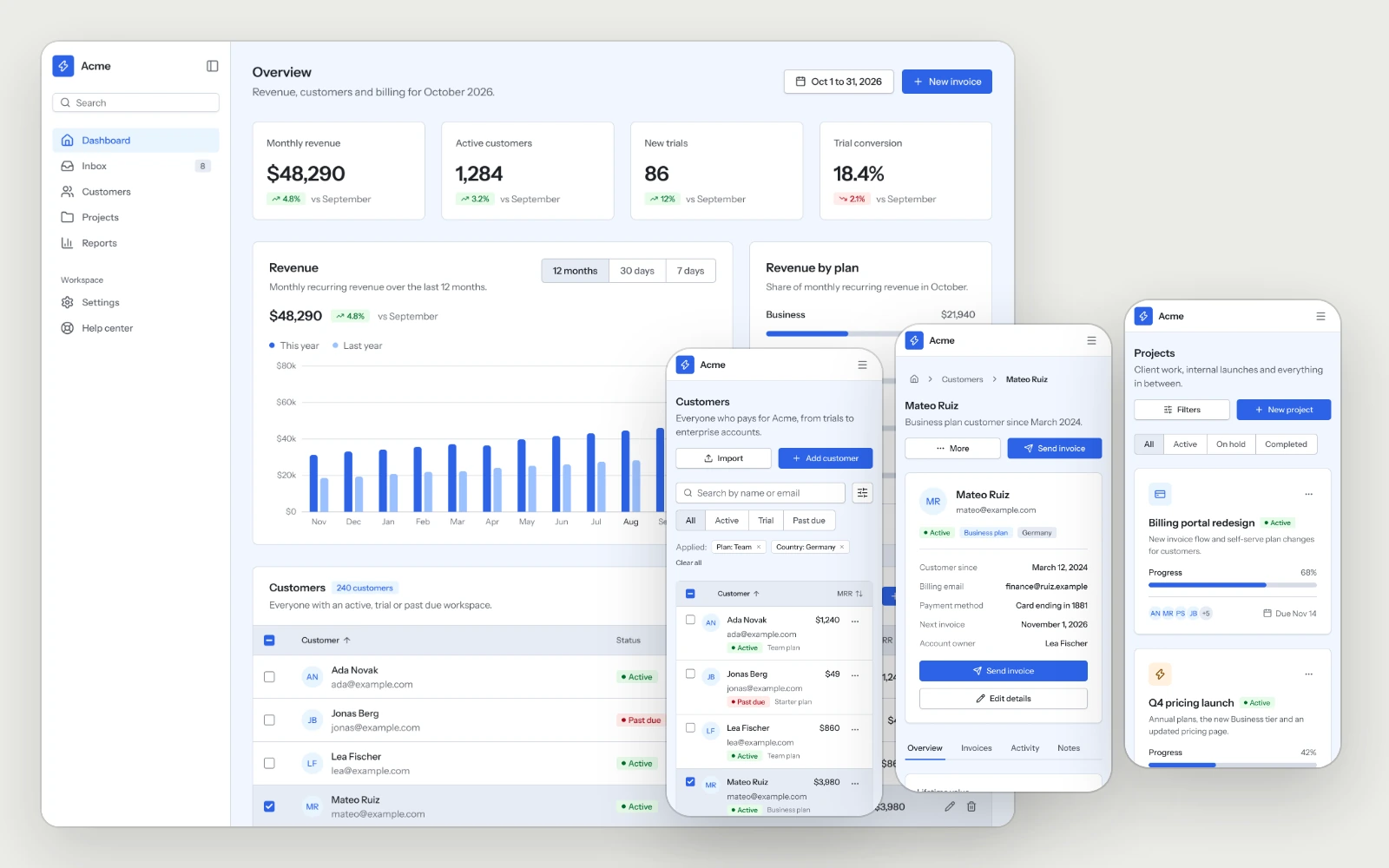
The overview, the customer list, a customer detail and the project board, built to stay readable as the data grows.
Settings & Account
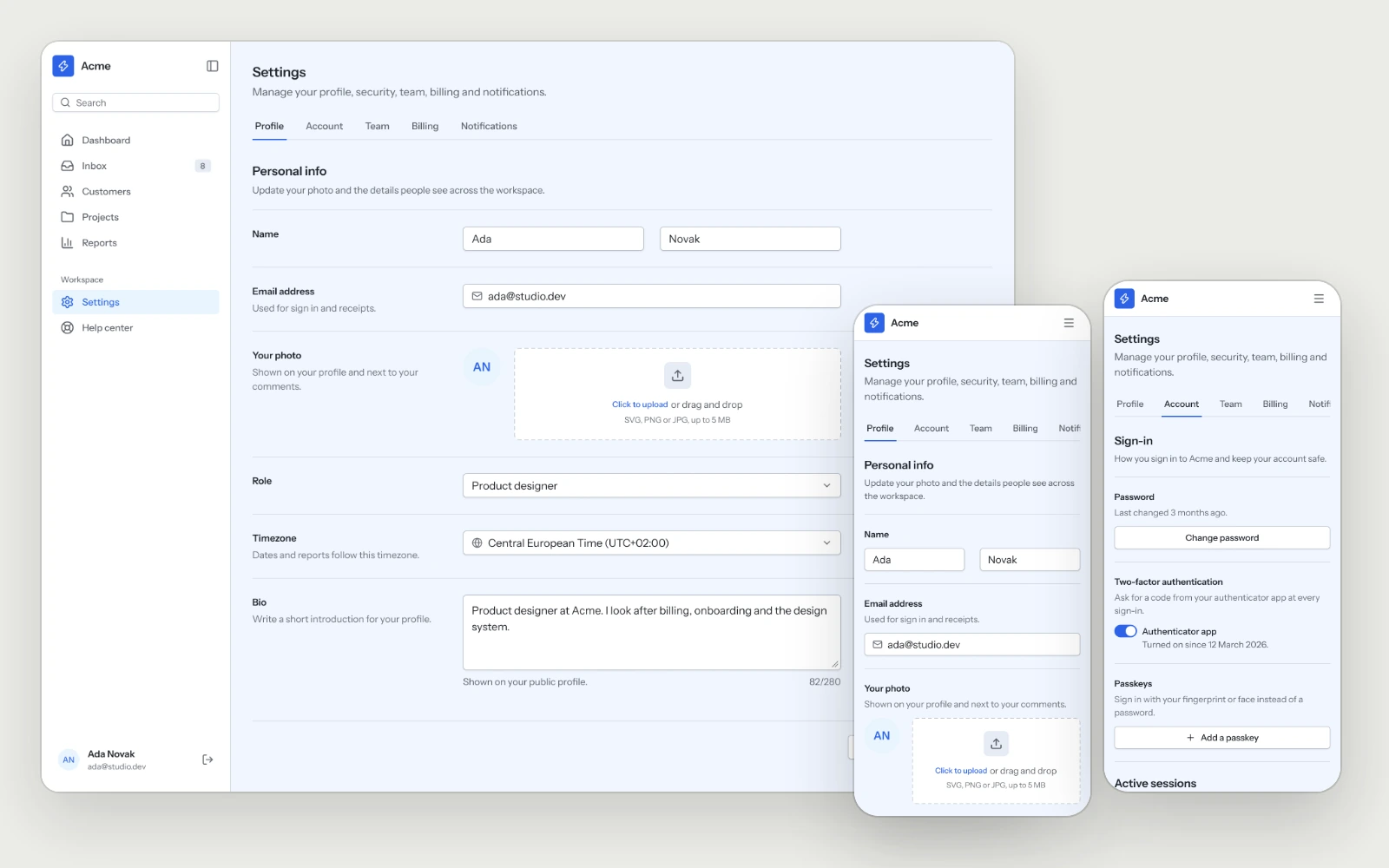
Profile, sign-in methods, two-factor, sessions and account deletion, laid out so people find the setting they came for on the first try.
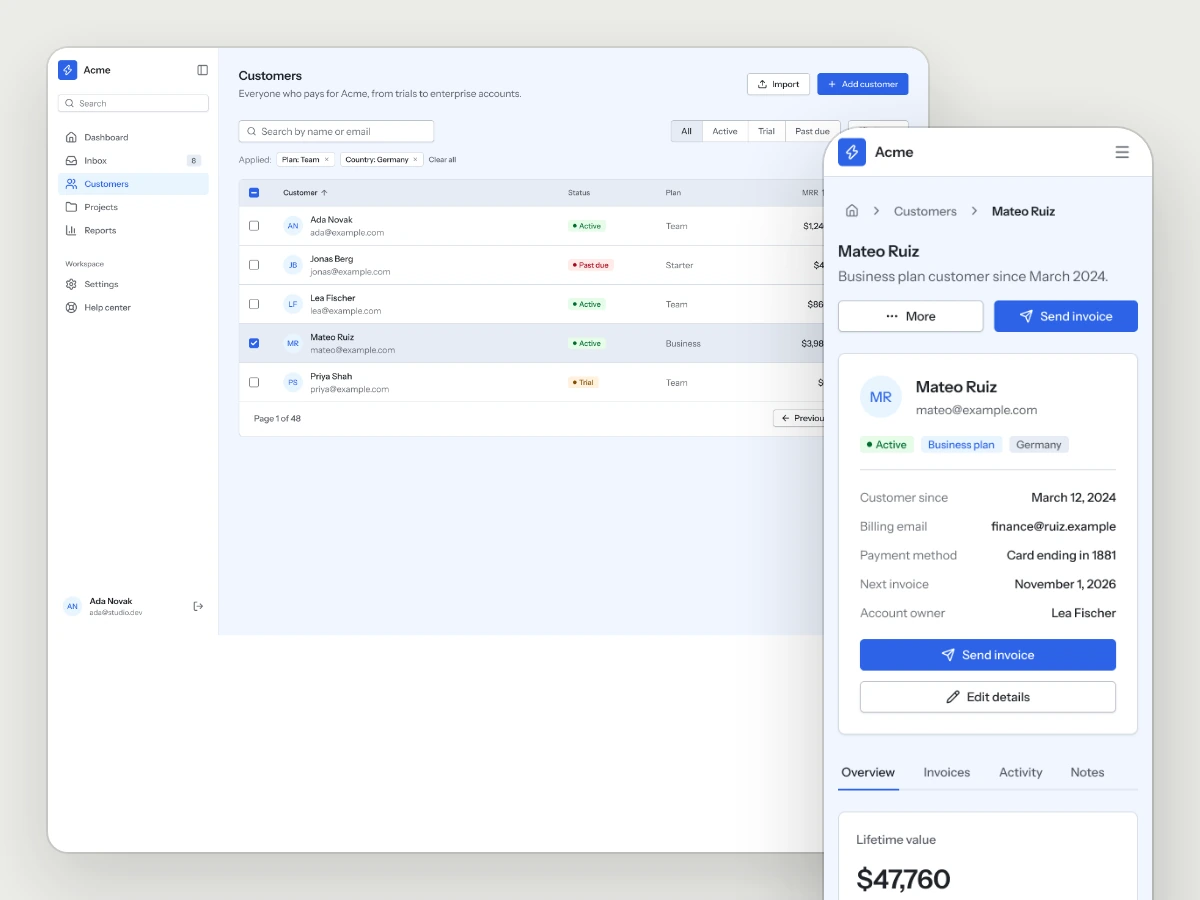
Business Tools Kit
Dashboards, lists, detail views and settings for the tools that run a business.